![cc5404e7b75e6d484a23b7d9f19a2774.png]](https://support.arworkflow.com/hs-fs/hubfs/cc5404e7b75e6d484a23b7d9f19a2774.png?height=50&name=cc5404e7b75e6d484a23b7d9f19a2774.png)
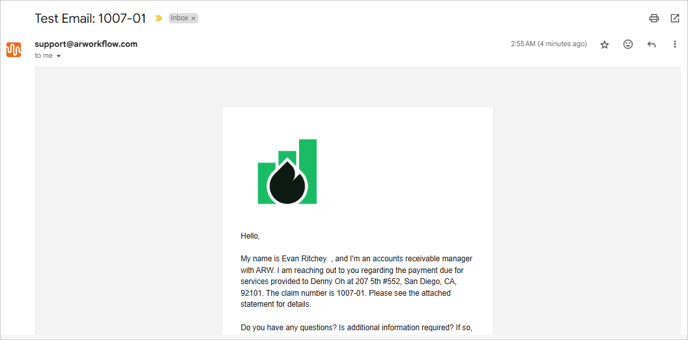
Often times an adjuster or insurance will require the customer claim number to be included in an Email subject line or in the body of the message. Rather than entering this number on every email, we've added a "merge field" to our email templates that allows you to enter the number once, and include it on any automated or manually composed emails with a simple click of a button.
From the Customer Details screen, click the three dots icon and choose Edit Customer.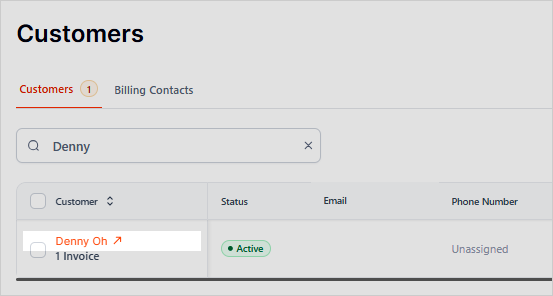
Enter the Claim Number in the Customer ID field and Save.

To add the Claim Number to an Email template, head to the Actions tab and go to the Email Templates tab.
Find the email you wish to edit and add the merge field for {Customer_ID_Number} to the subject or body of the message.

When this email is sent to the customer, the merge fields will automatically pull in the details from the Customer screen.
Note: If the Customer ID field is left blank. the merge field will be blank when the email is sent.