![cc5404e7b75e6d484a23b7d9f19a2774.png]](https://support.arworkflow.com/hs-fs/hubfs/cc5404e7b75e6d484a23b7d9f19a2774.png?height=50&name=cc5404e7b75e6d484a23b7d9f19a2774.png)
Access to the Workflow tab is limited to Owner, Admin and AR Manager user roles
When it comes to editing your Invoice Status, there are two changes that can be made:
-
Renaming the Status.
-
Assigning a Manager to be alerted when this status is used.
Or, if the status is a duplicate or is no longer in use, it can be deleted.
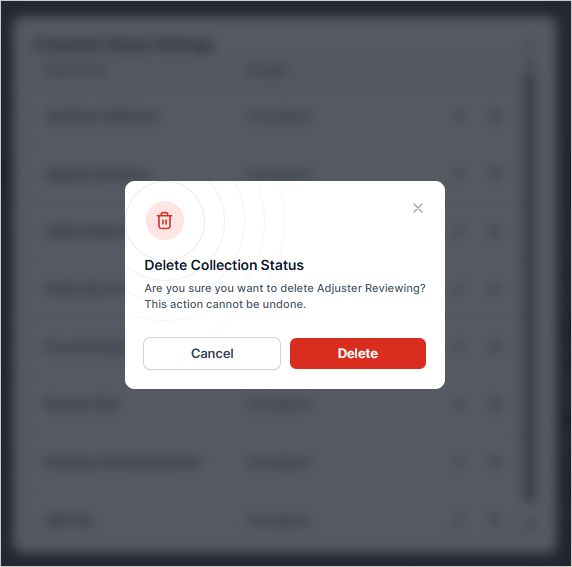
1. Go to the Customers tab.

2. Pull up a customer from the list.

3. Click the Cog Wheel icon beside Collection Status.

4. Click the Pencil icon on the Collection status you need to edit.
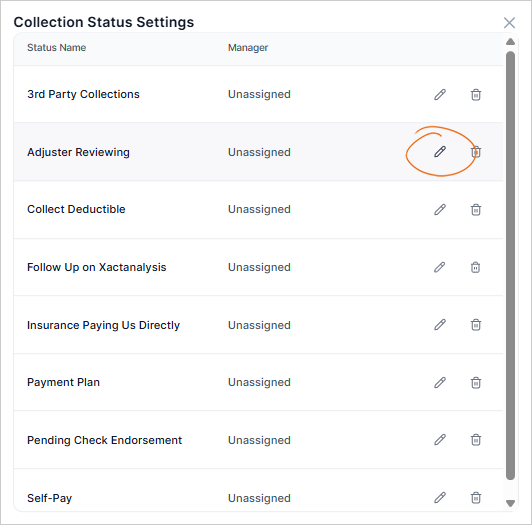
5. Update the Status Name or Assign a Manager. The status manager will be alerted every time this status is assigned to an invoice. If the status is Unassigned, AR Workflow will not alert a specific user when the status is assigned.

6. Click the Check icon to apply the changes you've performed.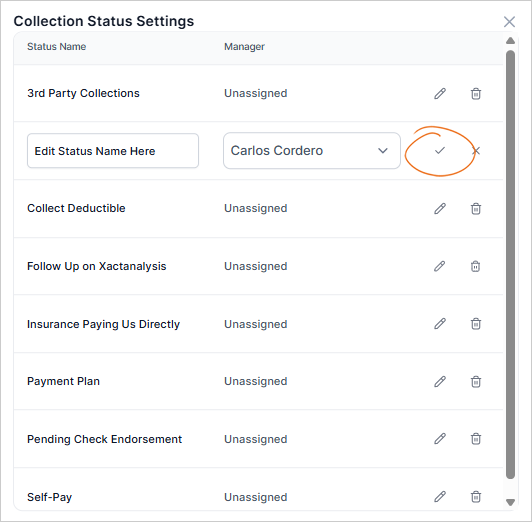
7. To delete a Collection Status, choose the Bin icon.
Invoice statuses that are currently assigned cannot be deleted. Filter the Aging Report to find a list of customers that have this status assigned
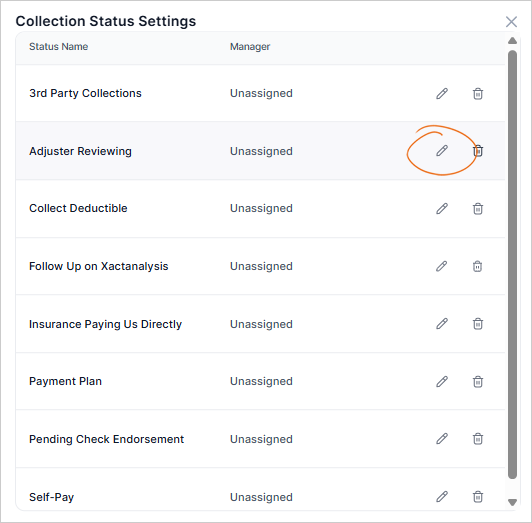
8. Hit Delete to confirm your action.