![cc5404e7b75e6d484a23b7d9f19a2774.png]](https://support.arworkflow.com/hs-fs/hubfs/cc5404e7b75e6d484a23b7d9f19a2774.png?height=50&name=cc5404e7b75e6d484a23b7d9f19a2774.png)
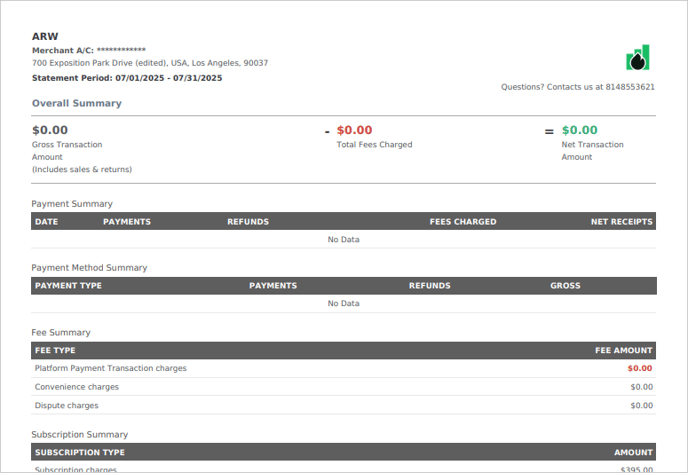
A Merchant Statement is a comprehensive document that contains all transactions, such as Fees, Payments, and Charges paid for your AR Workflow subscription.
Access to the Account & Billing tab is limited to Owner and Admin user profiles.
To download a Merchant Statement for your AR Workflow subscription, follow these steps:
1. Click the three-dots icon and choose Account & Billing.

2. Open the Merchant Statement tab.

3. Select the date range that you wish to view.

4. Select the Download PDF button.
5. Click Download.

6. Once you initiate the download, it will open a new tab in your browser that will display the PDF document of the generated Merchant Statement.