![cc5404e7b75e6d484a23b7d9f19a2774.png]](https://support.arworkflow.com/hs-fs/hubfs/cc5404e7b75e6d484a23b7d9f19a2774.png?height=50&name=cc5404e7b75e6d484a23b7d9f19a2774.png)
Did you know that besides calling your customers, you can also send them Voicemails? Using Voicemails gives you an edge in communicating with your customers and coordinating timely follow-ups regarding their payments and other Accounts Receivable transactions.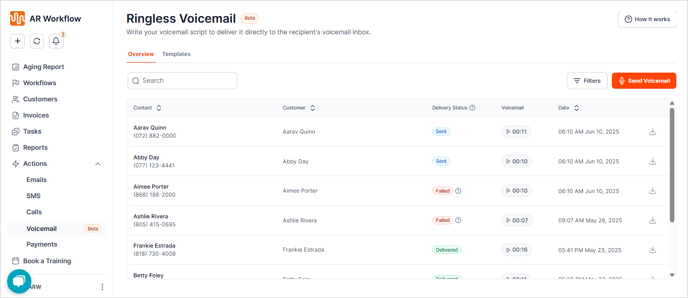
To view the list of Voicemails created in AR Workflow, navigate to the Voicemail tab.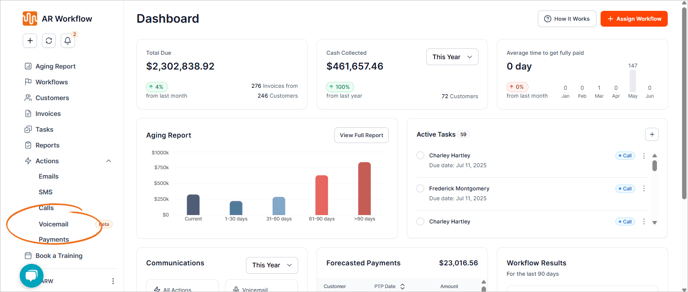
Use the Search box to quickly find a customer whose Voicemails you want to review.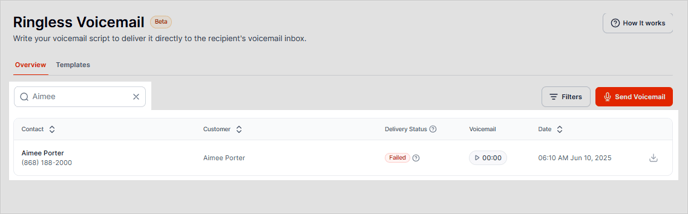
To sort the Voicemail list, click the Filters button and choose the filters you want to apply, then click Apply.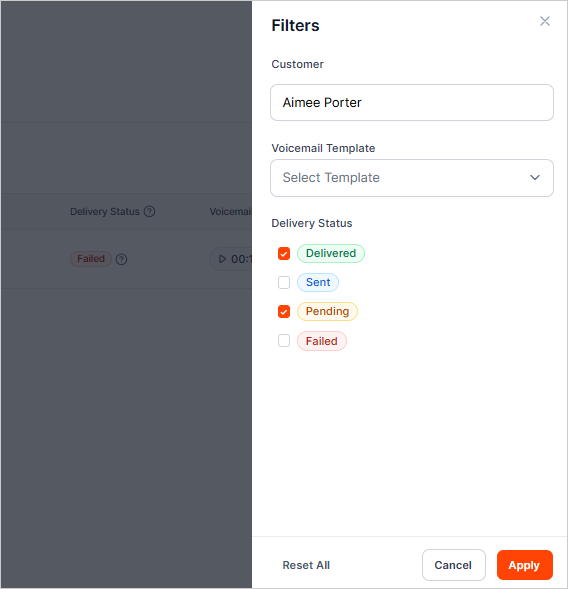
If you need to listen to the Voicemail, click the Play icon.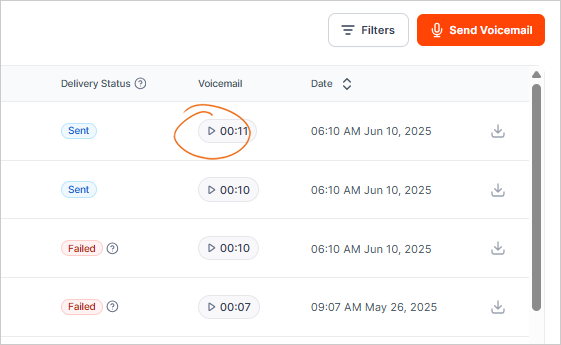
You can also download a copy of the Voicemail locally to your computer by clicking the Download icon.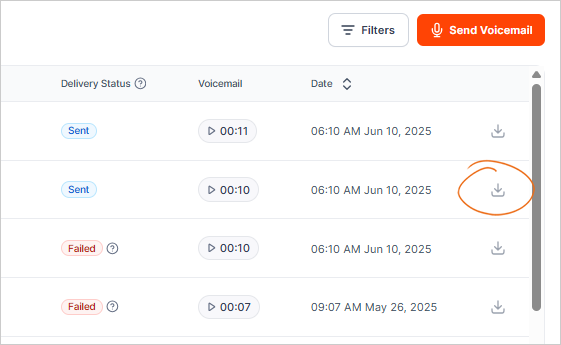
To start sending Voicemails to your customers, click the Send Voicemail button.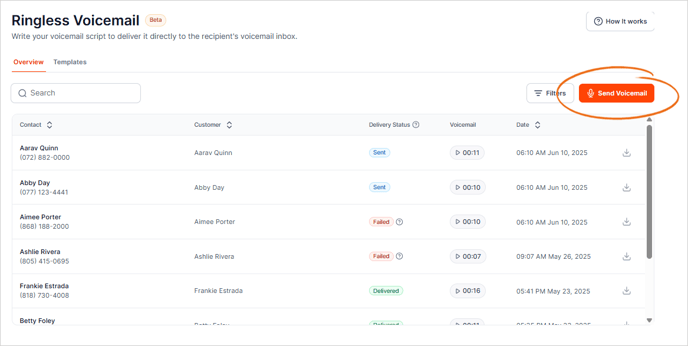
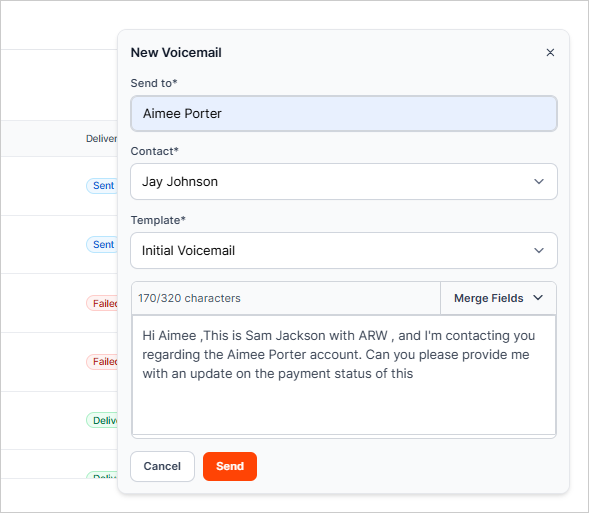
Use templates to quickly send specific Voicemails to your customers.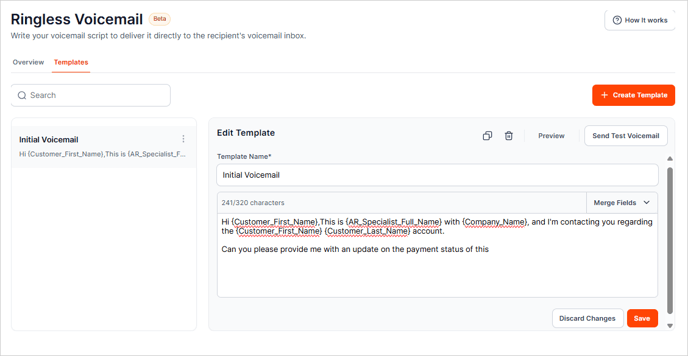
If you need to add a new template, click the + Create Template button and add its details. Use the Merge Fields to token to personalize your Voicemail.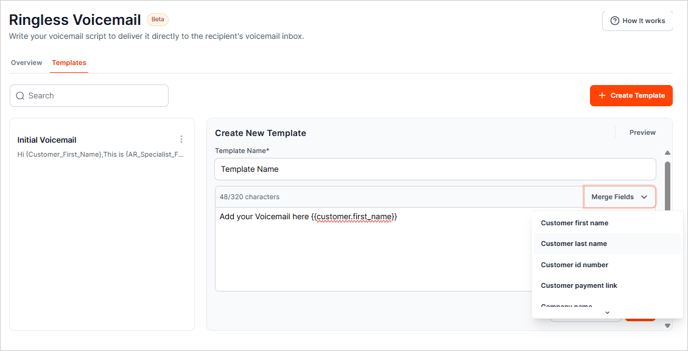
Click Save.