![cc5404e7b75e6d484a23b7d9f19a2774.png]](https://support.arworkflow.com/hs-fs/hubfs/cc5404e7b75e6d484a23b7d9f19a2774.png?height=50&name=cc5404e7b75e6d484a23b7d9f19a2774.png)
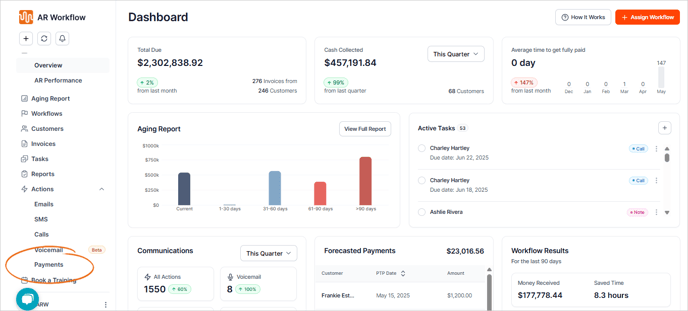
1. Navigate to the Payments tab.
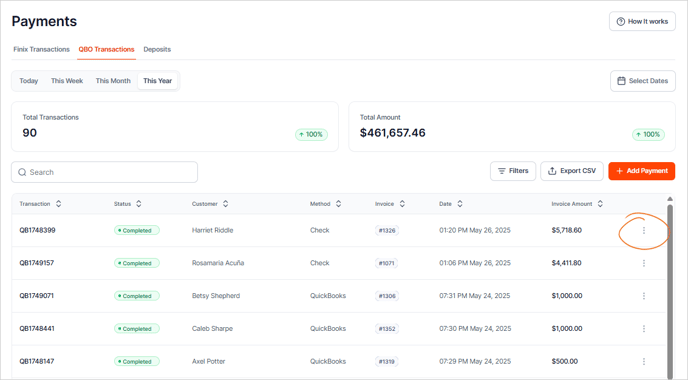

2. Click the three-dots in the right column.

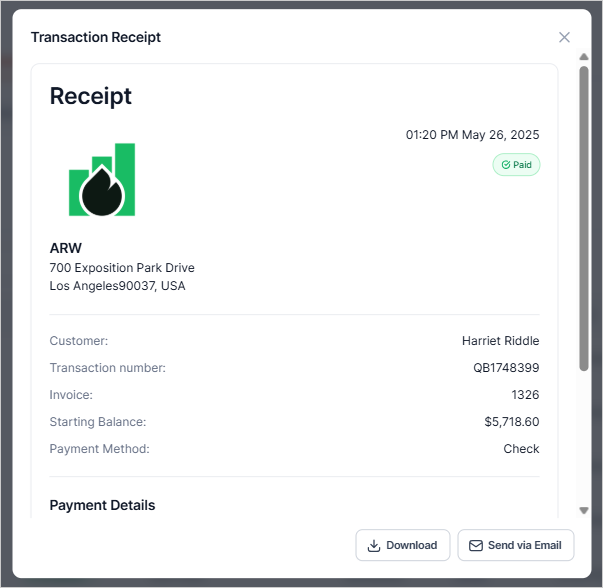
3. Select View, Download PDF or Email.

Selecting View will bring up a PDF version of the payment receipt in a separate browser tab. This view will also have buttons to download or email the receipt.