![cc5404e7b75e6d484a23b7d9f19a2774.png]](https://support.arworkflow.com/hs-fs/hubfs/cc5404e7b75e6d484a23b7d9f19a2774.png?height=50&name=cc5404e7b75e6d484a23b7d9f19a2774.png)
This information can only be edited by Owner and Admin user levels.
If your account is locked for editing, send a message to the Customer Support team and we can temporarily provide edit access.
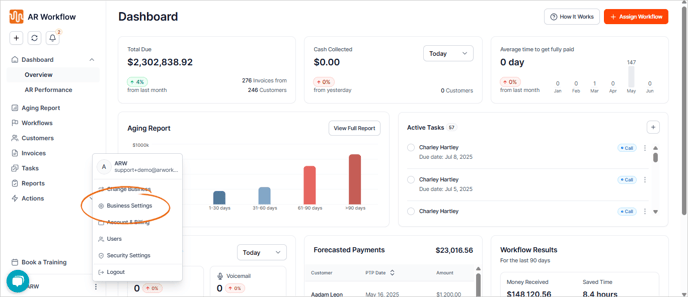
1. Click the three-dots icon and choose Business Settings.
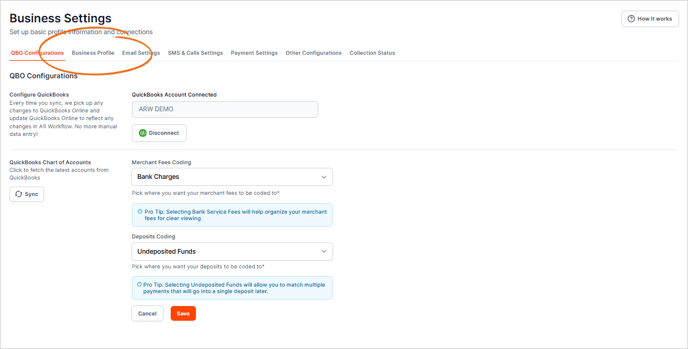
2. Navigate to the Business Profile tab.
3. Here are the following details that you can update:
- Business Legal Name:
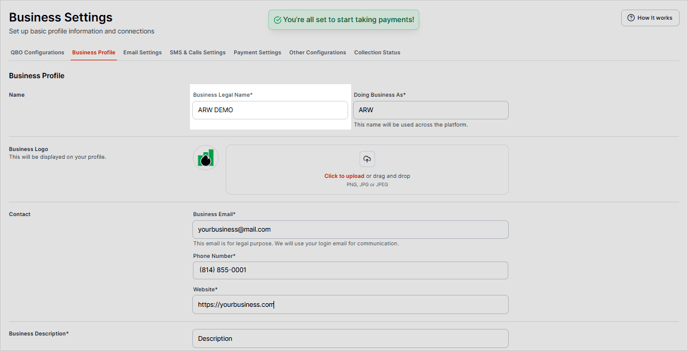
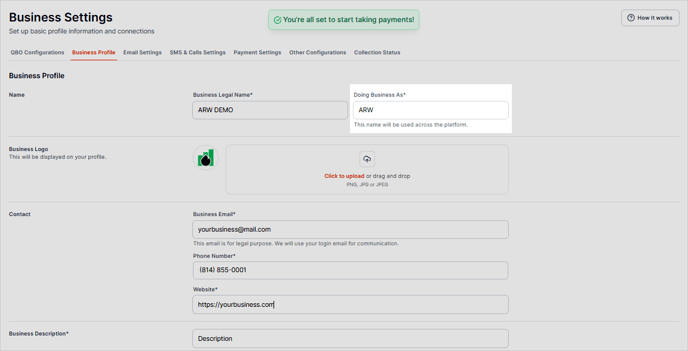
- Doing Business As: This business name will serve as your business's identifier across the AR Workflow platform and will show on customer communication.
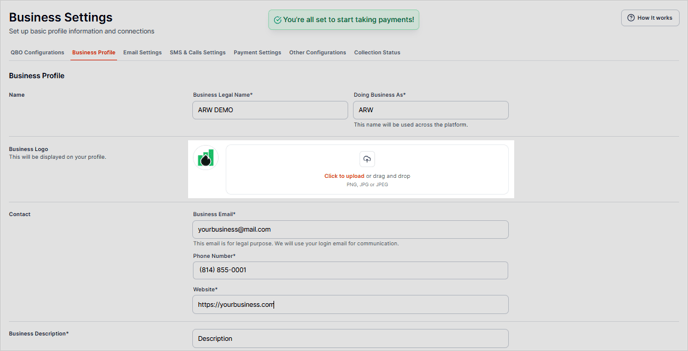
- Business Logo: This image serves as your profile image across the platform, and will be shown on invoices, statements, and other customer documents.
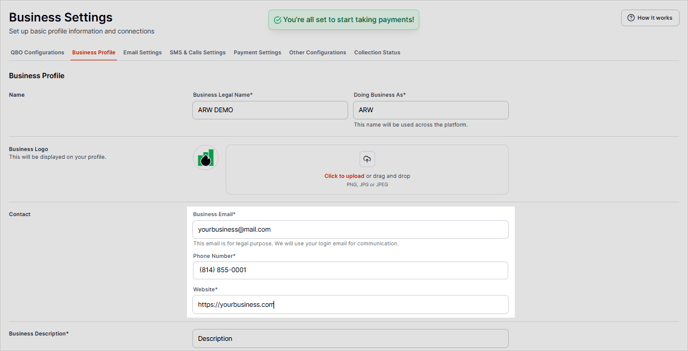
- Business Contact: The email added here for legal purposes and will be used to verify merchant credentials, etc. This email will not be used for customer communication. The Owner's Mobile Number and Company Website are displayed here as well.
Business Email: Be sure to add support@wepay.com to your list of trusted email addresses. This is the only email address WePay will send communication to regarding the status of your merchant account. Replies must also come from this email address.
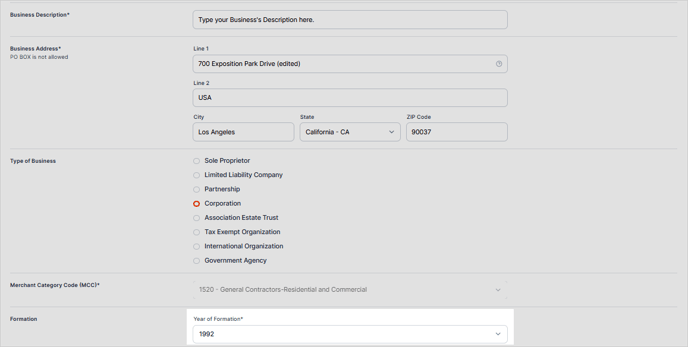
- Business Description:
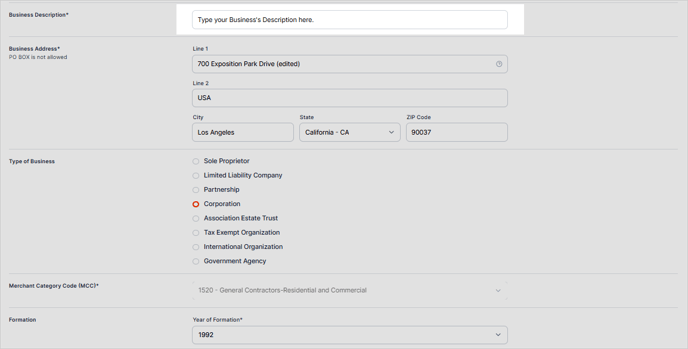
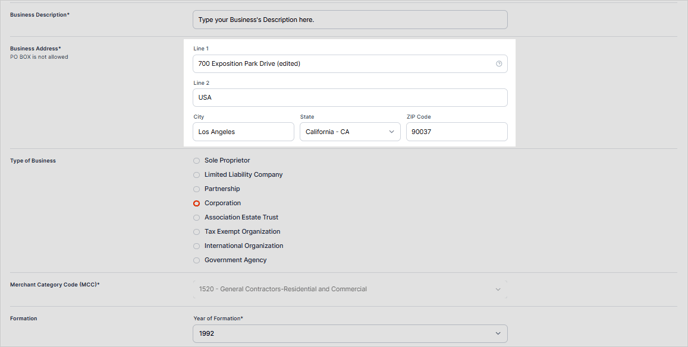
- Business Address:
The business name and business address MUST match what you have on your IRS EIN letter. If you have changed your physical business address and it no longer matches what is on your Government-issued EIN letter, please view the IRS website to learn how to request an address update and have a new EIN letter faxed to your business. https://www.irs.gov/businesses/small-businesses-self-employed/lost-or-misplaced-your-ein
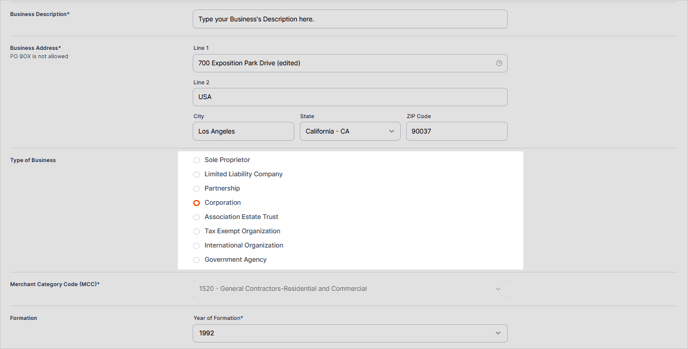
- Type of Business: This section describes the primary activity or industry a company operates in, such as retail, hospitality, healthcare, or professional services. It indicates what the business does and the kind of products or services it provides.
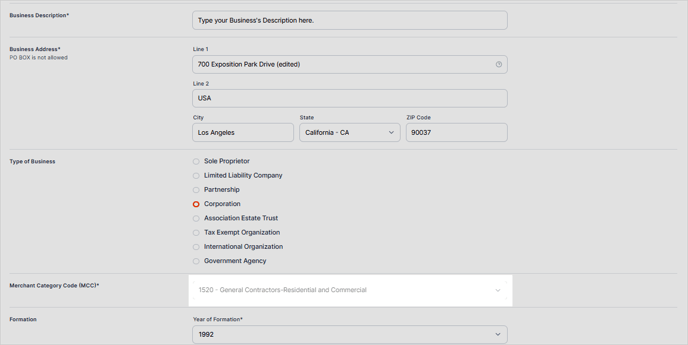
- Merchant Category Code (MCC): A Merchant Category Code (MCC) is a four-digit number assigned to a business by credit card companies to classify the type of goods or services it offers. It helps determine transaction fees, credit card rewards, and spending categories.
- Formation: This section refers to the year your business was officially established or registered. It indicates how long the company has been in operation.