![cc5404e7b75e6d484a23b7d9f19a2774.png]](https://support.arworkflow.com/hs-fs/hubfs/cc5404e7b75e6d484a23b7d9f19a2774.png?height=50&name=cc5404e7b75e6d484a23b7d9f19a2774.png)
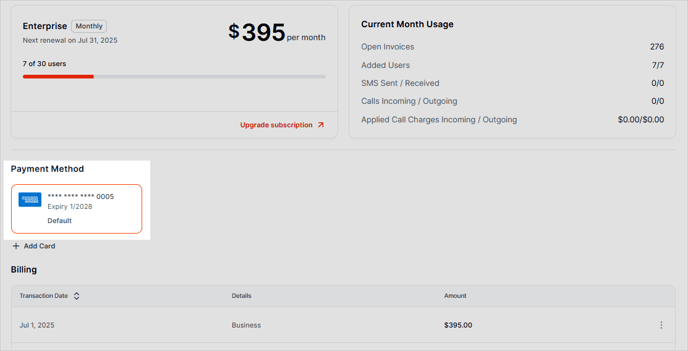
Here's how to update your billing credit card:
1. Click the three-dots icon and choose Account & Billing.

2. Under the Payment Method section, click Add Card.

3. Input the details of your new card and click Add Card.

4. If successfully added, you will see your new credit card listed in the Payment Method section.