![cc5404e7b75e6d484a23b7d9f19a2774.png]](https://support.arworkflow.com/hs-fs/hubfs/cc5404e7b75e6d484a23b7d9f19a2774.png?height=50&name=cc5404e7b75e6d484a23b7d9f19a2774.png)
Understanding which workflow template to use — and when — is one of the most impactful decisions you will make in AR Workflow. The right workflow ensures your invoices are followed up on consistently, professionally, and at exactly the right time. The wrong one can lead to missed collections, confused customers, or communication that does not match your scenario.
This guide was created specifically to help you walk into your workflow meeting prepared, confident, and ready to assign the right automation from day one.
What Is a Workflow Template?
A workflow template is a pre-built automation sequence in AR Workflow that sends emails, SMS messages, voicemails, and task reminders on a scheduled timeline — all without you having to lift a finger. Each template is designed for a specific invoice type or collection scenario, so the tone, timing, and actions are already calibrated for that situation.
How to Access Workflow Templates
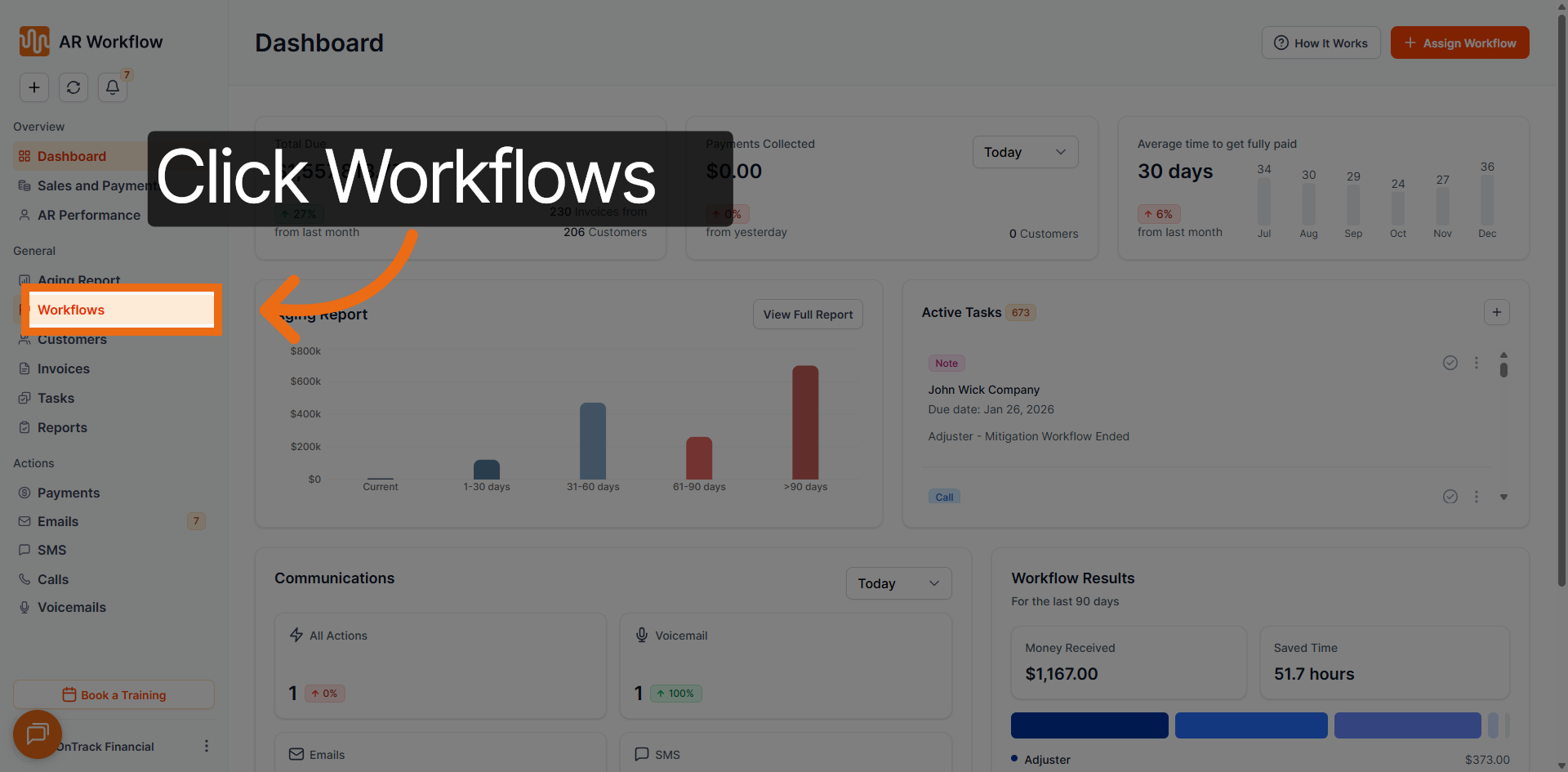
Step 1 — Navigate to the Workflows section in AR Workflow
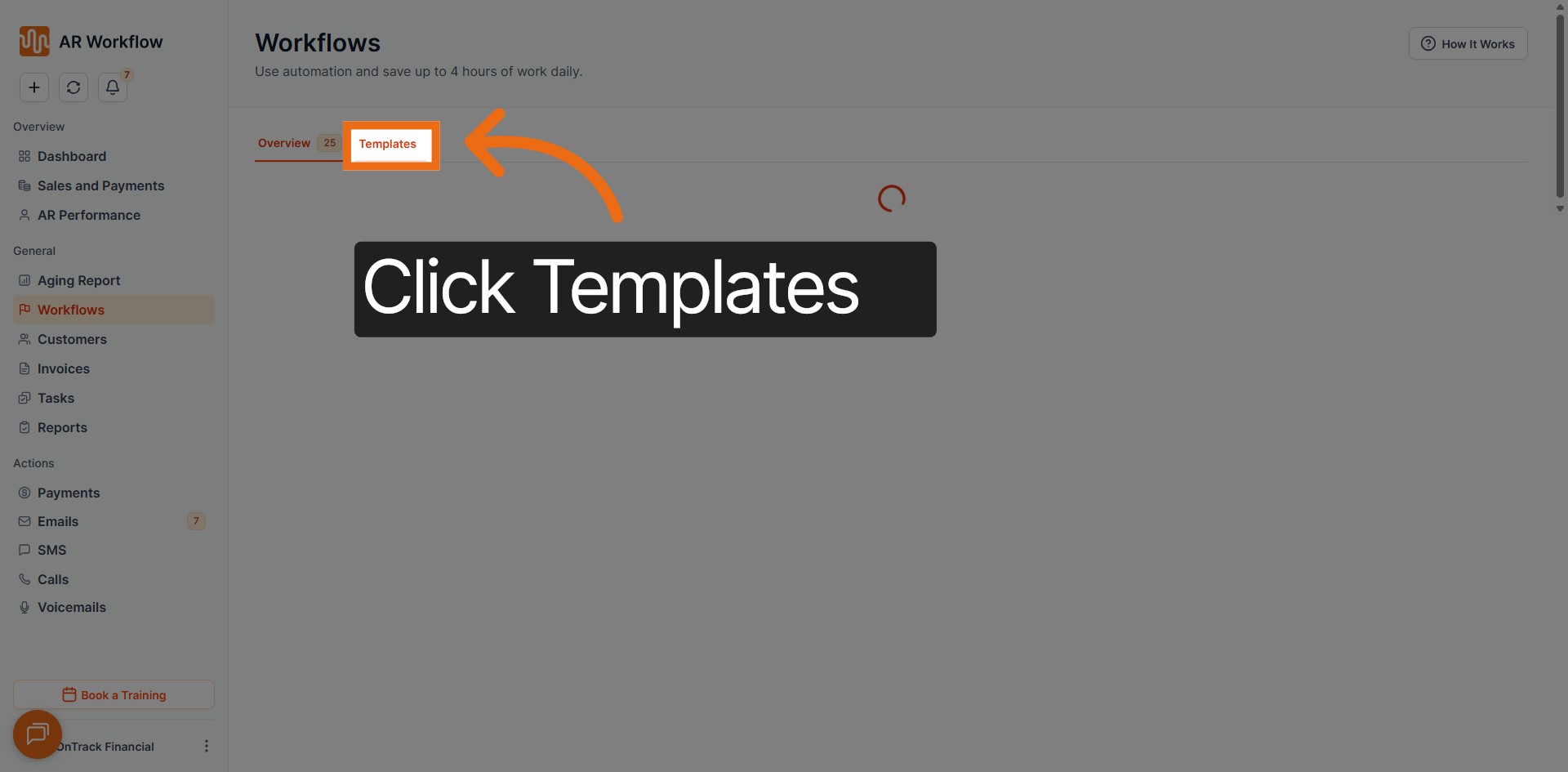
Step 2 — Select Templates to view all available pre-configured workflows
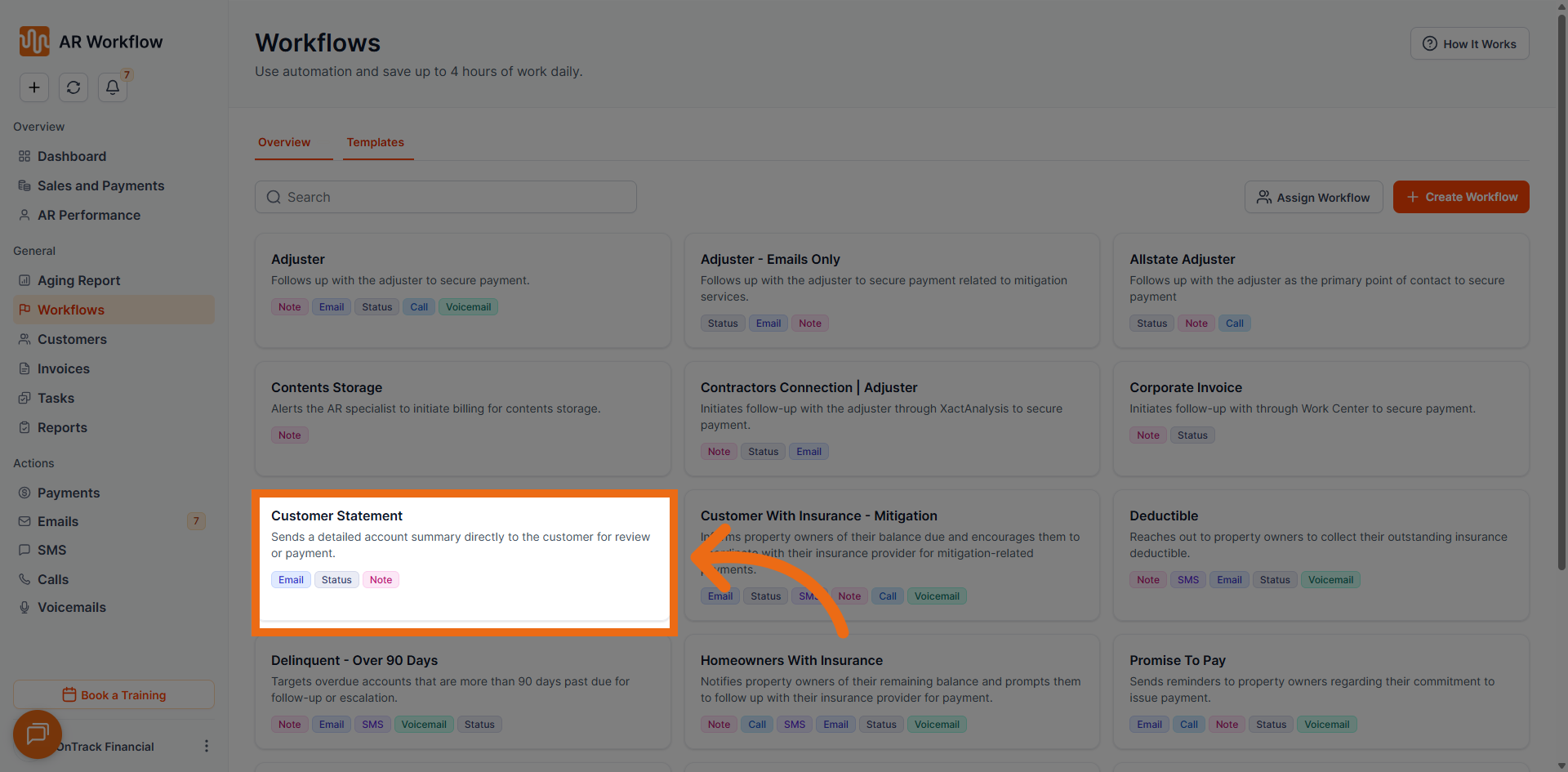
Step 3 — Click on any template to review its structure, tasks, and timeline before assigning
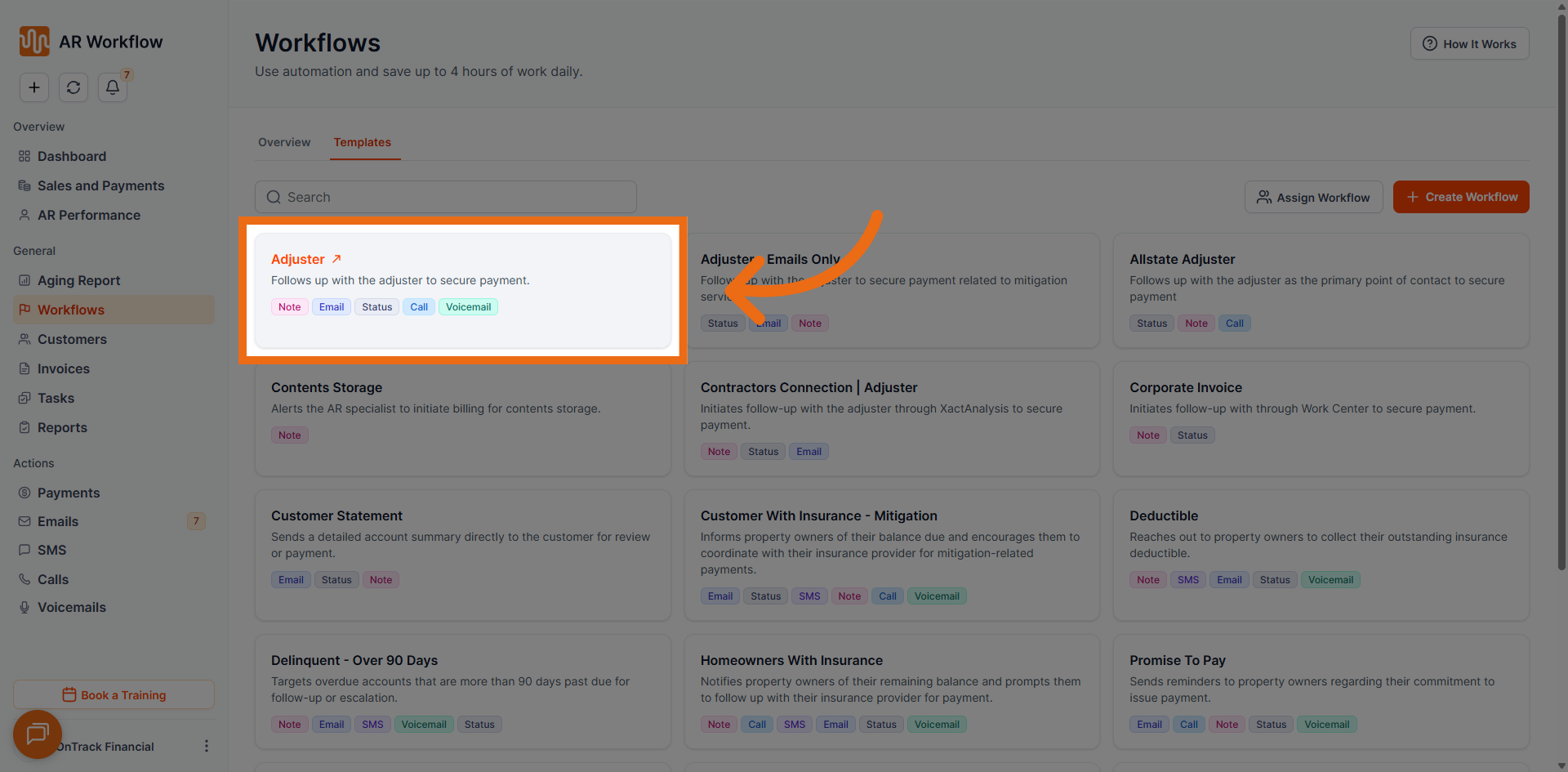
Available Workflow Templates
1. Adjuster
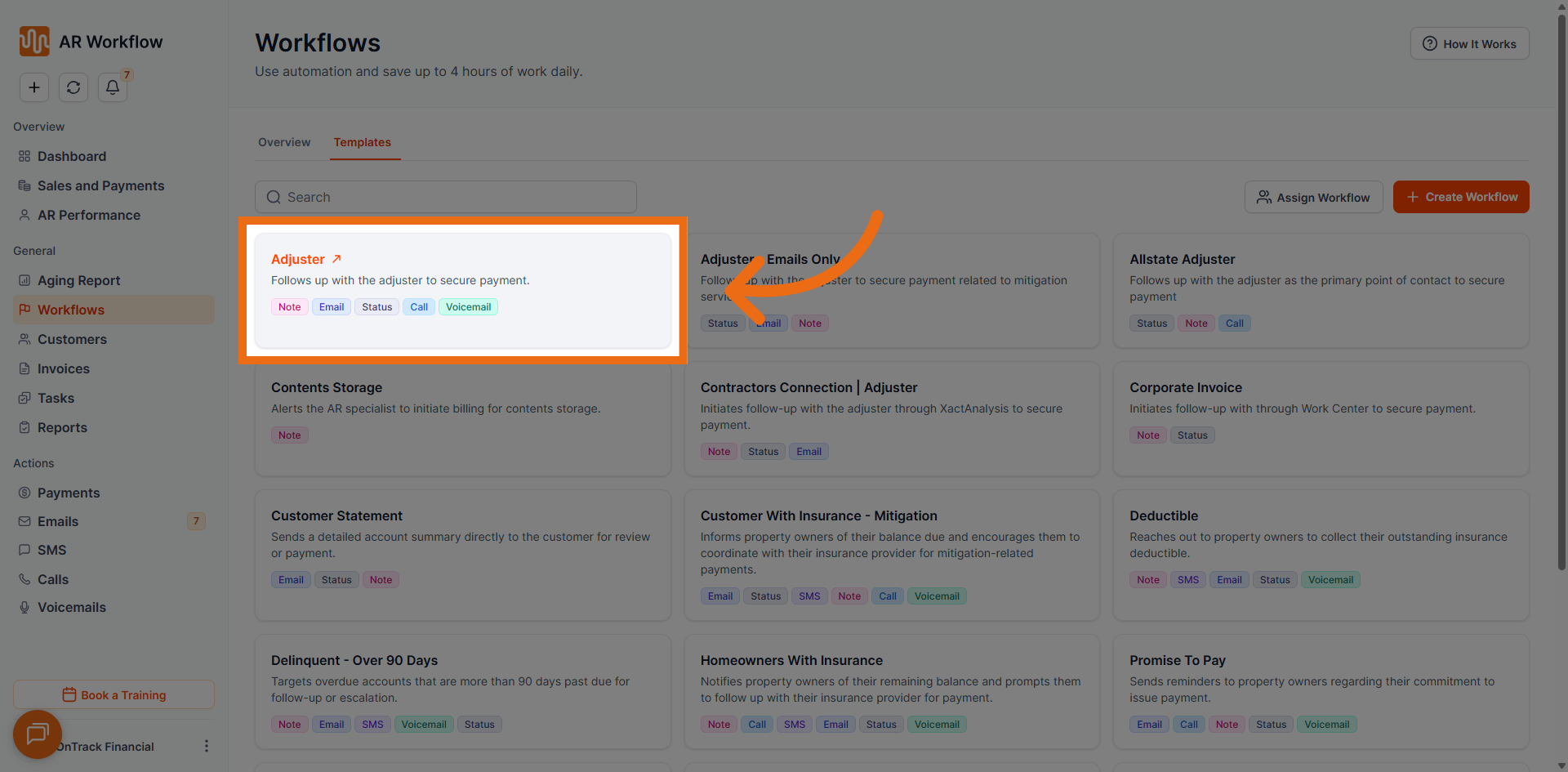
- Total Tasks: 12
- Duration: 22 days
- Tone of Messages: Neutral
- Usual Collection Status: Adjuster Reviewing
- Use Case: Designed for insurance adjuster follow-ups. Automates emails, calls, voicemails, and status updates on a scheduled timeline. Assign this workflow when the invoice is tied to an insurance adjuster who requires consistent, multi-channel outreach.
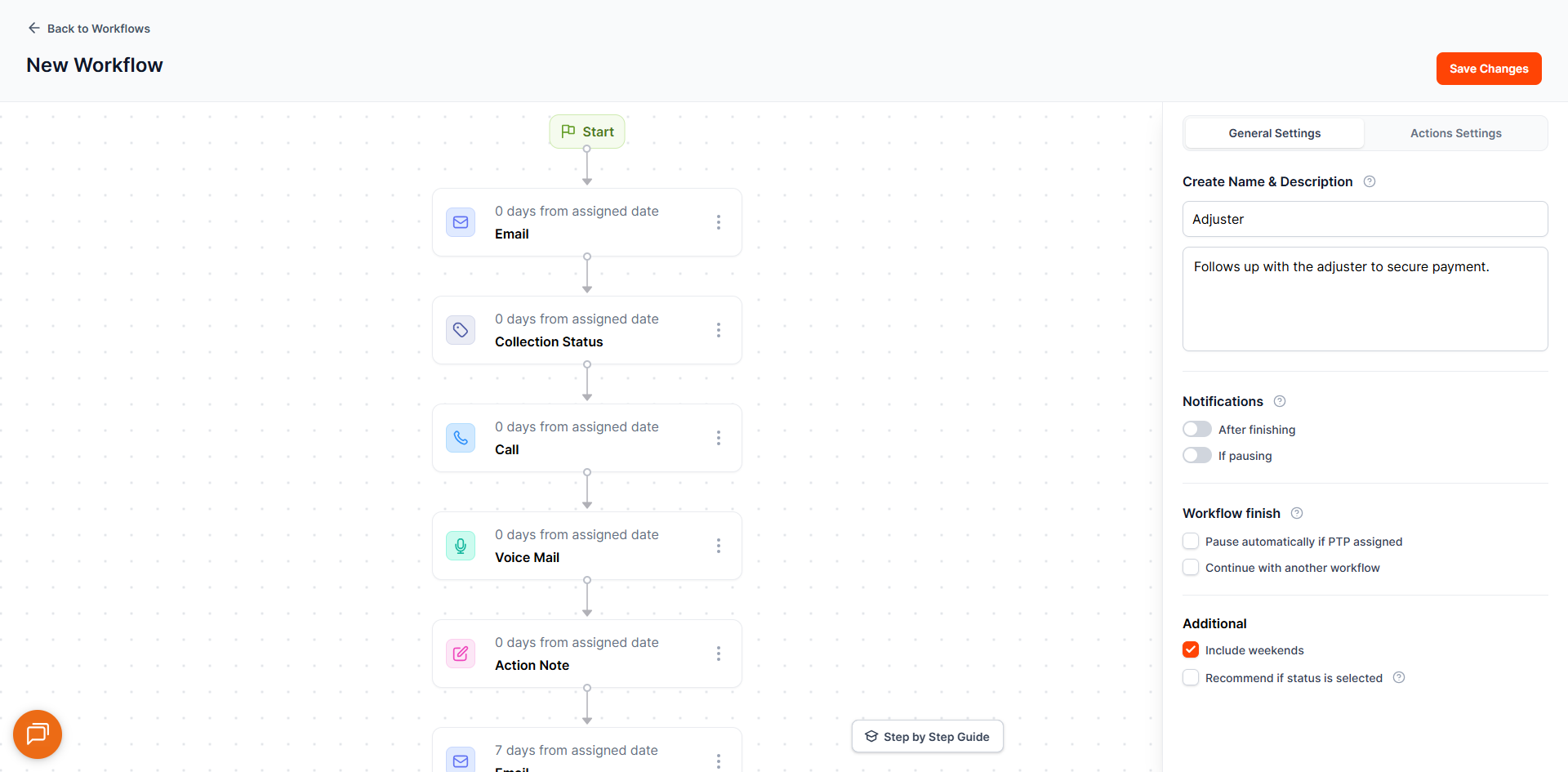
2. Adjuster – Emails Only
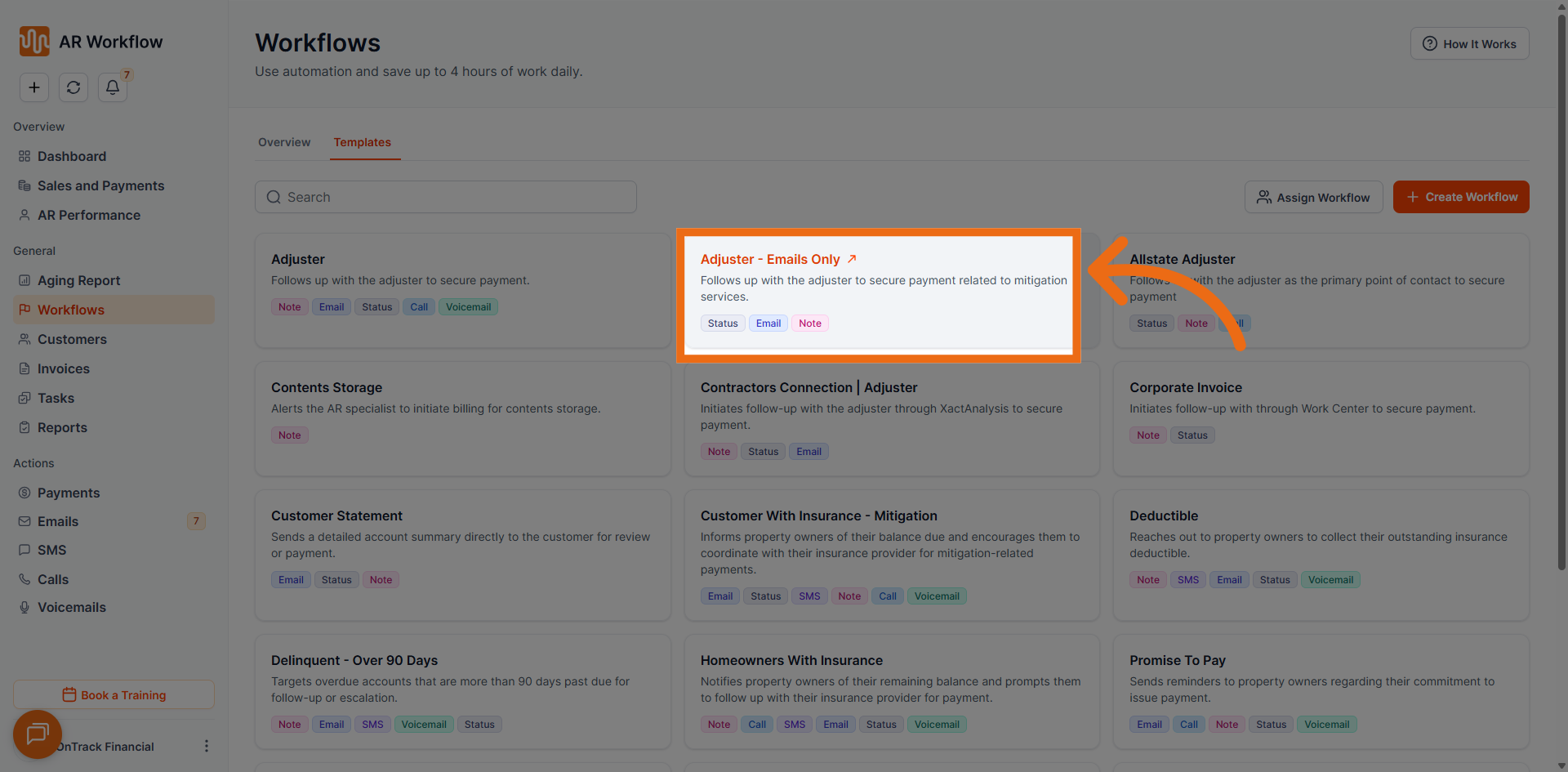
- Total Tasks: 12
- Duration: 56 days
- Tone of Messages: Neutral
- Usual Collection Status: Adjsuter - Mitigation
- Use Case: A streamlined version of the Adjuster workflow that focuses exclusively on automated email communication. Ideal when outreach needs to remain non-intrusive or when the adjuster prefers email-only contact.
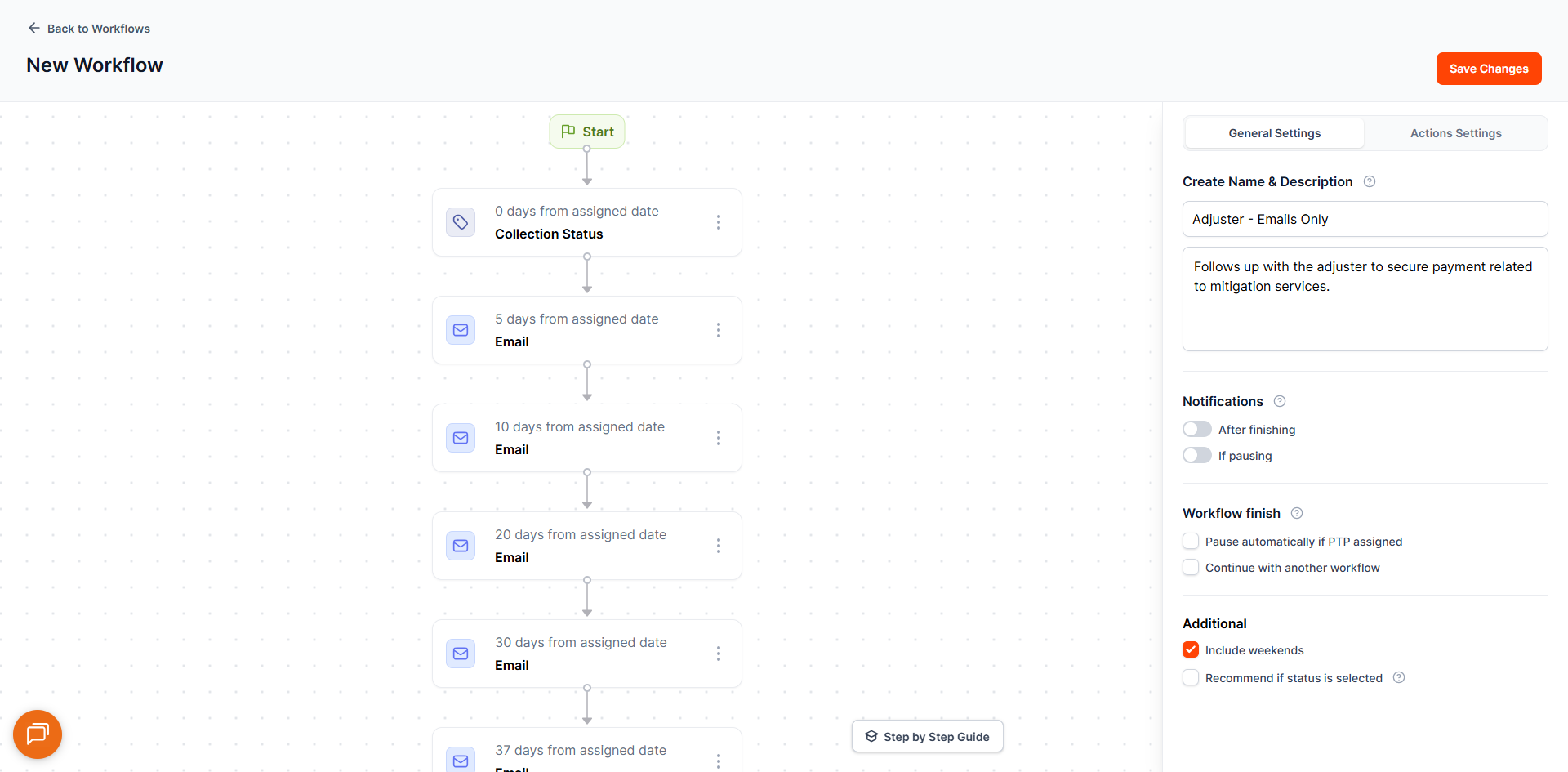
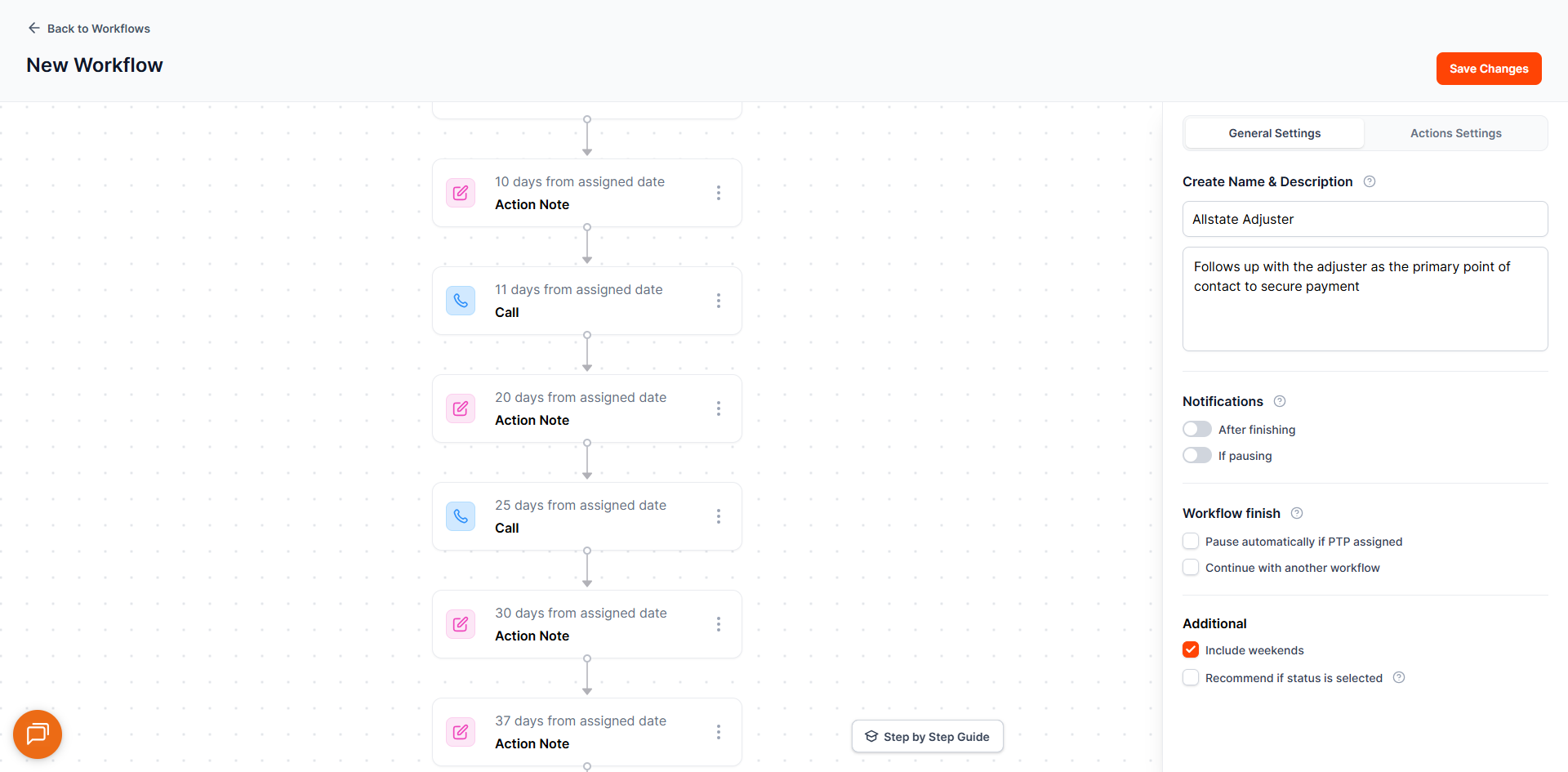
3. Allstate Adjuster
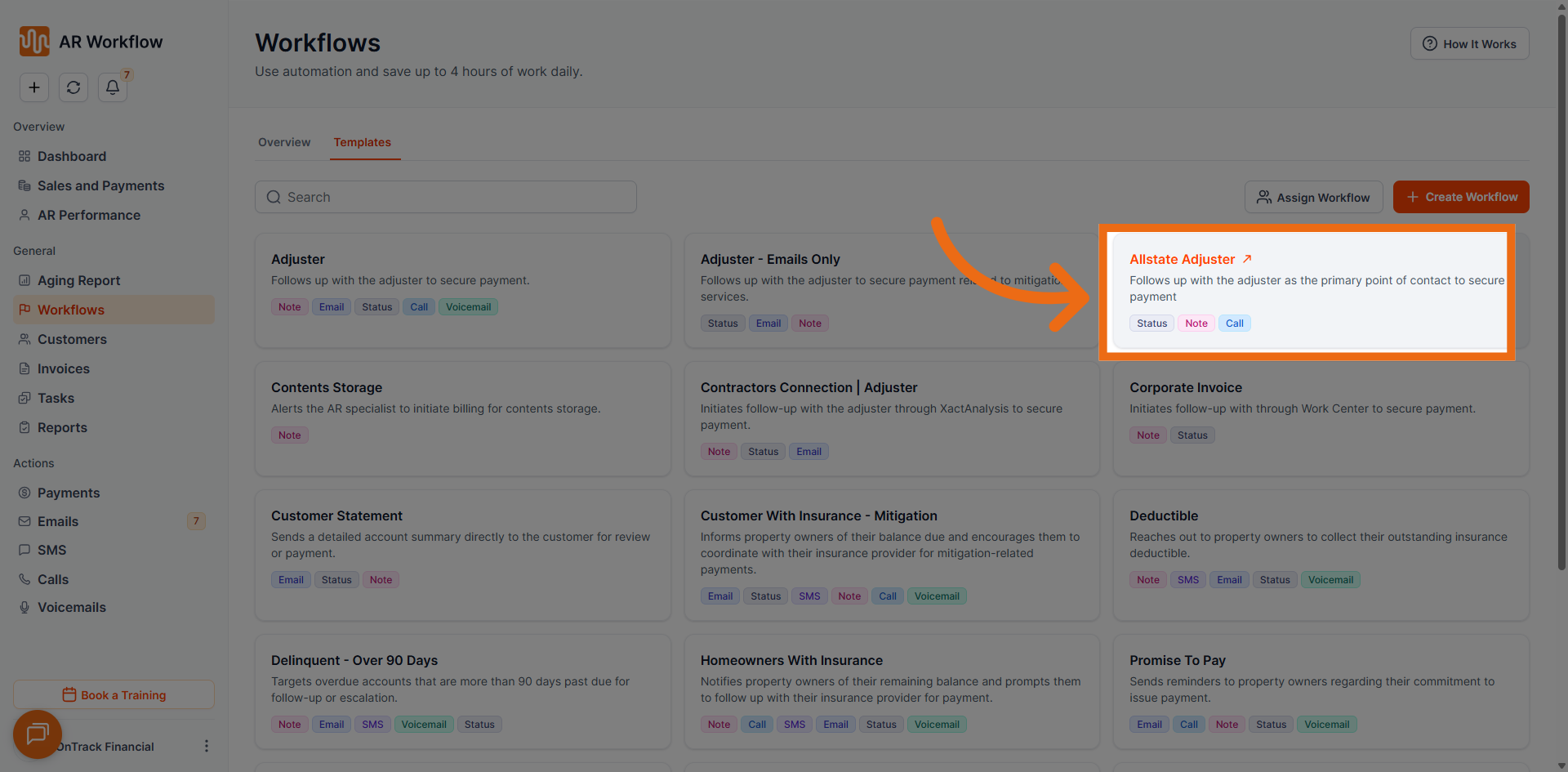
- Total Tasks: 15
- Duration: 56 days
- Tone of Messages: Neutral
- Usual Collection Status: Allstate Adjuster
- Use Case: Tailored specifically for Allstate-related claims. Aligns automation with Allstate adjuster communication workflows, ensuring follow-ups are structured for Allstate-specific processes.
4. Contents Storage
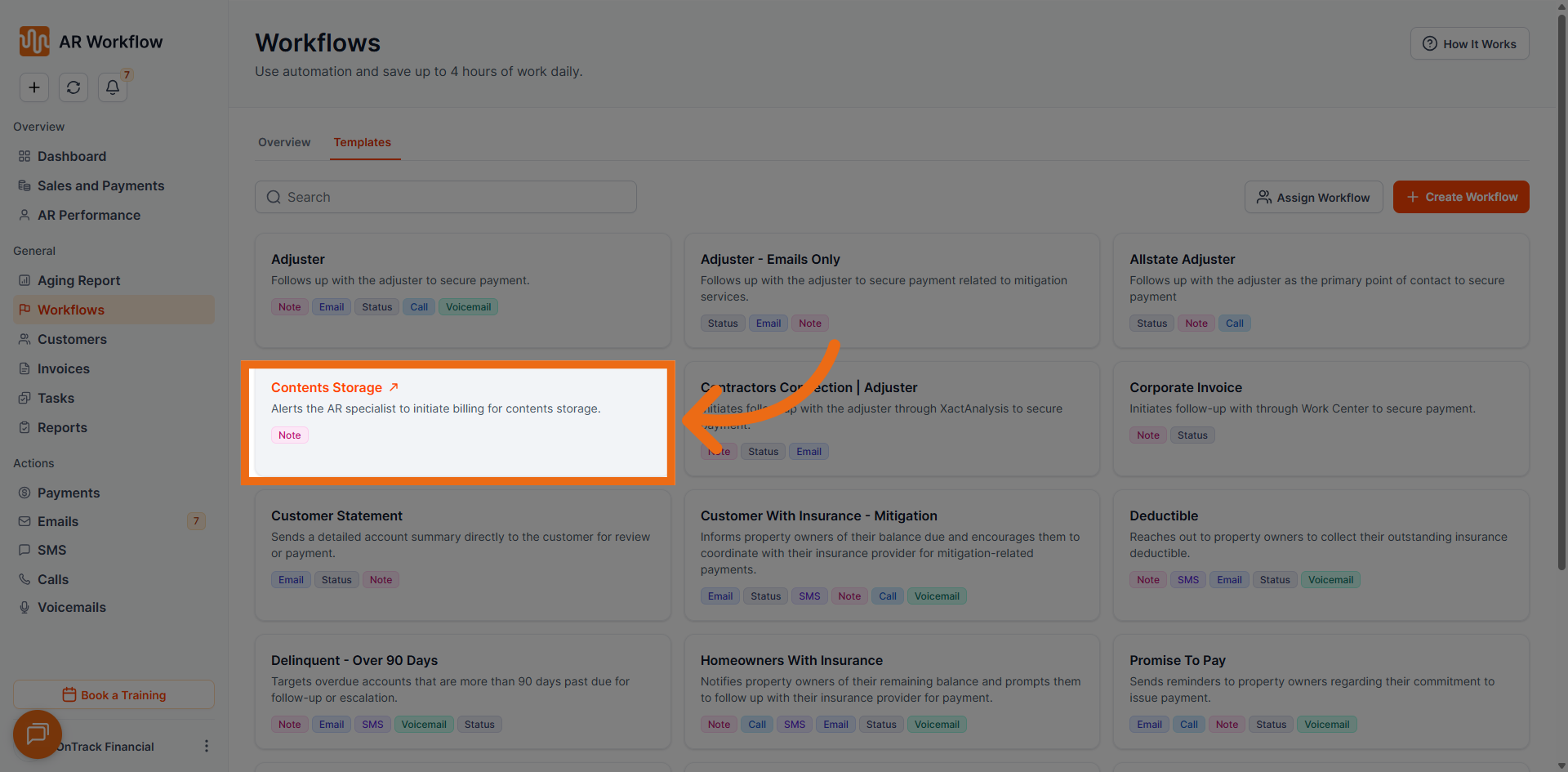
- Total Tasks: 6
- Duration: 451 days
- Tone of Messages: Neutral
- Usual Collection Status: N/A
- Use Case: Supports follow-ups related to stored contents. Ensures consistent communication and timely collections for customers with outstanding balances tied to storage services.
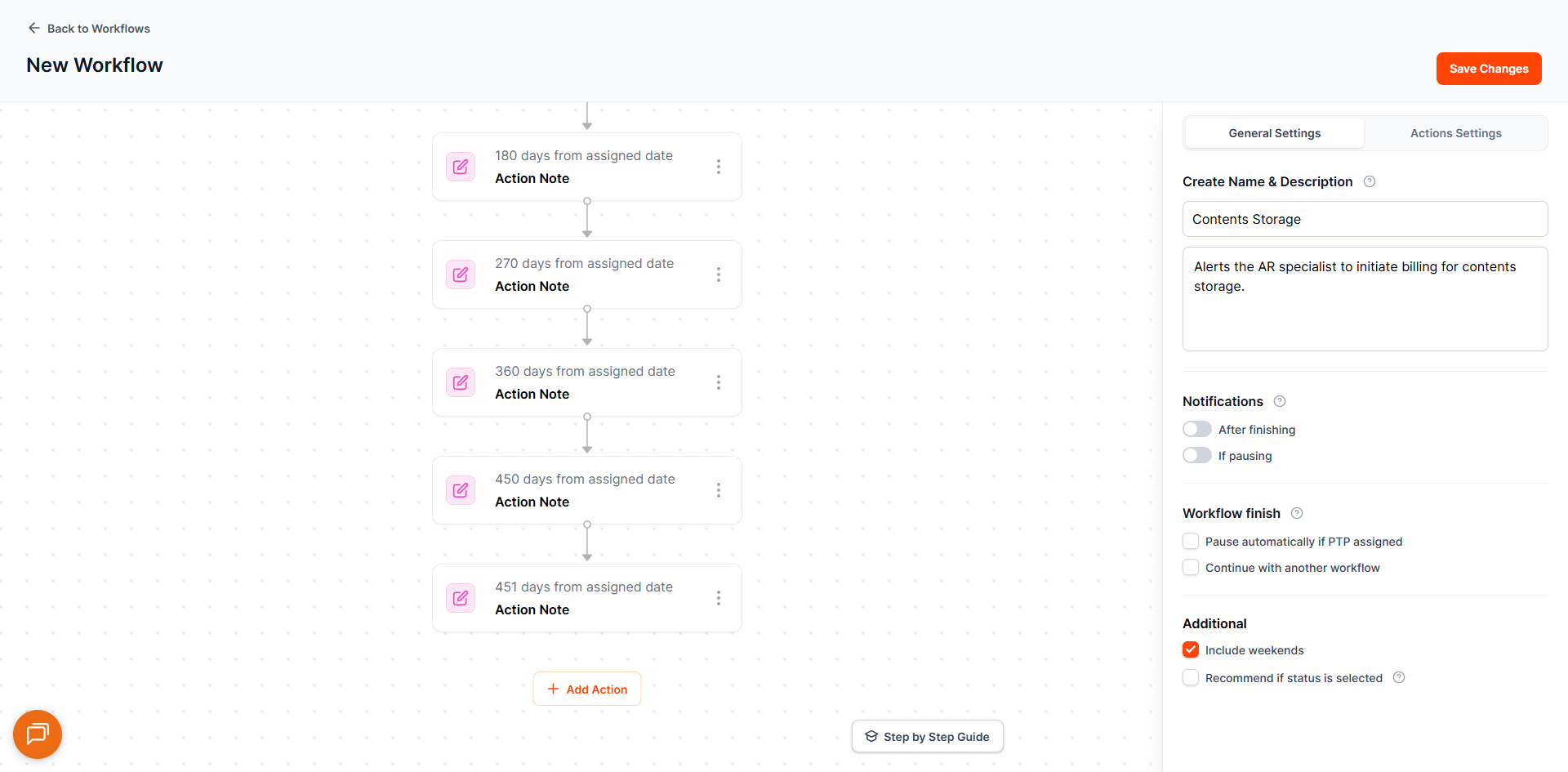
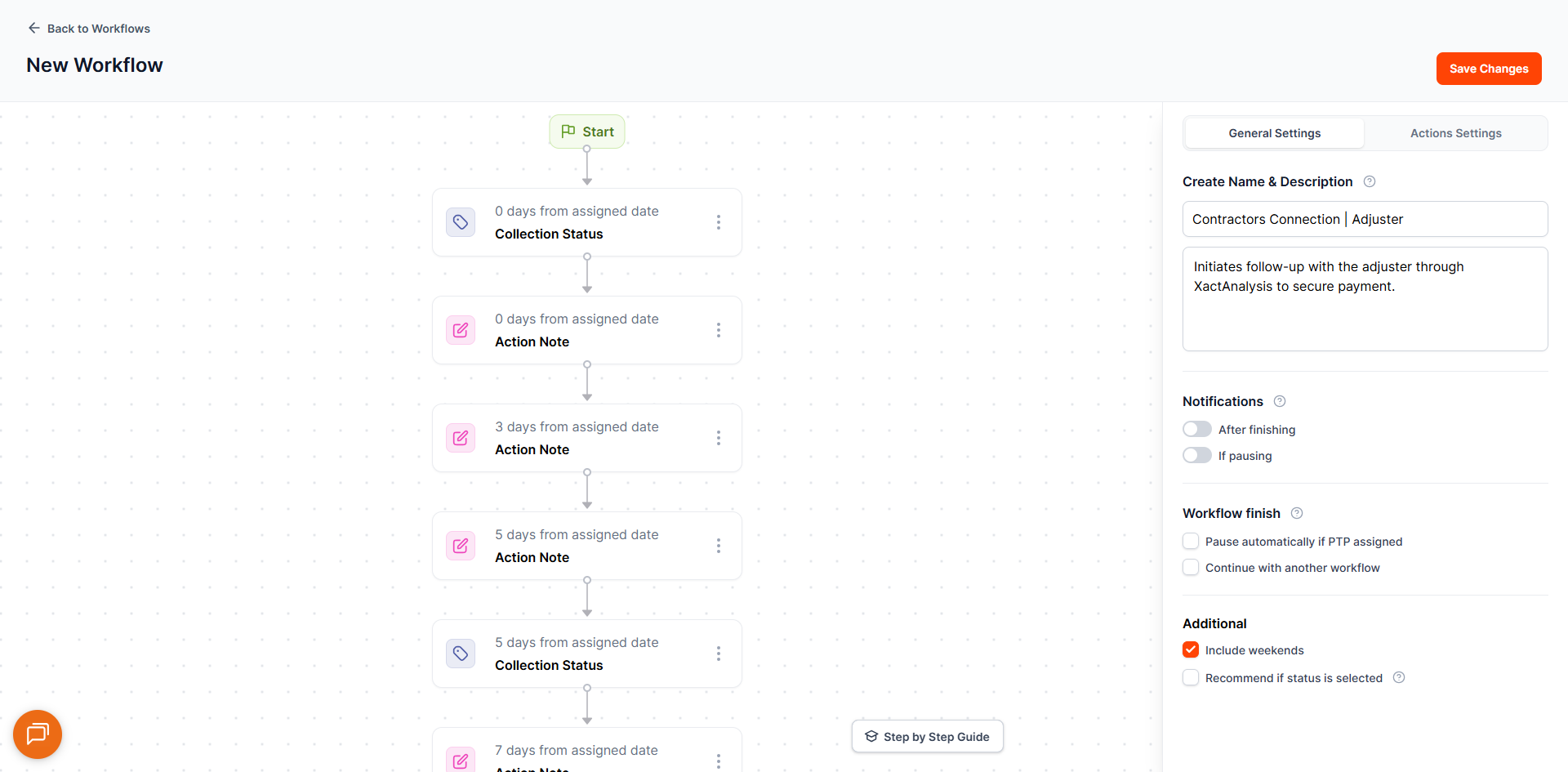
5. Contractors Connection – Adjuster
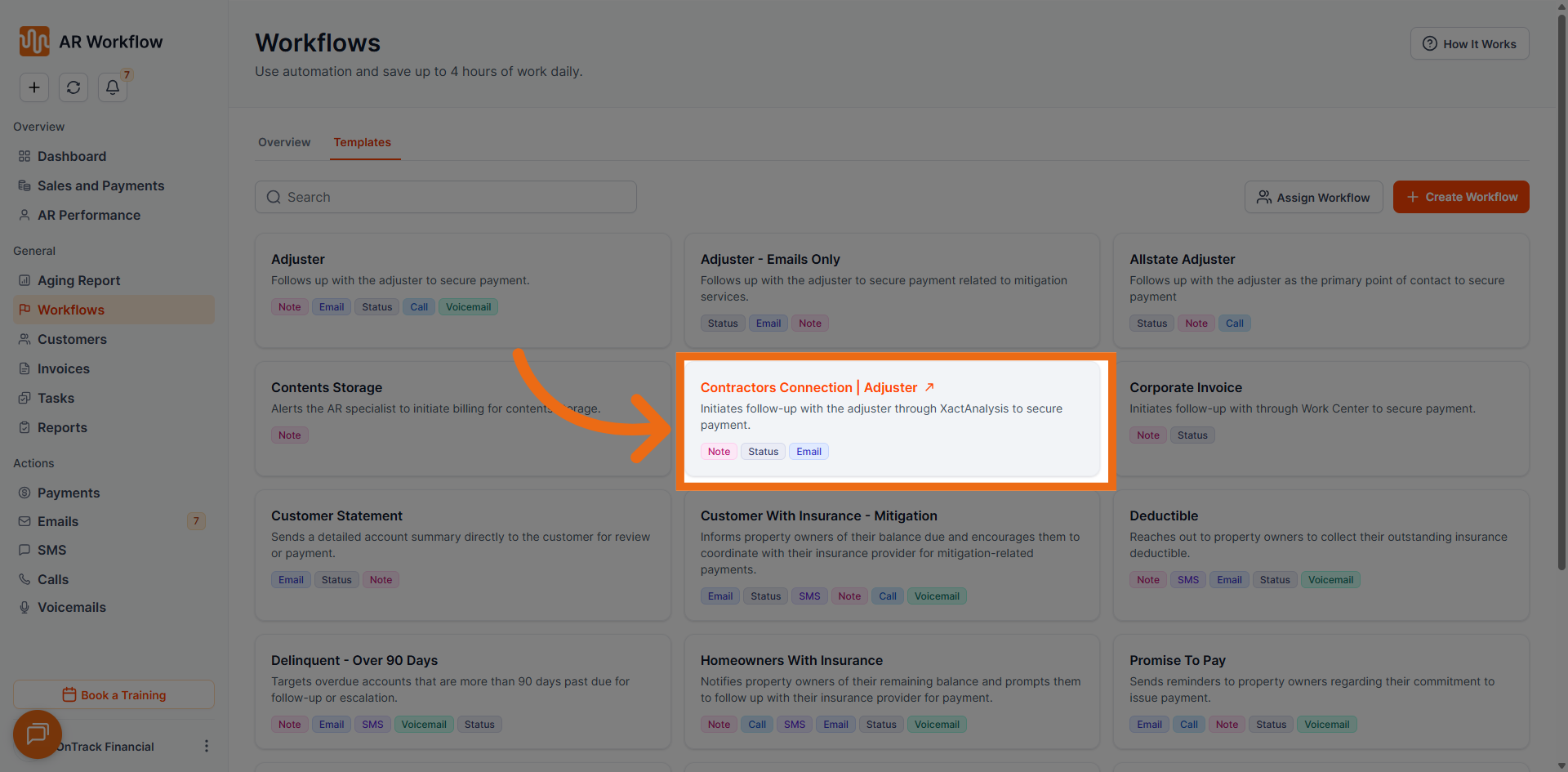
- Total Tasks: 14
- Duration: 33 days
- Tone of Messages: Neutral
- Usual Collection Status: Follow Up with Adjuster
- Use Case: Designed for adjuster communications tied to Contractors Connection programs. Assign when the invoice involves a Contractors Connection-affiliated adjuster.
6. Corporate Invoice
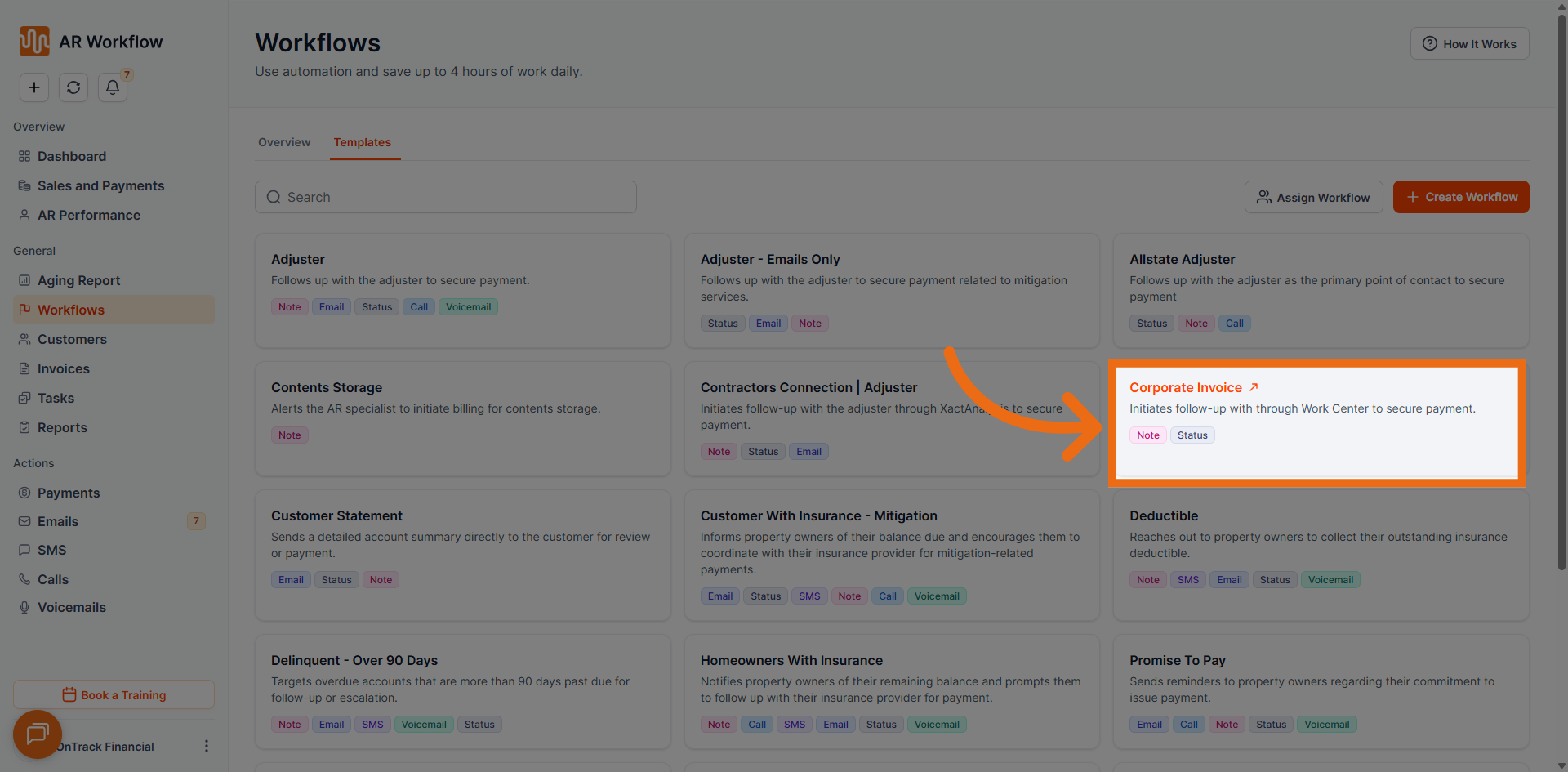
- Total Tasks: 9
- Duration: 14 days
- Tone of Messages: Neutral
- Usual Collection Status: HQ is Paying
- Use Case: Supports structured follow-ups for corporate accounts. Maintains consistency and professionalism for business-to-business invoices that require a more formal communication approach.
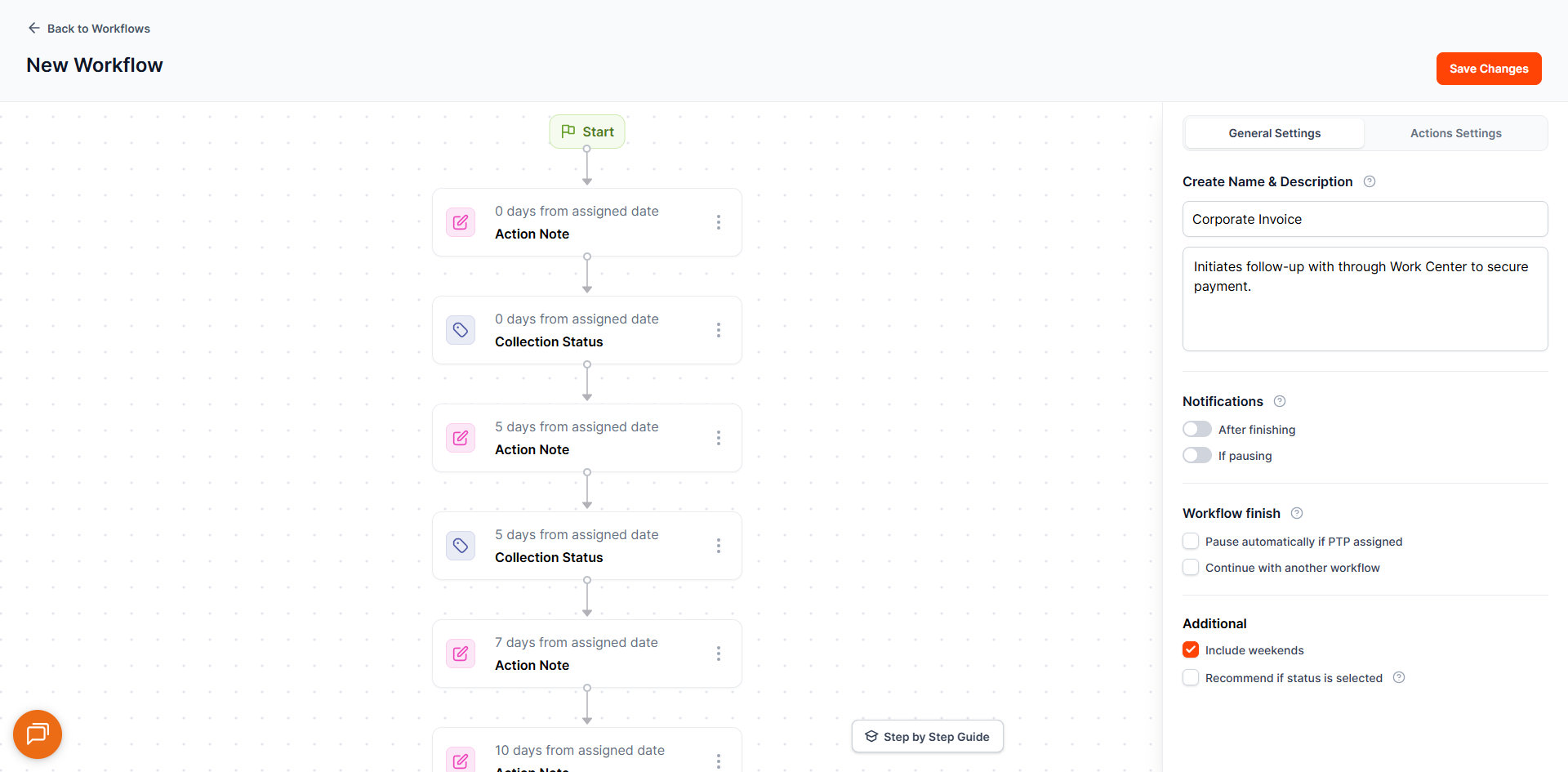
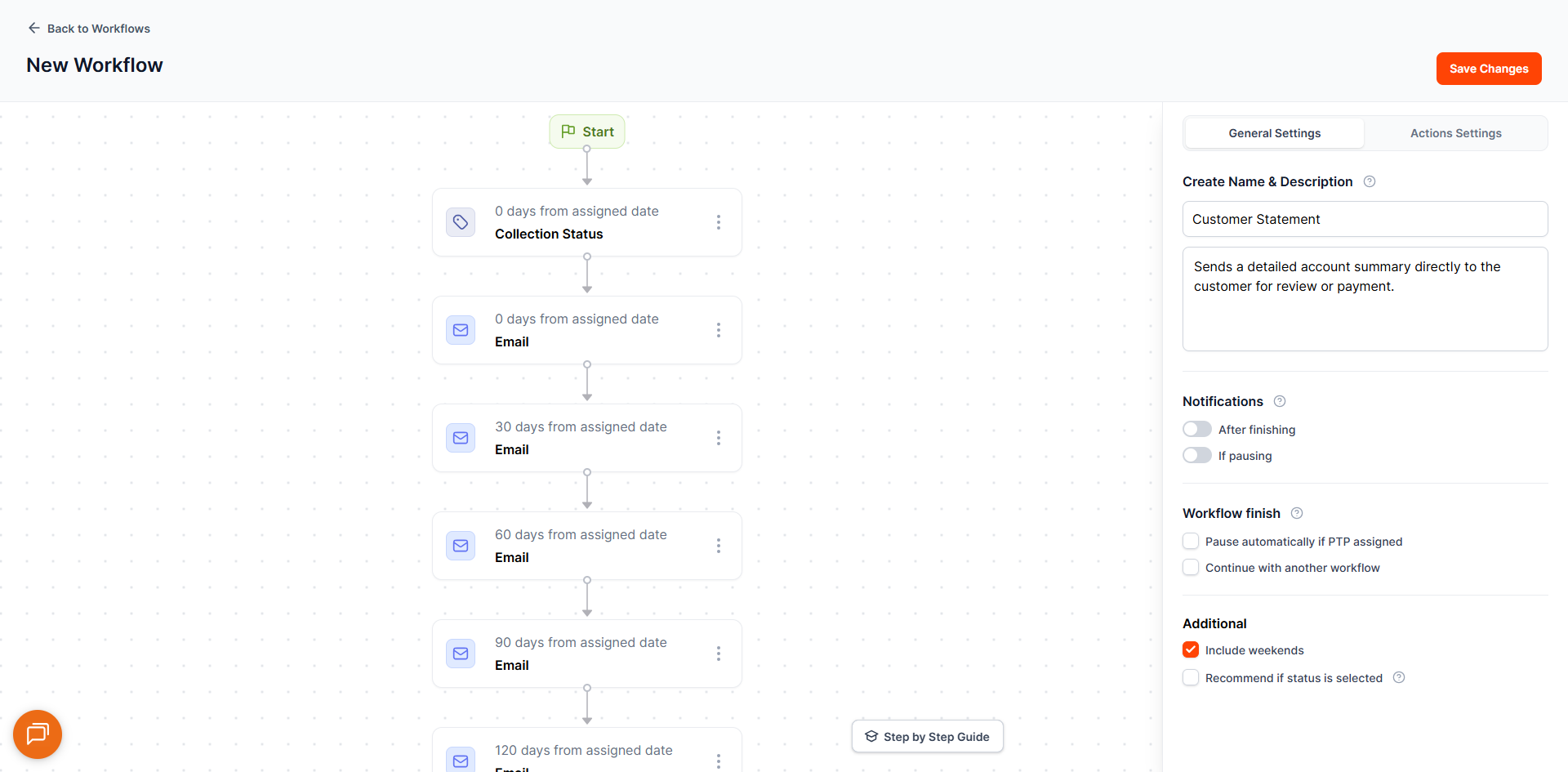
7. Customer Statement
- Total Tasks: 16
- Duration: 401 days
- Tone of Messages: Neutral
- Usual Collection Status: Customer Statement
- Use Case: Automates the delivery of statements to customers. Ideal for customers who need periodic statement reminders rather than aggressive collection outreach.
8. Customer with Insurance Mitigation
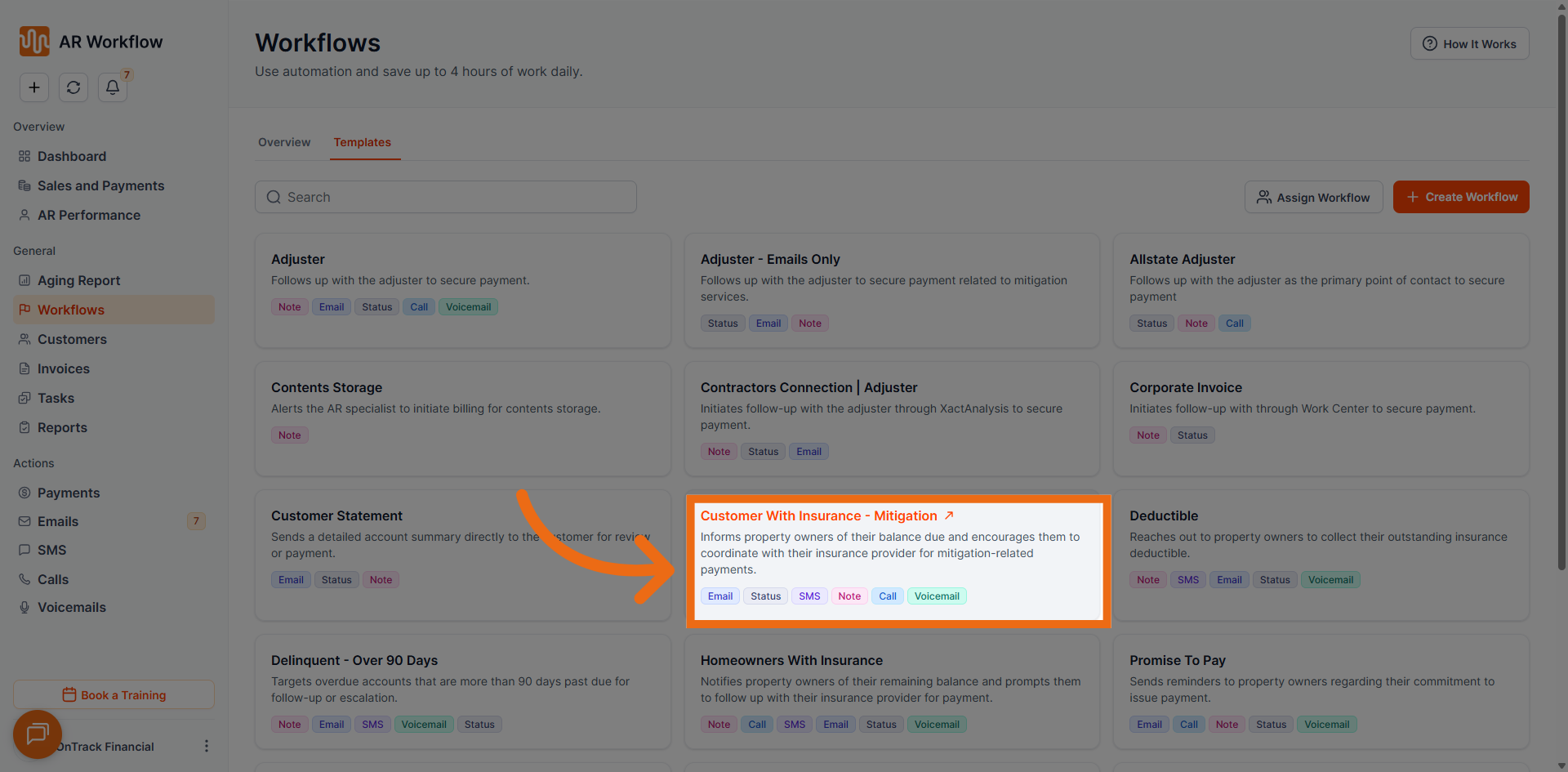
- Total Tasks: 31
- Duration: days
- Tone of Messages: Neutral
- Usual Collection Status: Customer with Insurance Mitigation
- Use Case: Built for customers with insurance mitigation claims. Automates follow-ups while accounting for the extended timelines associated with insurance-based collection scenarios.
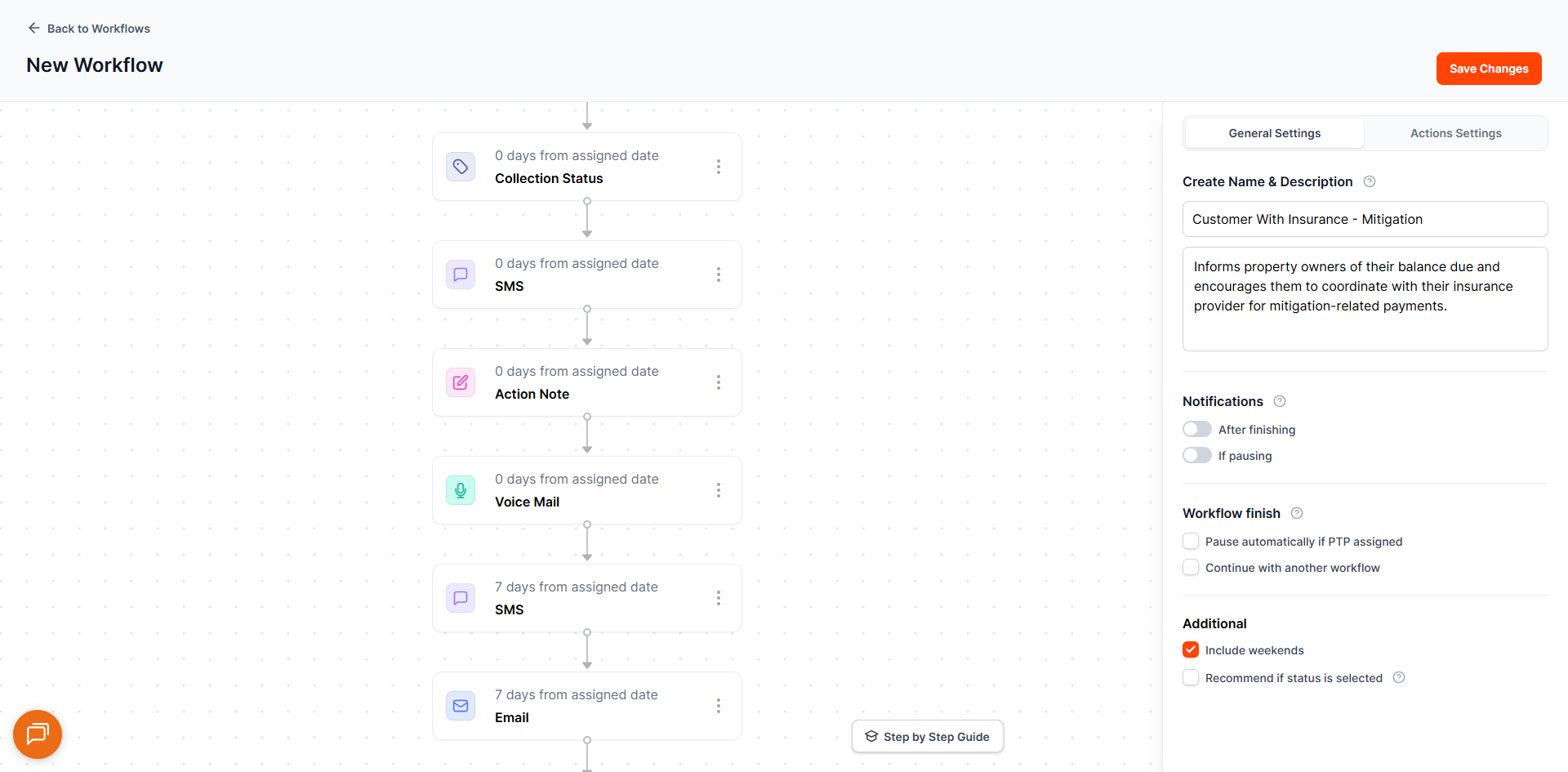
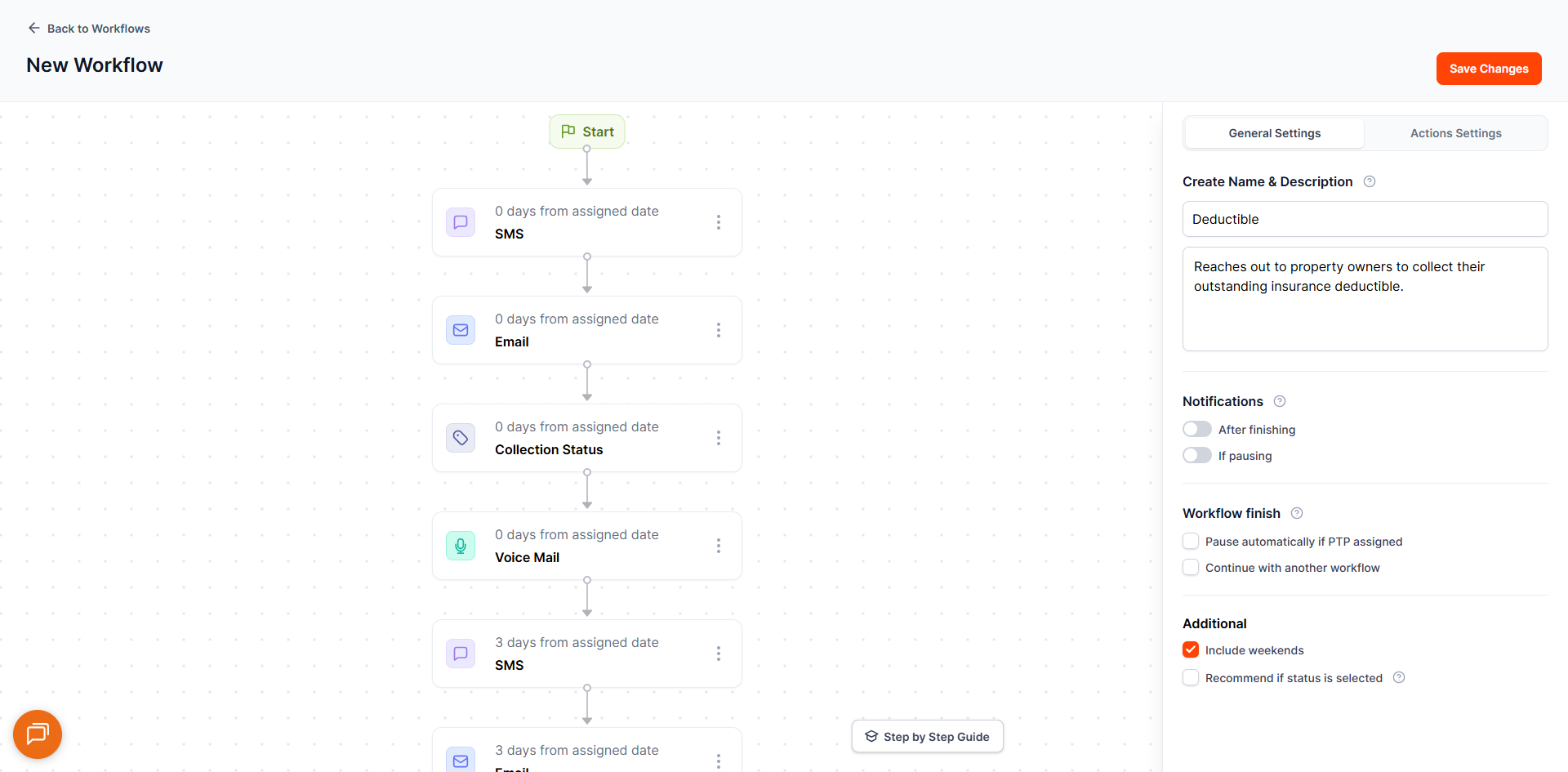
9. Deductible
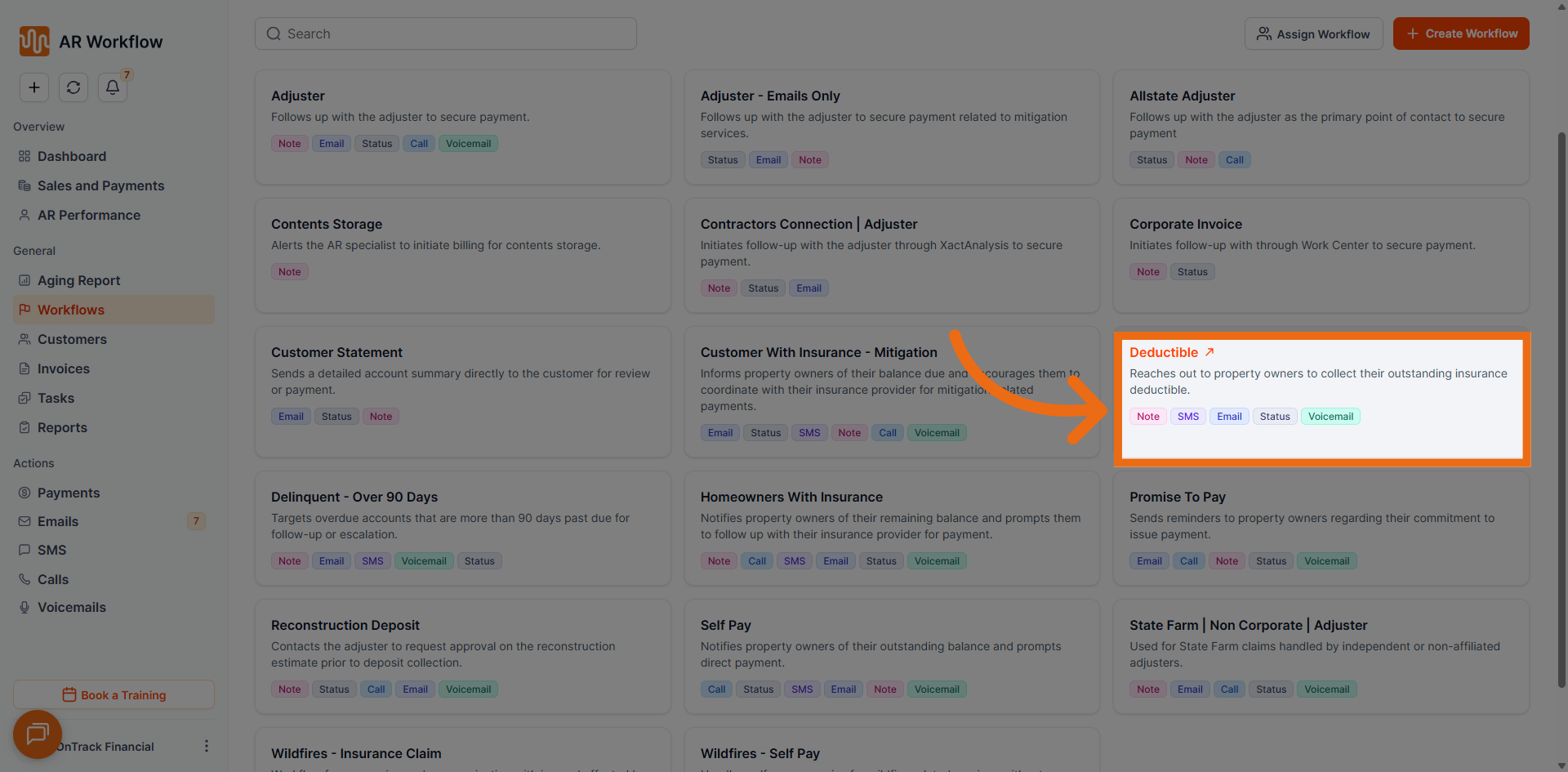
- Total Tasks: 17
- Duration: 13 days
- Tone of Messages: Neutral
- Usual Collection Status: Collect Deductible
- Use Case: Focused on collecting deductible amounts from customers. Ensures clear and consistent communication for insured customers responsible for their portion of the invoice.
10. Delinquent Over 90 Days
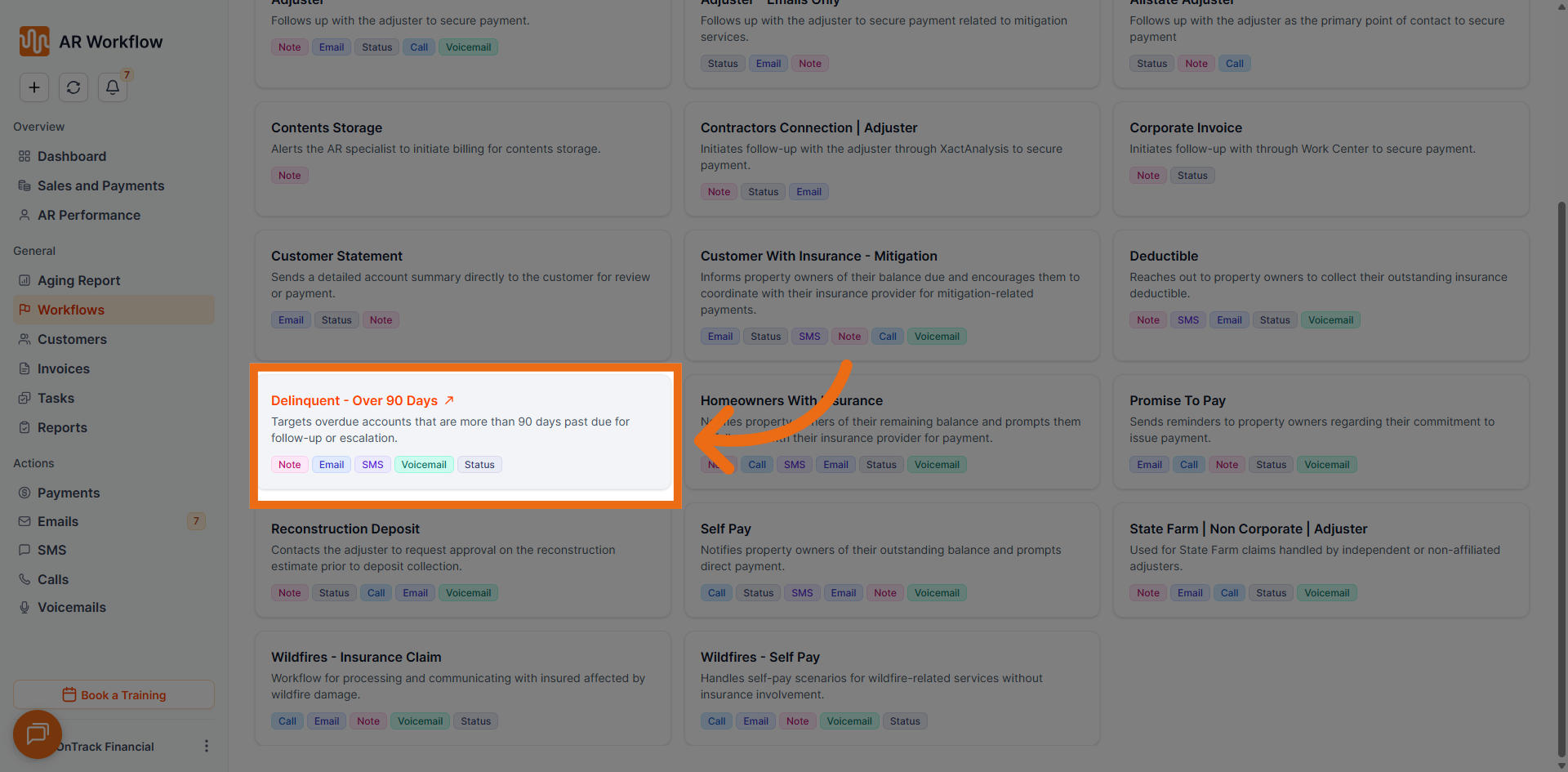
- Total Tasks: 46
- Duration: 41 days
- Tone of Messages: Professional Assertive
- Usual Collection Status: Delinquent Over 90 Days
- Use Case: Designed for long-overdue invoices exceeding 90 days. Applies persistent and escalated follow-up actions for accounts requiring a more urgent collection approach.
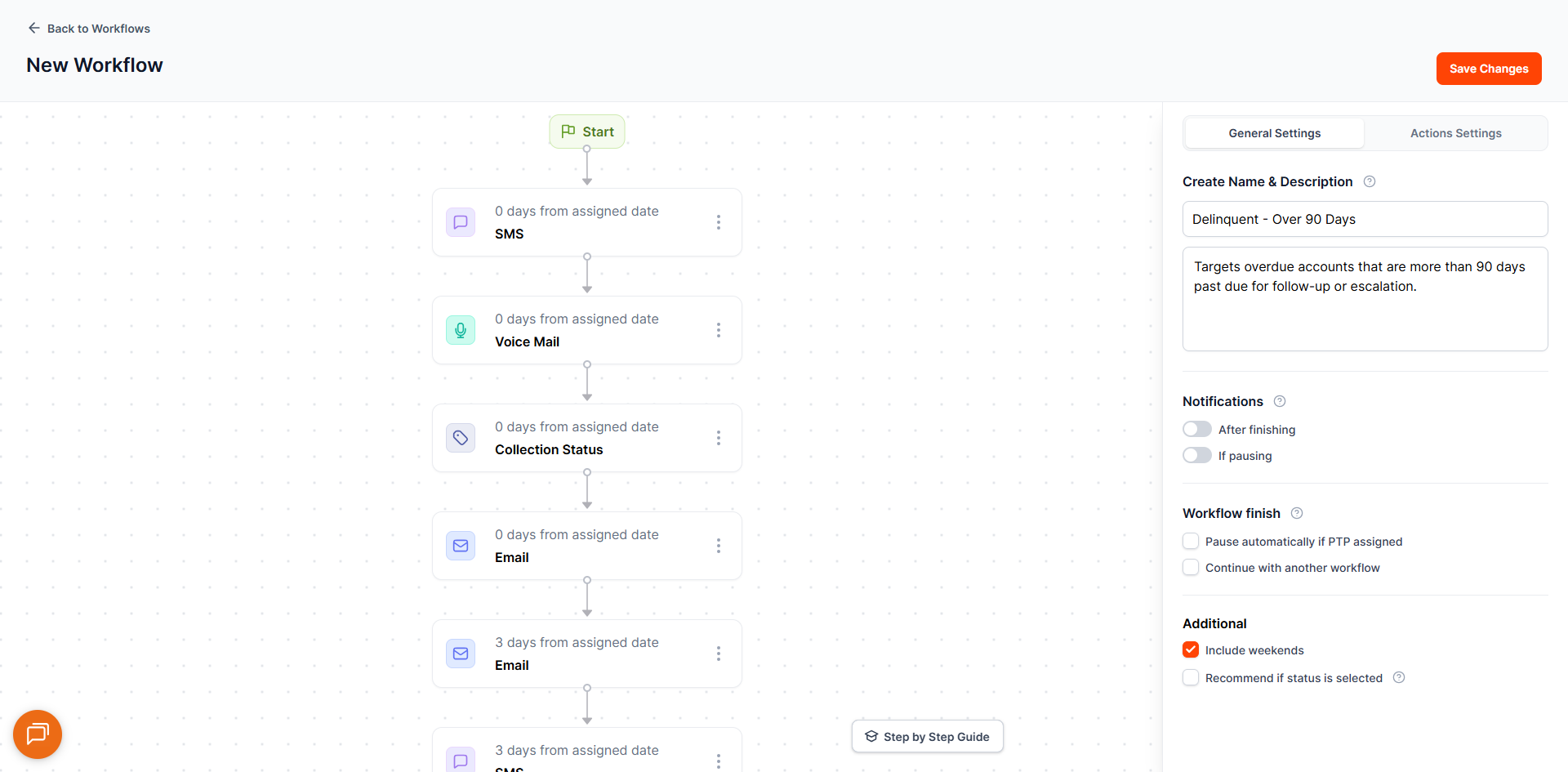
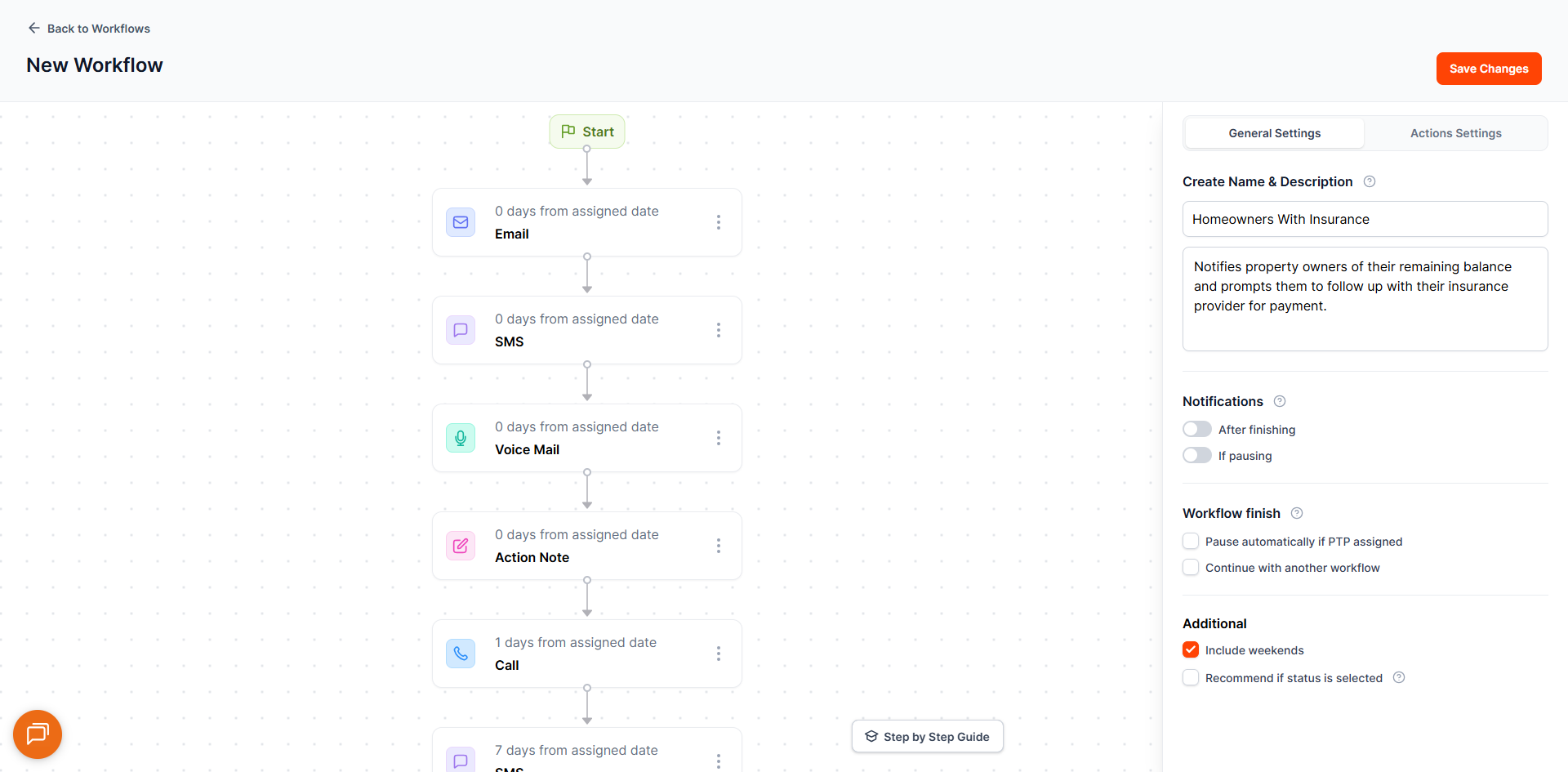
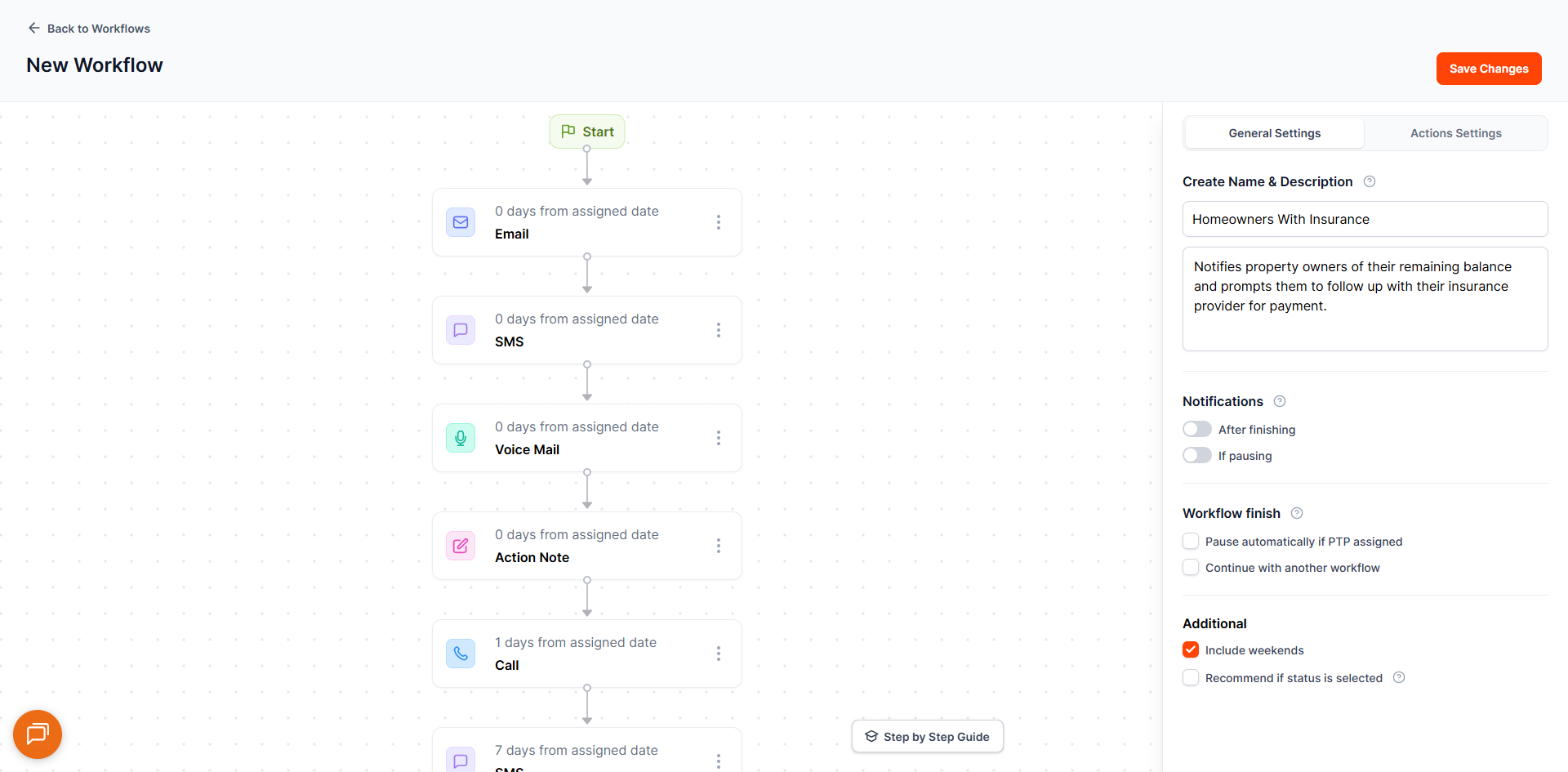
11. Homeowners with Insurance
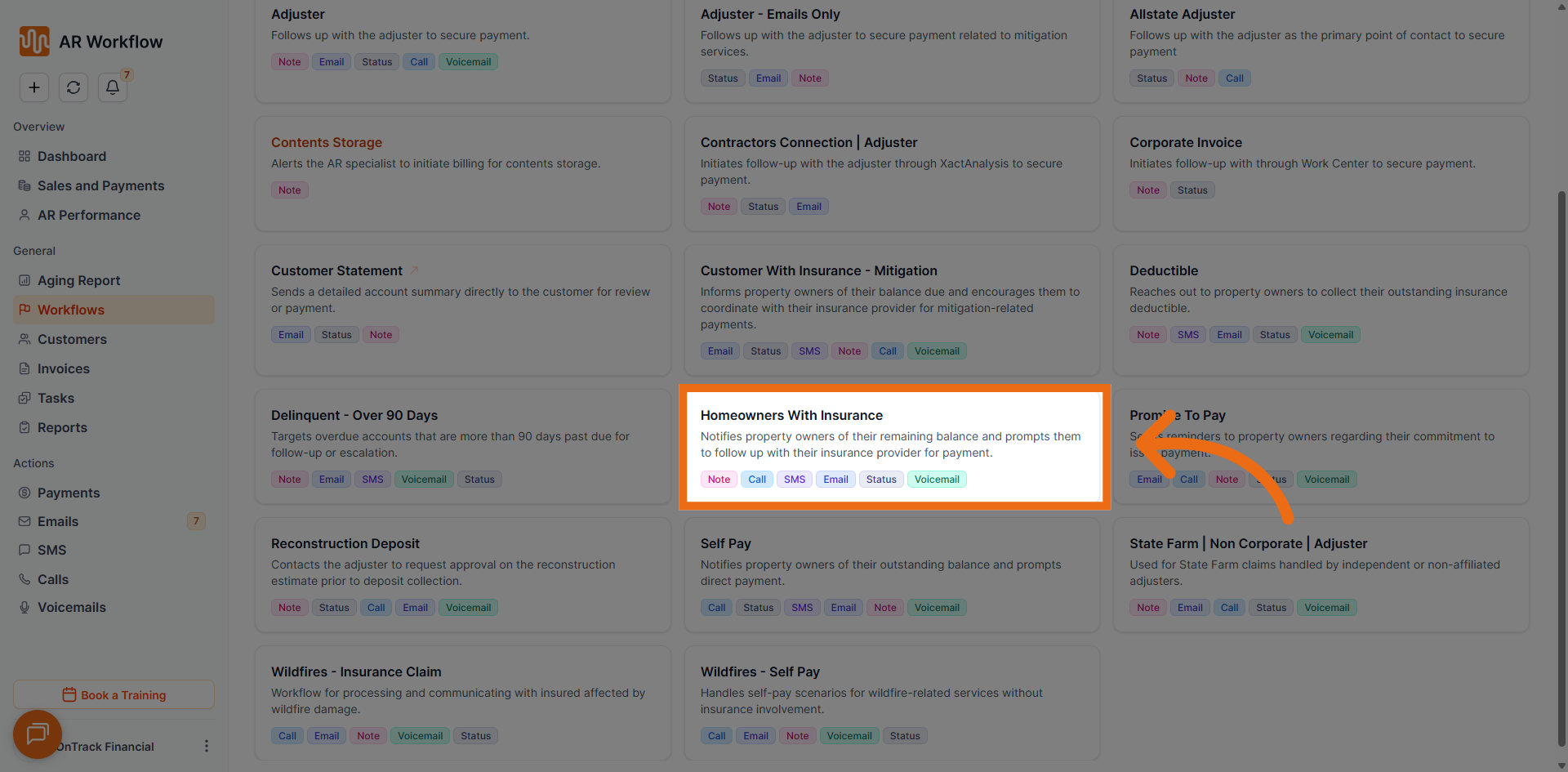
- Total Tasks: 27
- Duration: 37 days
- Tone of Messages: Neutral
- Usual Collection Status: File a Mechanics Lien
- Use Case: Automates communications for insured homeowners. Ideal for residential customers whose invoices involve insurance claims, with appropriate pacing and tone.
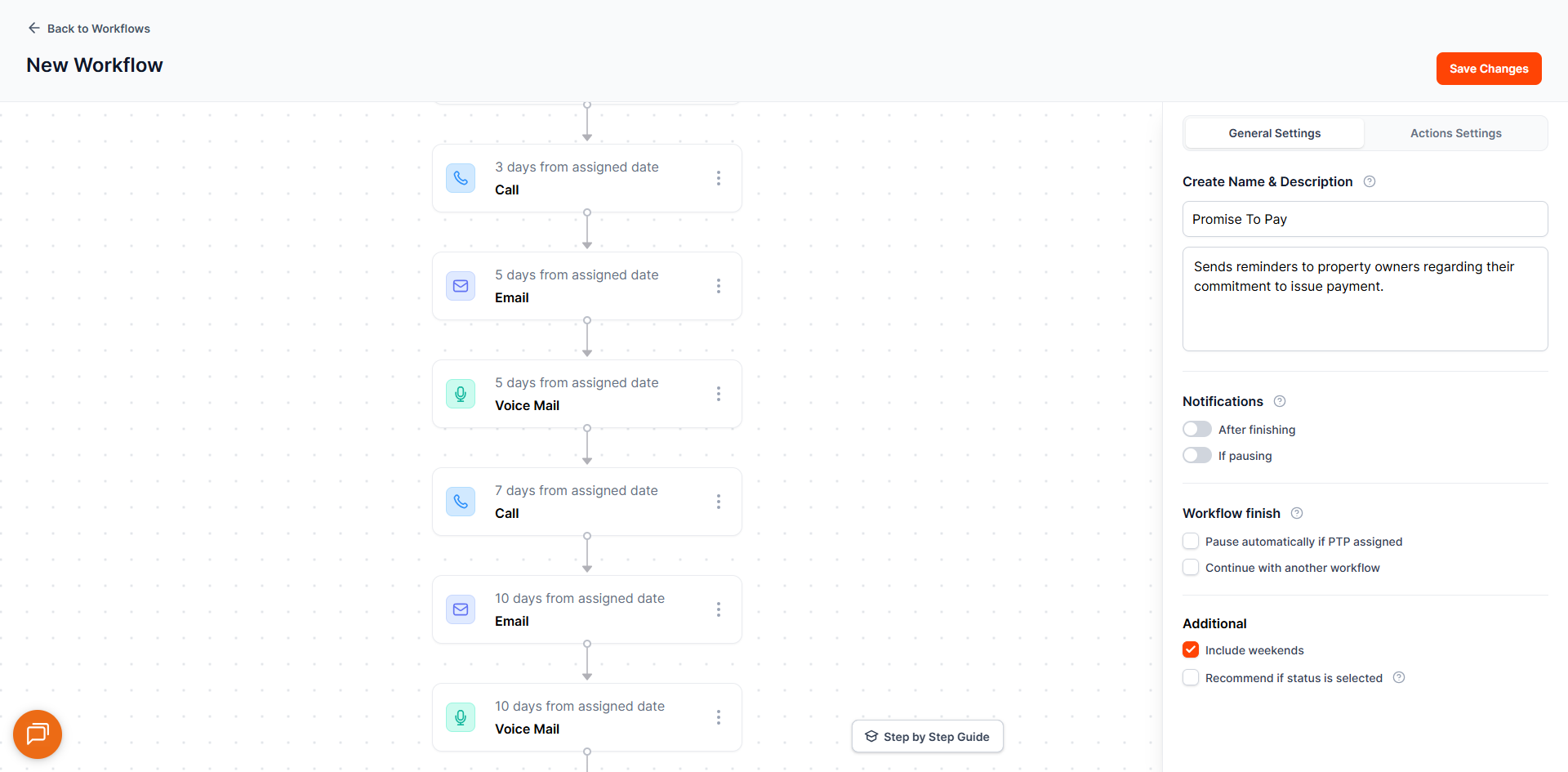
12. Promise to Pay
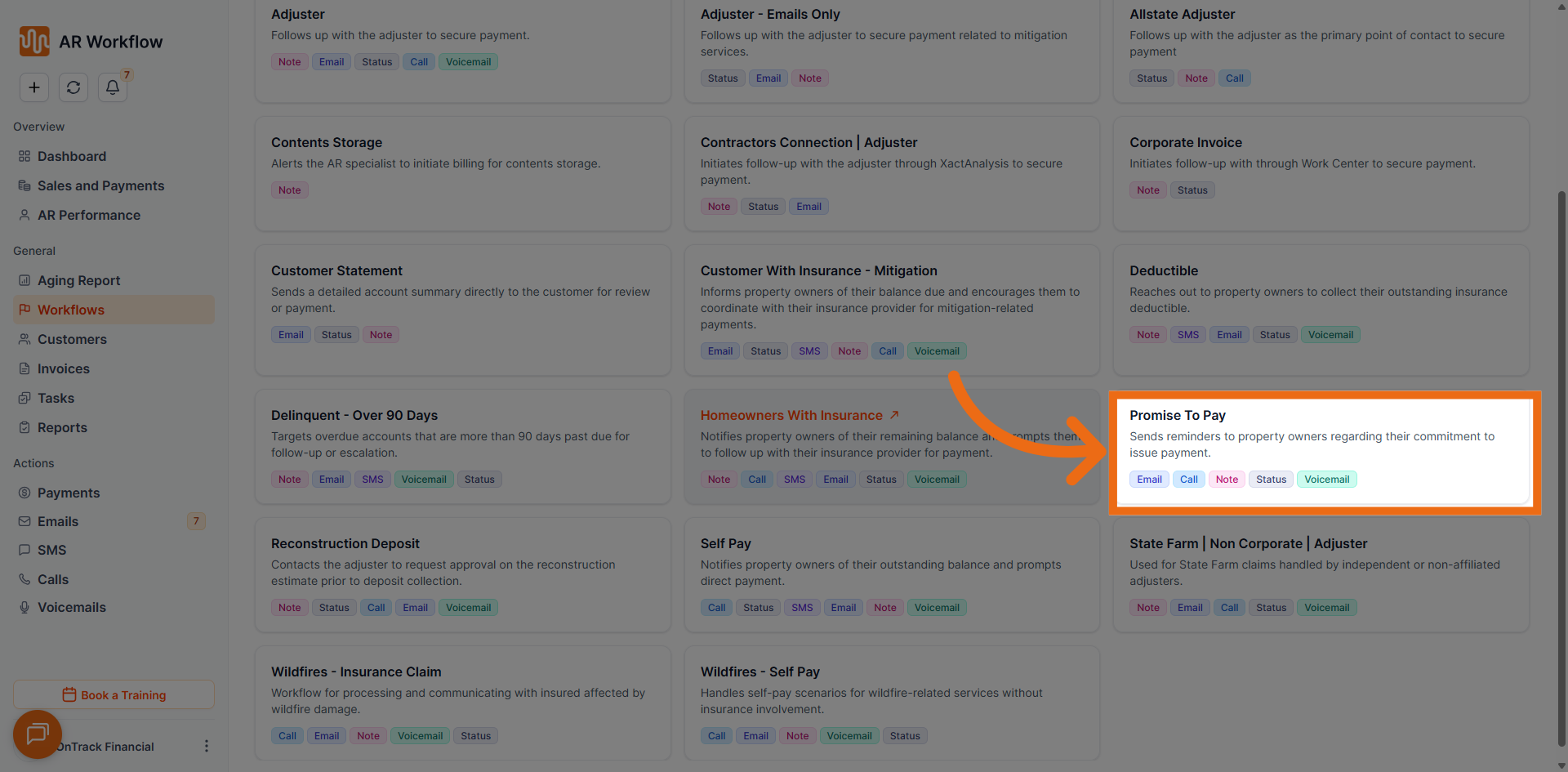
- Total Tasks: 16
- Duration: 23 days
- Tone of Messages: Professional Assertive
- Usual Collection Status: Promise to Pay
- Use Case: Tracks and follows up on customer payment commitments. Assign when a customer has made a commitment to pay, ensuring agreed payments are followed through with timely reminders.
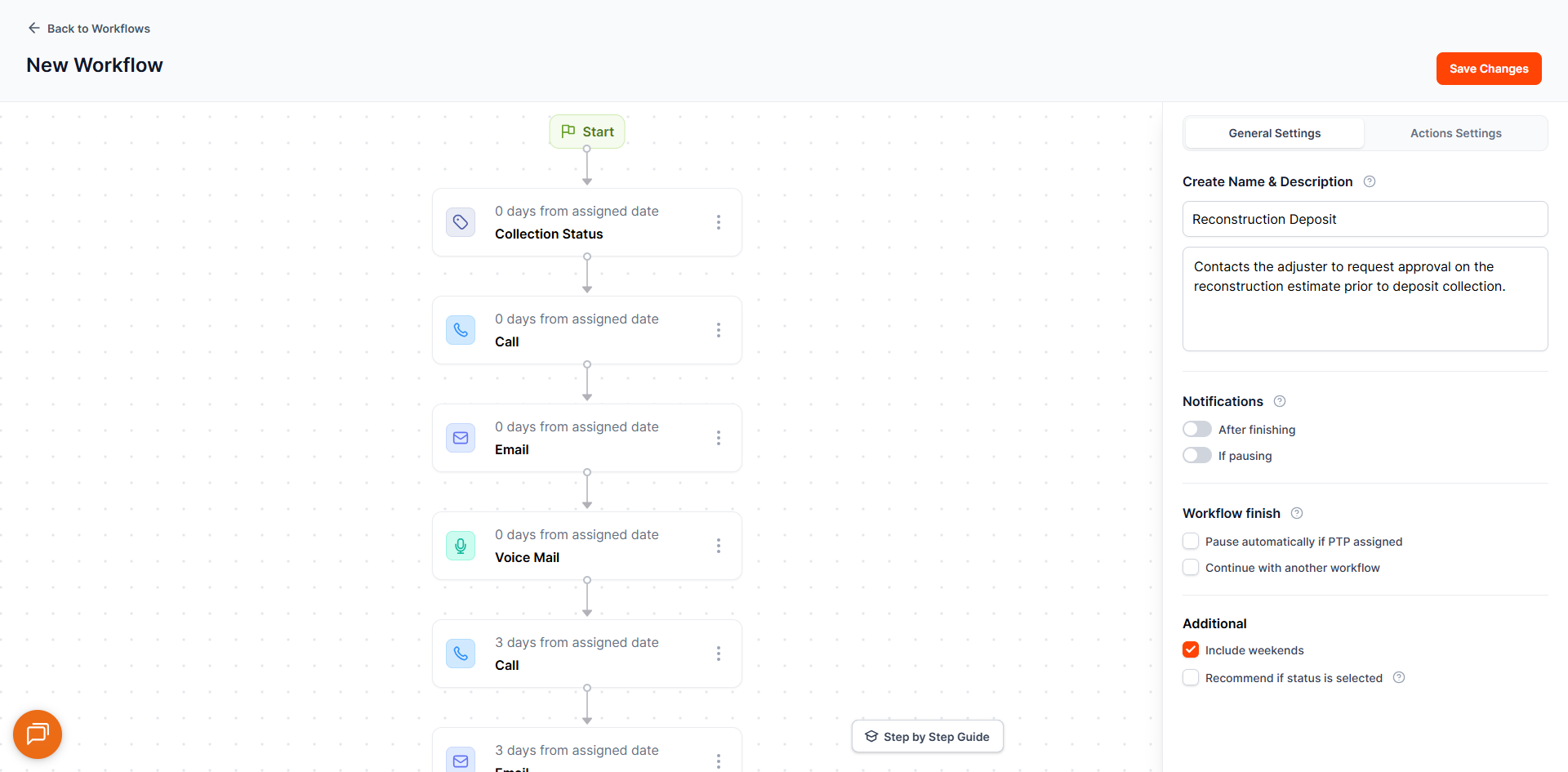
13. Reconstruction Deposit
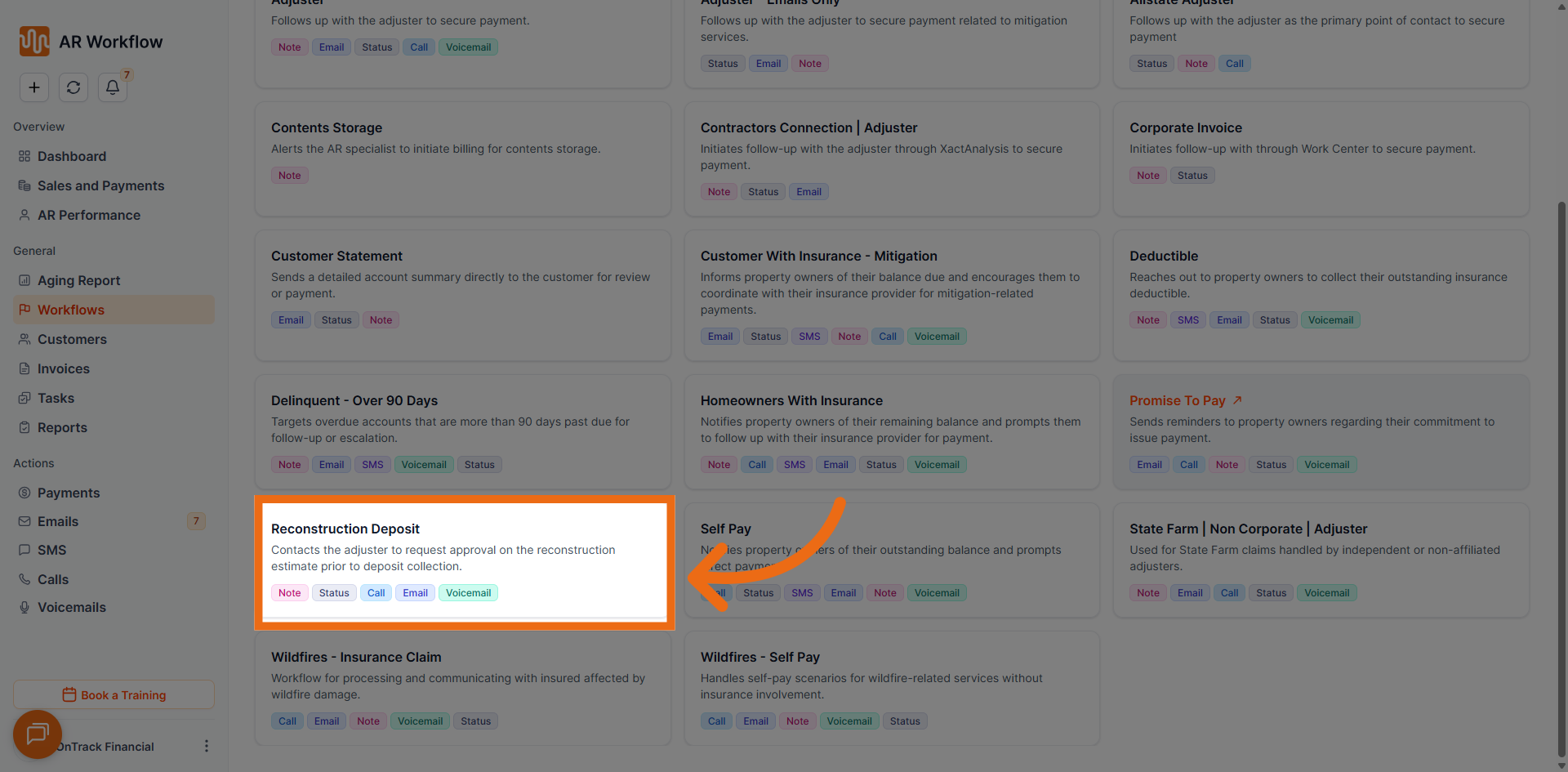
- Total Tasks: 14
- Duration: 10 days
- Tone of Messages: Neutral
- Usual Collection Status: Reconstruction Deposit
- Use Case: Supports deposit-related collections during reconstruction projects. Maintains timely follow-ups for customers who owe a deposit before or during an active reconstruction job.
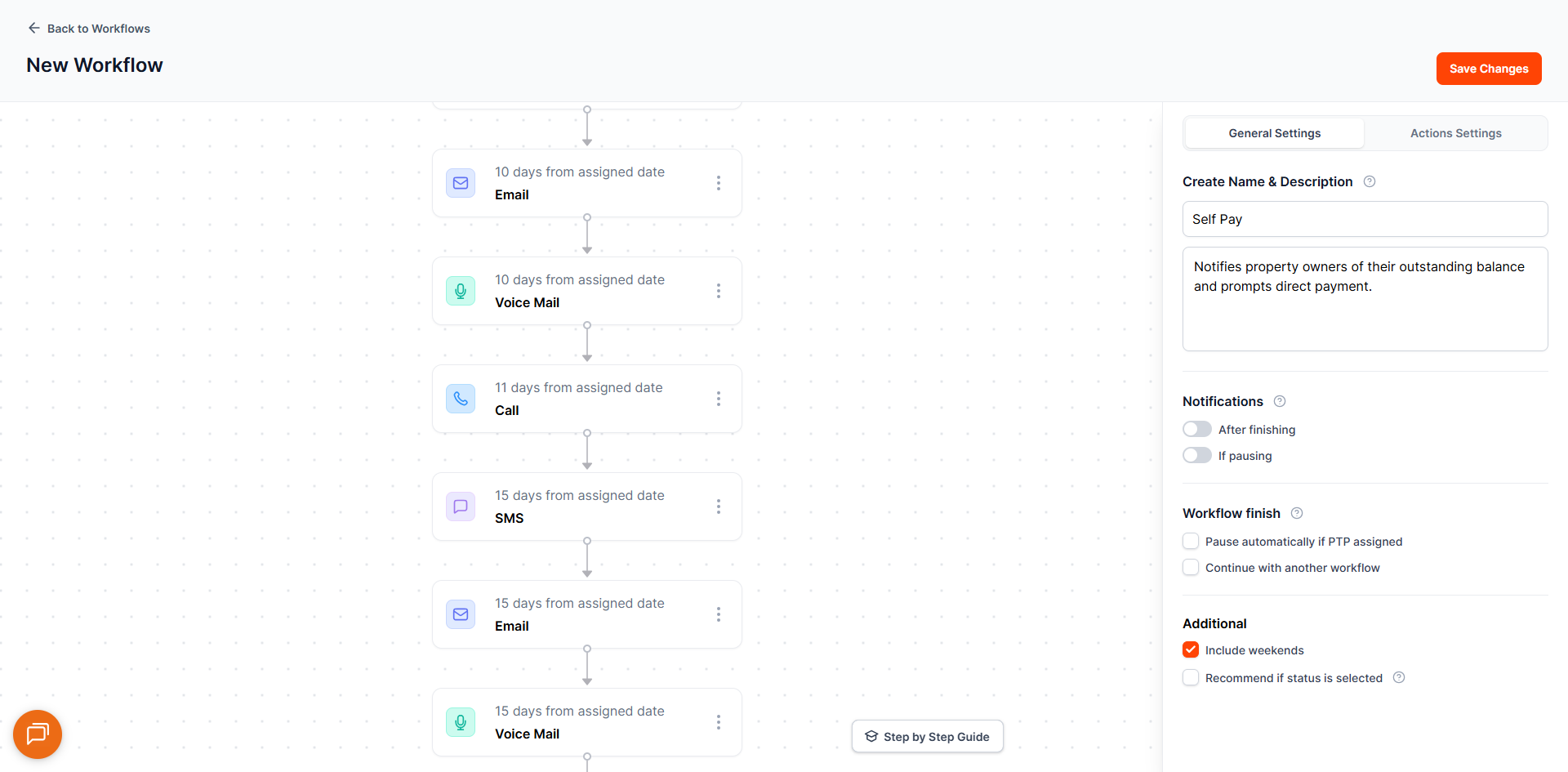
14. Self Pay
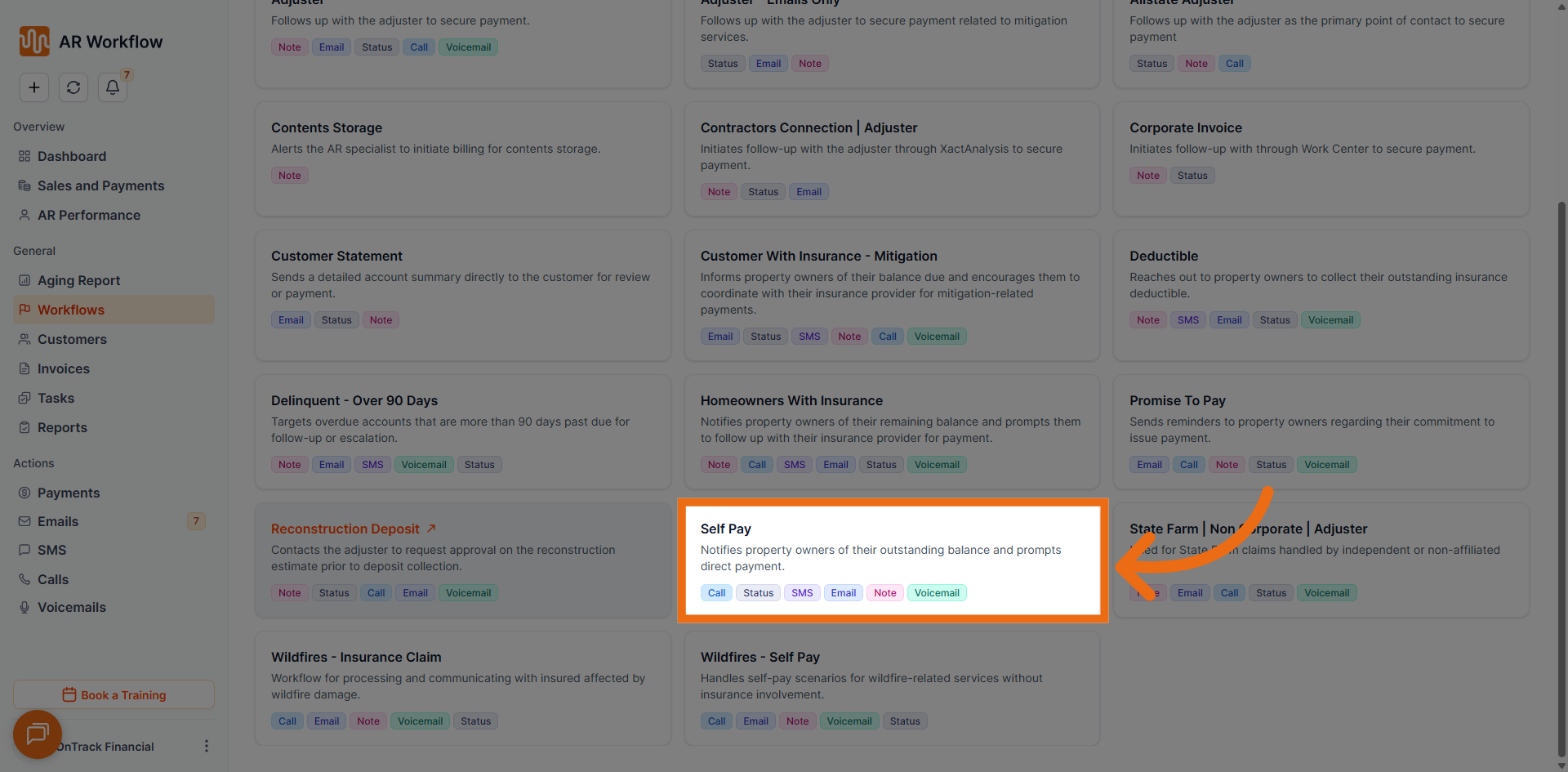
- Total Tasks: 31
- Duration: 35 days
- Tone of Messages: Professional Assertive
- Usual Collection Status: Self-Pay
- Use Case: Designed for customers paying directly without insurance involvement. Automates outreach for straightforward self-pay invoices, keeping communication consistent and collections on track.
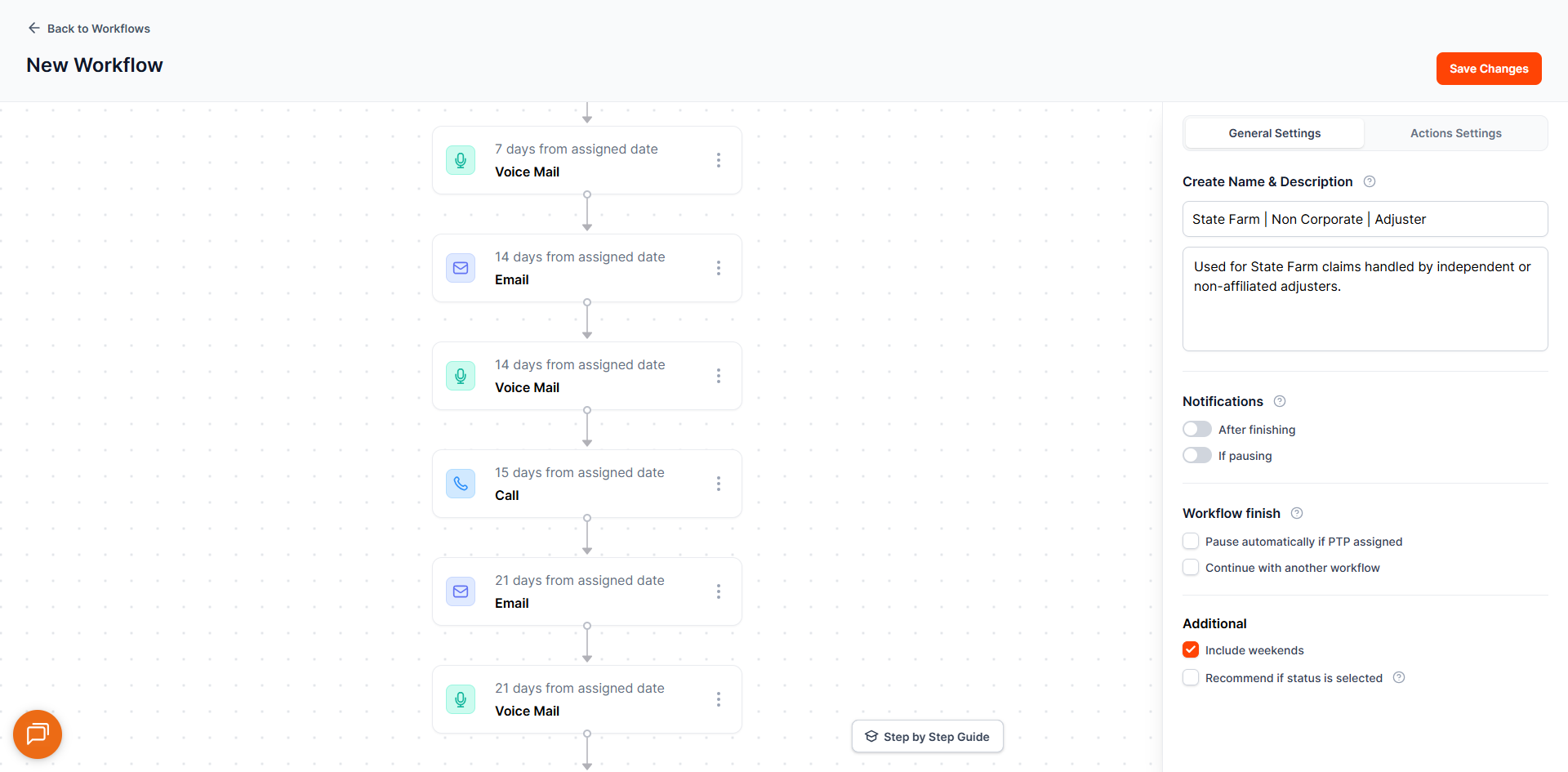
15. State Farm – Non Corporate – Adjuster
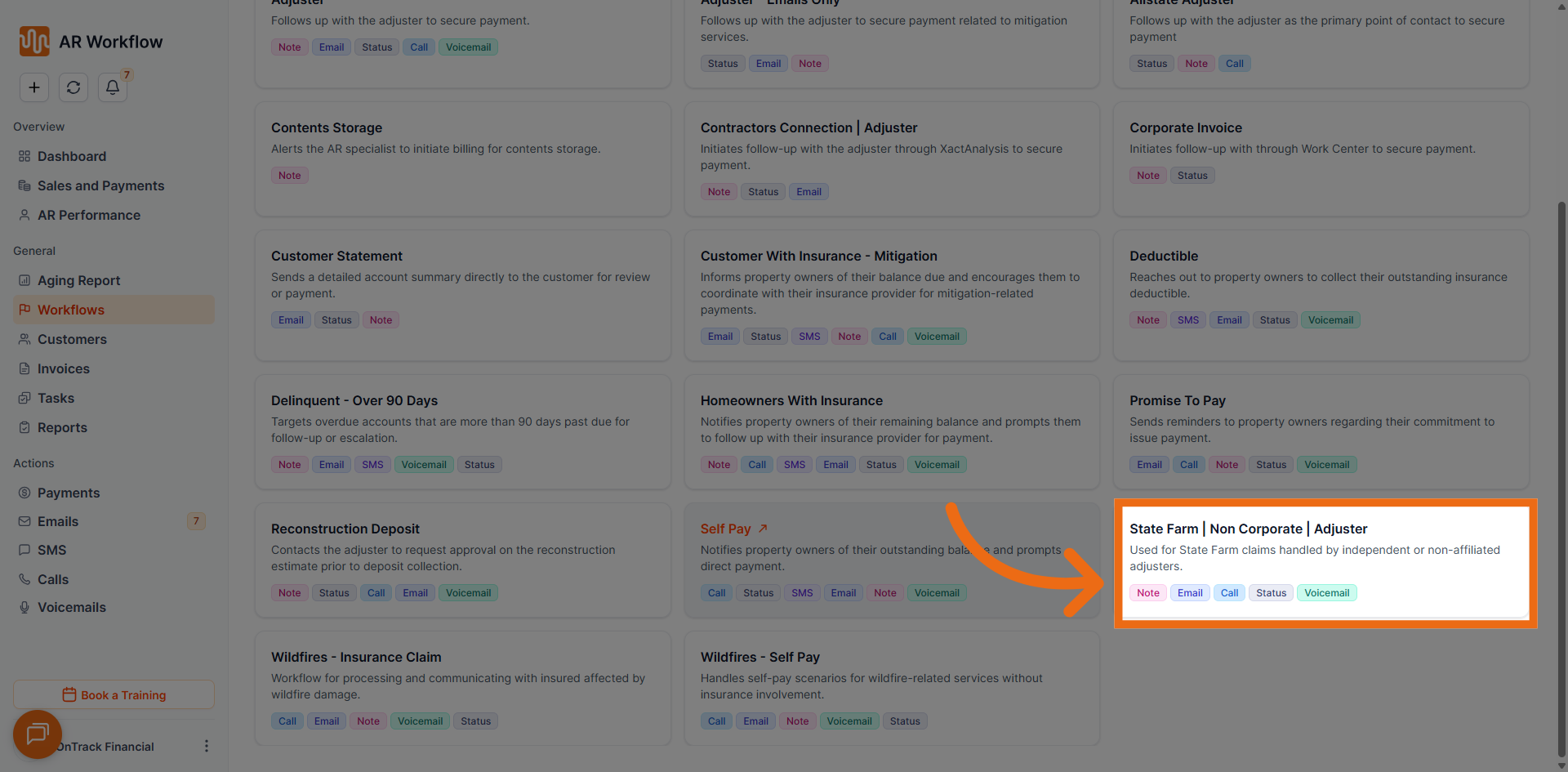
- Total Tasks: 18
- Duration: 31 days
- Tone of Messages: Neutral
- Usual Collection Status: Follow-Up with Adjuster
- Use Case: Supports State Farm non-corporate adjuster claims. Aligns communications with adjuster-specific workflows for State Farm-related invoices outside of corporate accounts.
16. Wildfires – Insurance Claim
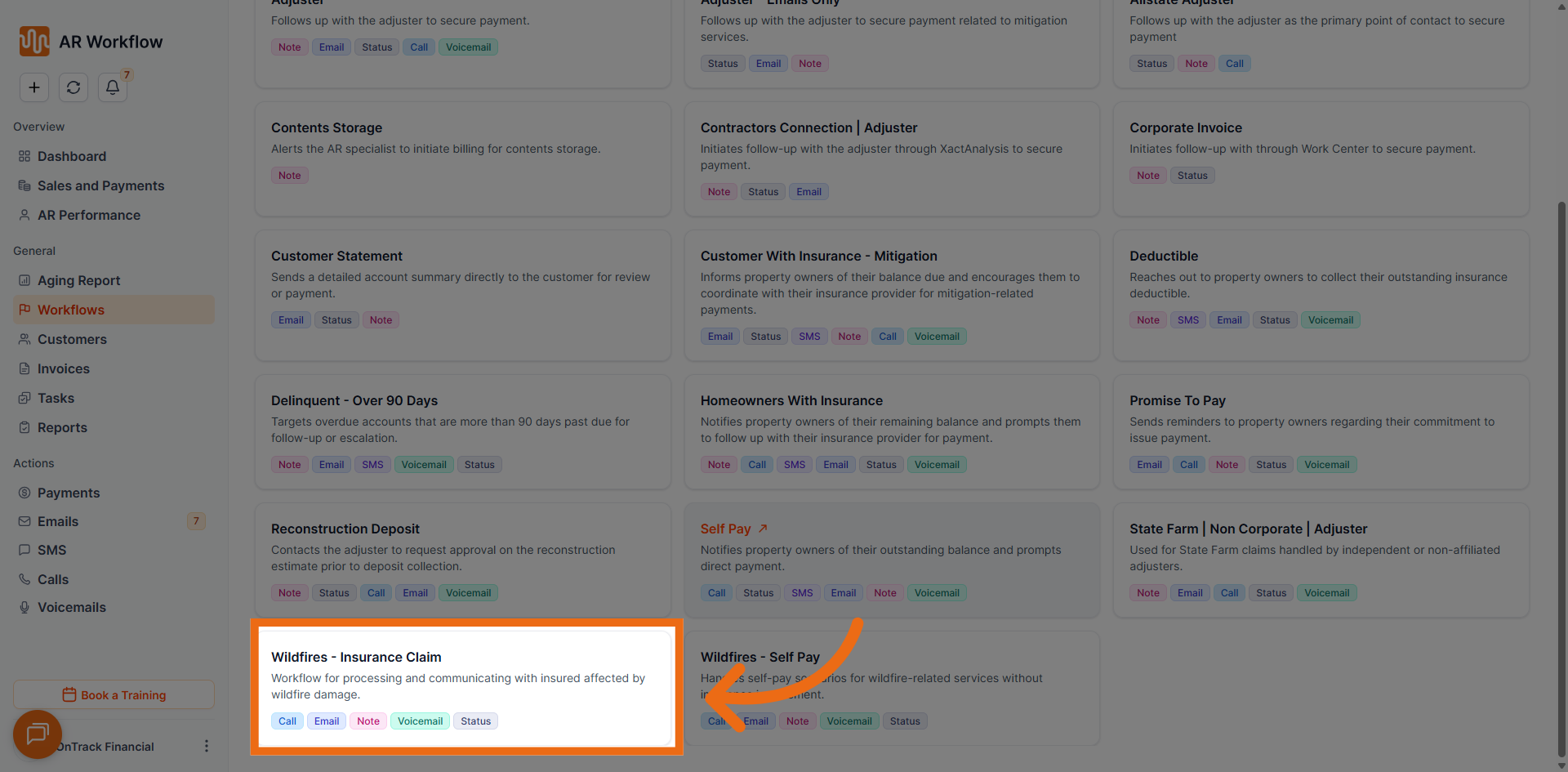
- Total Tasks: 23
- Duration: 66 days
- Tone of Messages: Neutral
- Usual Collection Status: Wildfire - Insurance
- Use Case: Tailored for wildfire-related insurance claims. Automates structured follow-ups in high-volume scenarios where multiple insurance-related invoices require consistent and timely outreach.
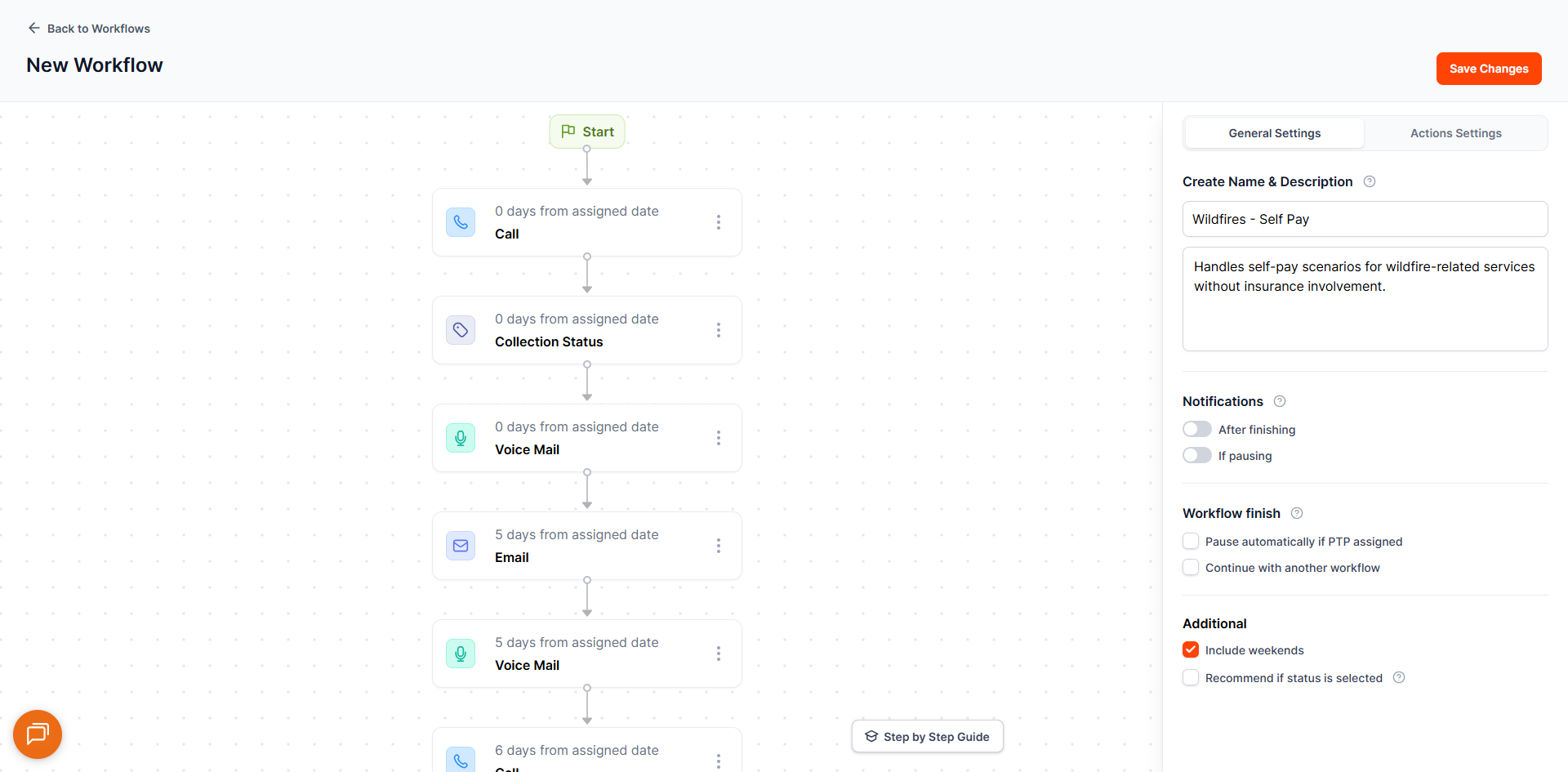
17. Wildfires – Self Pay
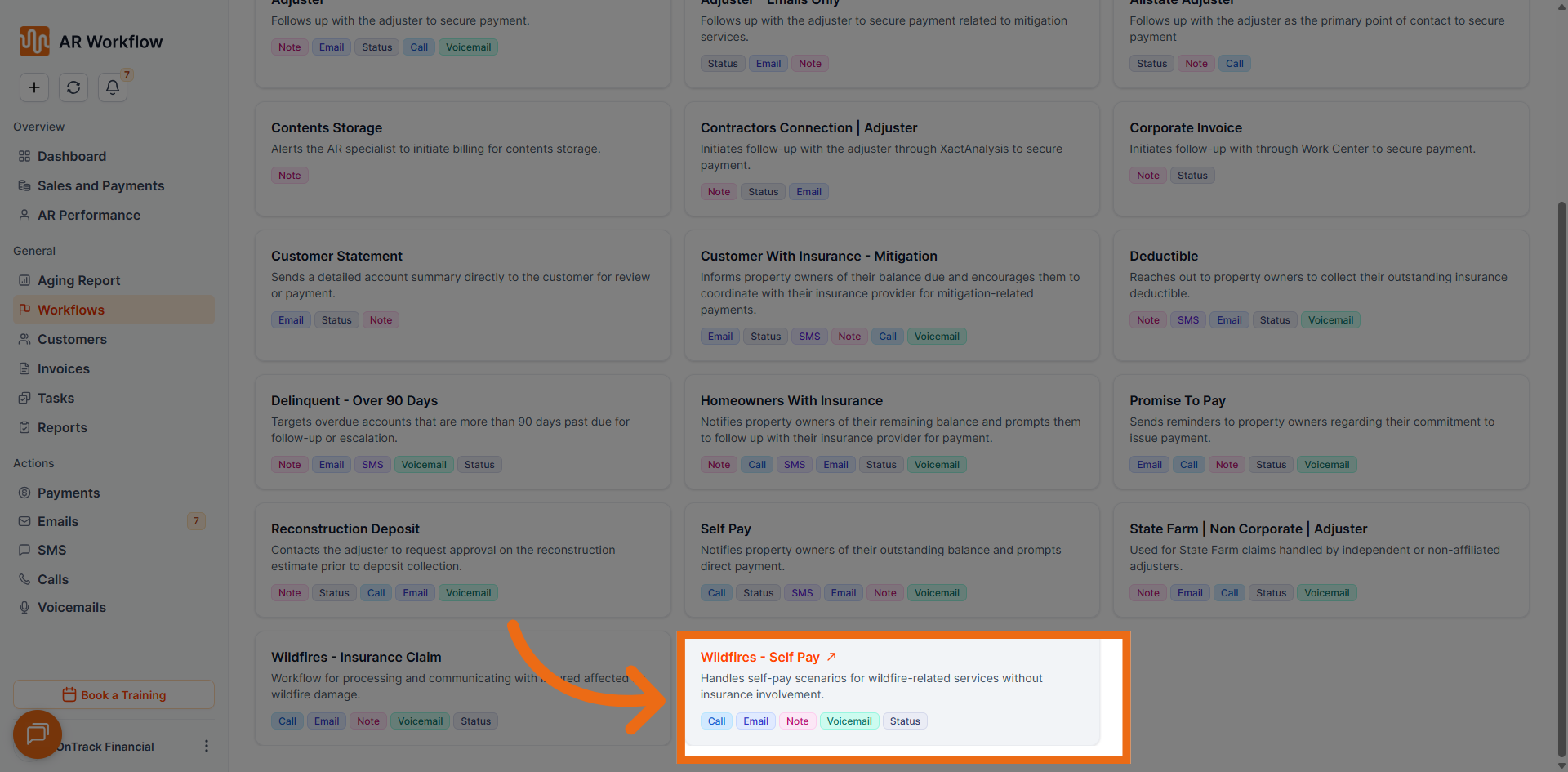
- Total Tasks: 42
- Duration: 62 days
- Tone of Messages: Professional Assertive
- Usual Collection Status: Wildfire - Self-Pay
- Use Case: Supports wildfire-related self-pay accounts. Ensures consistent outreach and visibility for customers paying directly for wildfire-related services without insurance involvement.
Choosing the Right Workflow
- Invoice involves an insurance adjuster → Adjuster, Allstate Adjuster, or State Farm Adjuster
- Customer is paying directly with no insurance → Self Pay or Wildfires – Self Pay
- Invoice is long overdue → Delinquent Over 90 Days
- Customer has made a payment commitment → Promise to Pay
- Invoice is for a corporate account → Corporate Invoice
- Customer has insurance mitigation → Customer with Insurance Mitigation
- Invoice involves a deductible → Deductible
- Invoice involves a reconstruction deposit → Reconstruction Deposit
- Wildfire-related insurance claim → Wildfires – Insurance Claim
Video Walkthrough
Watch the full walkthrough of all available workflow templates in action below. We recommend watching this video before your workflow meeting to familiarise yourself with the platform and feel fully prepared.
By reviewing this guide and watching the video before your workflow meeting, you will walk in fully prepared to assign the right automation for every invoice — ensuring consistent follow-ups, faster collections, and a smoother experience for you and your customers.