![cc5404e7b75e6d484a23b7d9f19a2774.png]](https://support.arworkflow.com/hs-fs/hubfs/cc5404e7b75e6d484a23b7d9f19a2774.png?height=50&name=cc5404e7b75e6d484a23b7d9f19a2774.png)
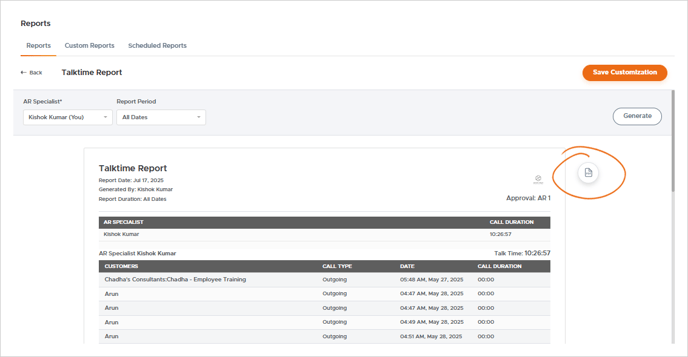
You can monitor an AR Specialist's Talktime by pulling the Talktime Report.
View: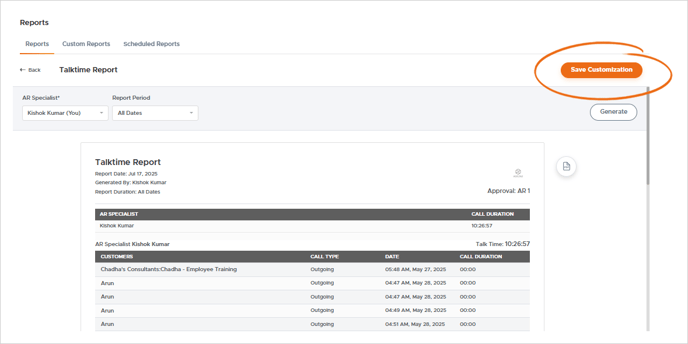
View:
-
Customer Name
-
Call Type (Incoming/Outgoing)
-
Date of the Call
-
Call Duration
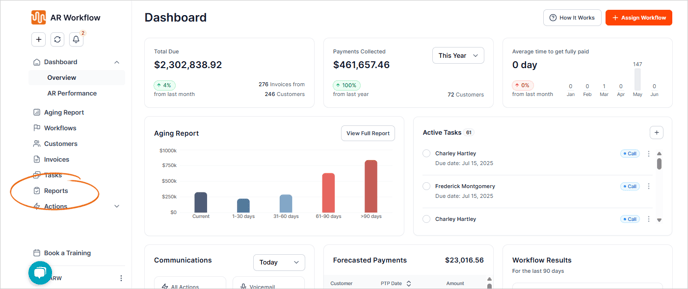
Go to the Reports tab.
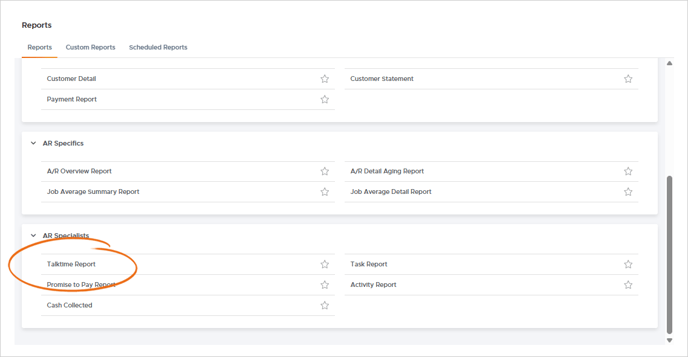
Under the AR Specialist section, choose Talktime Report.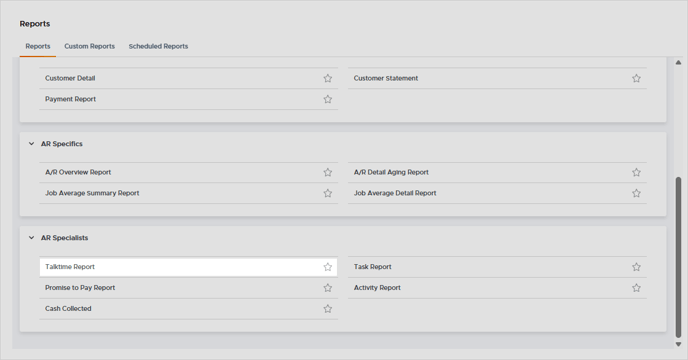
Use the Save Customization button to save this report filters for ease of use. You will find all custom reports in the Custom Reports tab.

Download a PDF copy of this report by selecting the Export to PDF icon.