![cc5404e7b75e6d484a23b7d9f19a2774.png]](https://support.arworkflow.com/hs-fs/hubfs/cc5404e7b75e6d484a23b7d9f19a2774.png?height=50&name=cc5404e7b75e6d484a23b7d9f19a2774.png)
The SMS Tab stores all SMS conversation history. From this tab, you can send a new SMS, view all sent SMS, Archive an SMS, and view previously Archived messages.
The SMS Tab is divided into three sections:
-
Inbox
-
Sent
-
Archived
Inbox
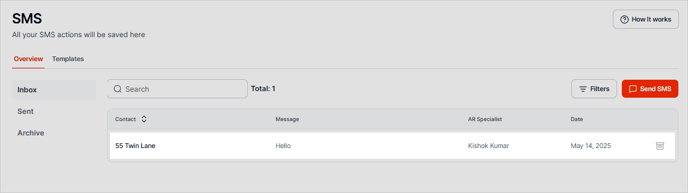
Similar to your phone's inbox, all SMS text messages are saved in this tab. The SMS list will give you a sneak peek of the message, however, to view the entire back-and-forth conversation, simply click on the Message preview.
To reply, type your message in the message box. Use Merge Fields or a pre-defined SMS template to auto-populate customer information into the text.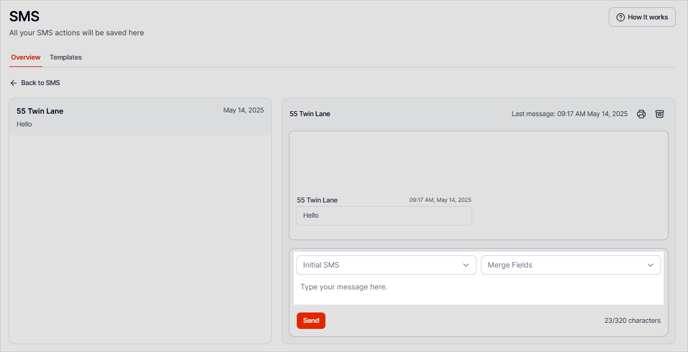
To create a new SMS message, click the Send SMS button.

You also have the option to filter your SMS messages and sort them by clicking the Filters button.
The Filter tool is also available in the Sent and Archived tabs
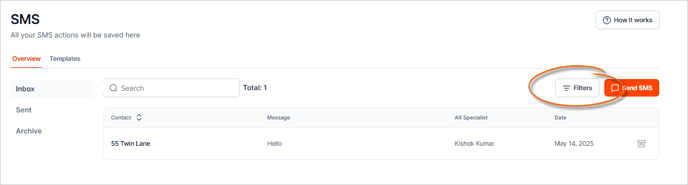
To remove the applied filters, click Reset All.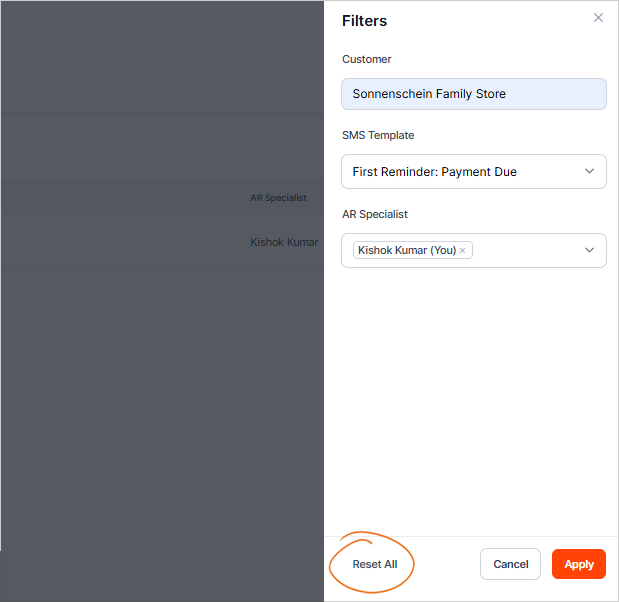
Archive an SMS Message
To archive an SMS message, click the Archive icon on the SMS you want to archive.

You also have the option to archive messages from the open SMS thread.

Sent
The Sent tab consists of all sent SMS messages delivered to your customers.

Similar to your SMS Inbox, you can click an SMS message and compose your message in the given SMS message editor.
Archived
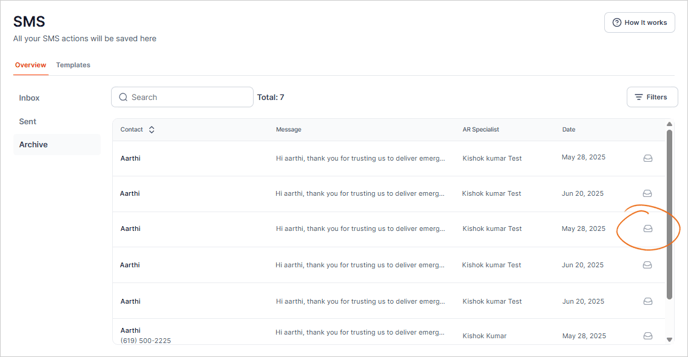
The Archived tab contains all archived messages from both your Inbox and Sent SMS messages.

You can unarchive an SMS message from this list by clicking the Unarchive icon.