![cc5404e7b75e6d484a23b7d9f19a2774.png]](https://support.arworkflow.com/hs-fs/hubfs/cc5404e7b75e6d484a23b7d9f19a2774.png?height=50&name=cc5404e7b75e6d484a23b7d9f19a2774.png)
Similar to the other tables found in AR Workflow, you can customize the data you want to be displayed and reorder the columns based on your personal preference.
1. Navigate to the Invoices tab.

2. Click the Cogwheel icon.

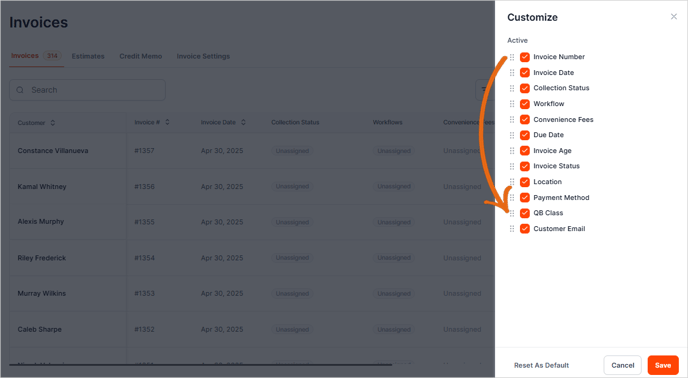
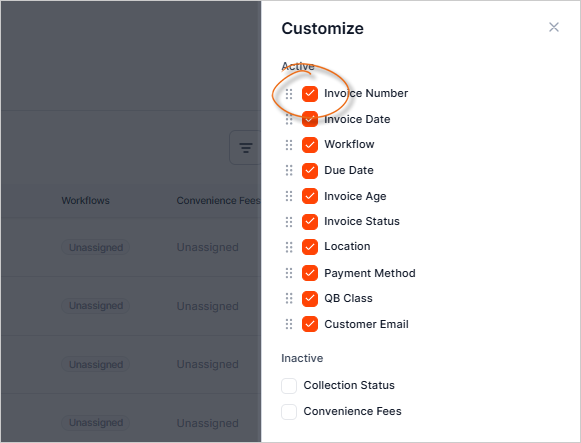
3. Choose the items you'd like to display.
4. Drag the columns to your desired position.
5. Click Save to apply your changes.
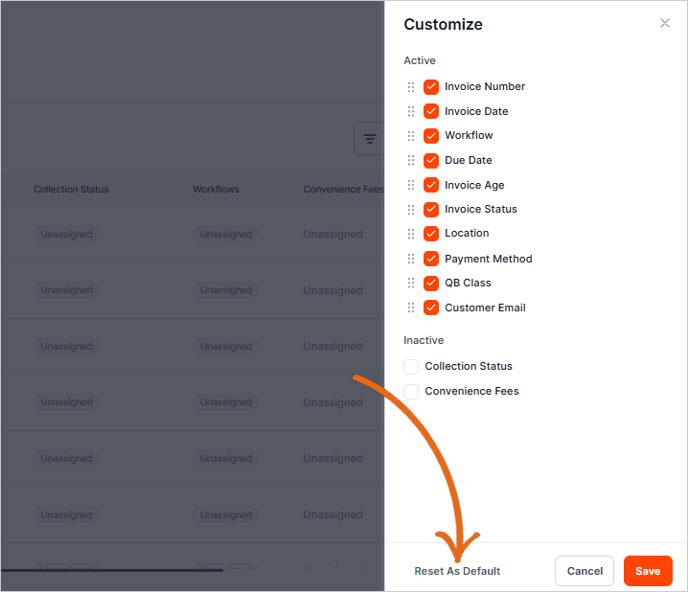
6. To reset the arrangement of the columns, click Reset As Default.