![cc5404e7b75e6d484a23b7d9f19a2774.png]](https://support.arworkflow.com/hs-fs/hubfs/cc5404e7b75e6d484a23b7d9f19a2774.png?height=50&name=cc5404e7b75e6d484a23b7d9f19a2774.png)
Quick Action Drop-Down
Use the + Quick Action drop-down from anywhere in the software to perform the following actions:
- Add task
- Call a customer
- Send voicemail
- Send email using a template
- Send an SMS using a template
- Add a note
- Enter a promise to pay
- Collect a payment
- Create an invoice
The + Quick Action drop-down is conveniently placed at the top of AR Workflow and can be accessed from any screen in the software.

For example:
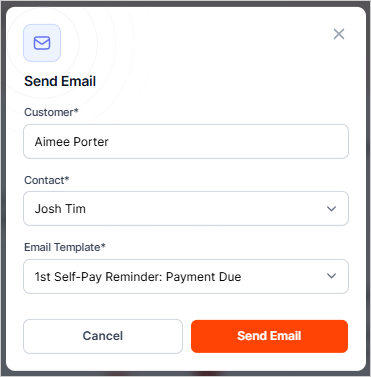
If you need to quickly send an email to a customer, select the + Quick Action drop-down and select Send email from the list.

Search for the customer.

Select the Billing Contact you wish to send the email to.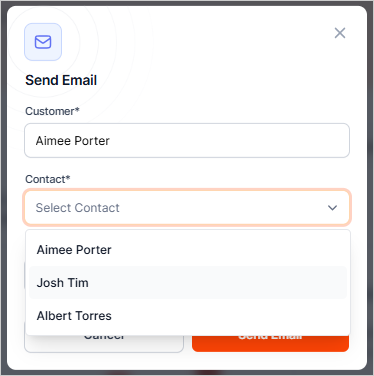
Choose an email template from the drop-down and press Send Email.