![cc5404e7b75e6d484a23b7d9f19a2774.png]](https://support.arworkflow.com/hs-fs/hubfs/cc5404e7b75e6d484a23b7d9f19a2774.png?height=50&name=cc5404e7b75e6d484a23b7d9f19a2774.png)
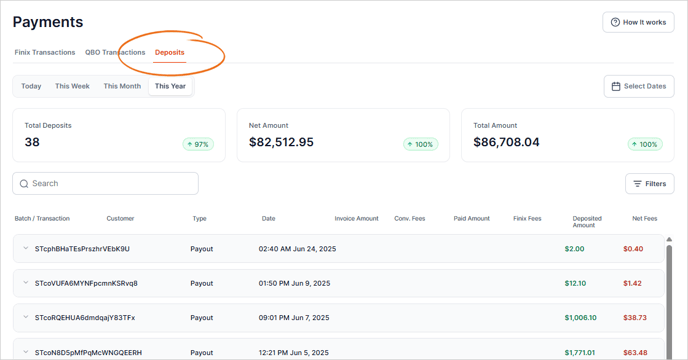
Navigate to the Payment tab and select the tab option for Deposits.
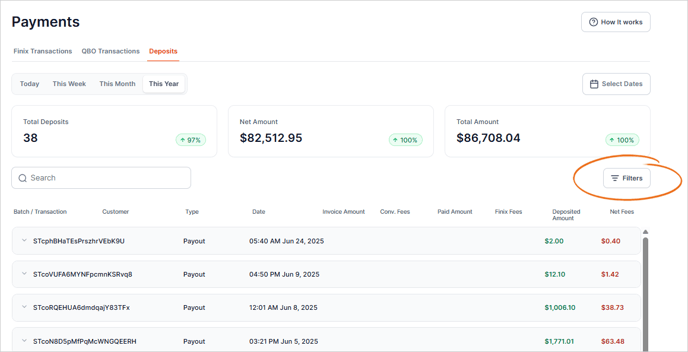
To filter the list, click the Filters button.
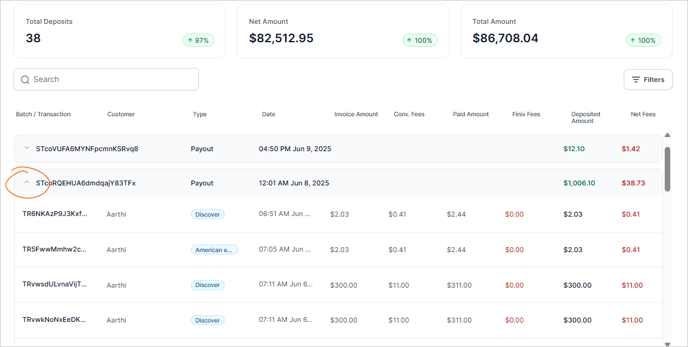
Review Deposit Details
- Click the expand icon to open the deposit details.
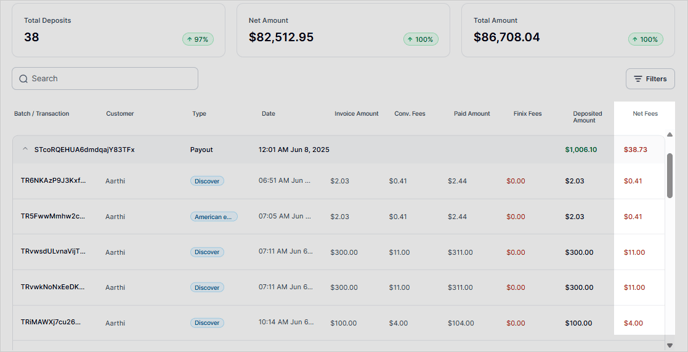
The columns show the breakdown of each transaction.
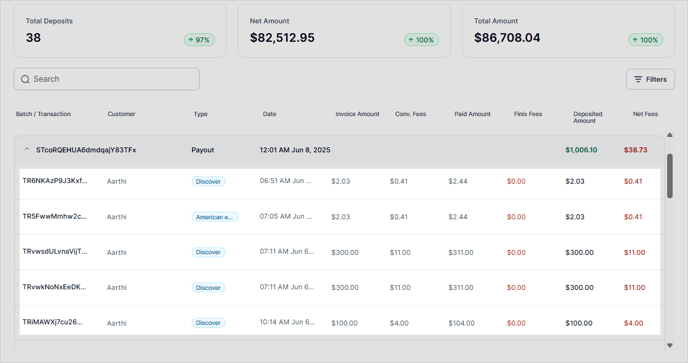
1️⃣ The first column displays the Invoice Amount.
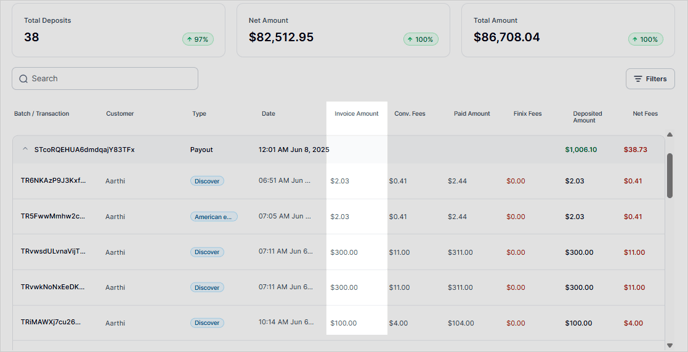
2️⃣ The next column shows the Convenience Fees charged.
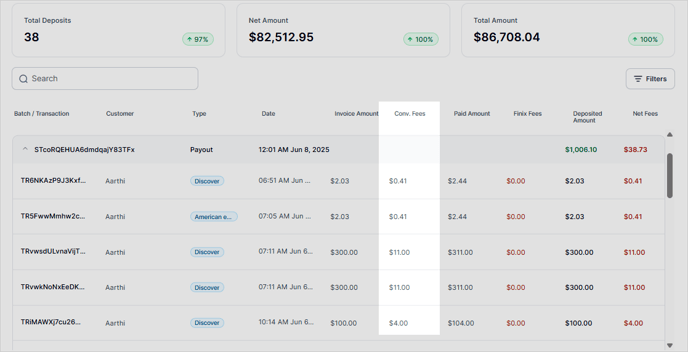
3️⃣ The Paid Amount will be the total amount paid, including any convenience fees.
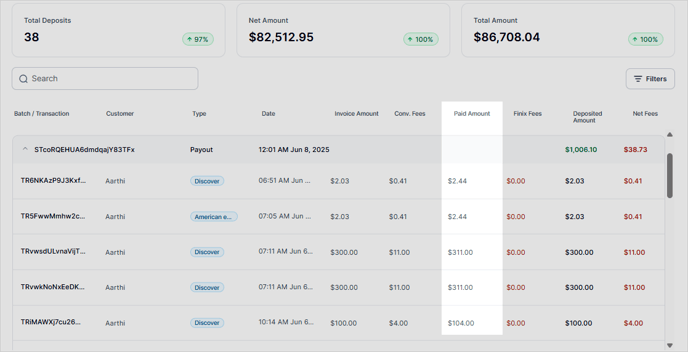
4️⃣ The Platform Fee, charged by Finix is reflected in this column.
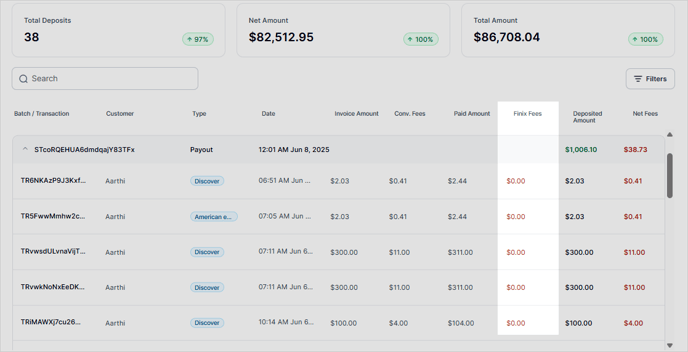
5️⃣ The Deposited Amount shows the amount deposited into the bank account.
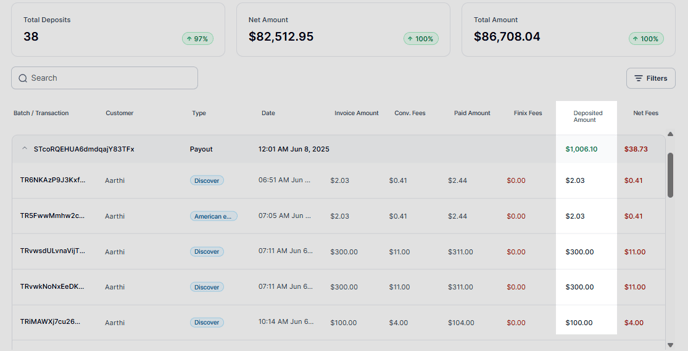
6️⃣ Net Fees are the fees you were charged if the Convenience Fee was less than the Platform Fee.