![cc5404e7b75e6d484a23b7d9f19a2774.png]](https://support.arworkflow.com/hs-fs/hubfs/cc5404e7b75e6d484a23b7d9f19a2774.png?height=50&name=cc5404e7b75e6d484a23b7d9f19a2774.png)
This article covers adding and editing payment methods used within AR Workflow.
Add a Payment Method
1. Navigate to the Invoices tab.
2. Go to Invoice Settings.

3. Navigate to the Payment Methods tab.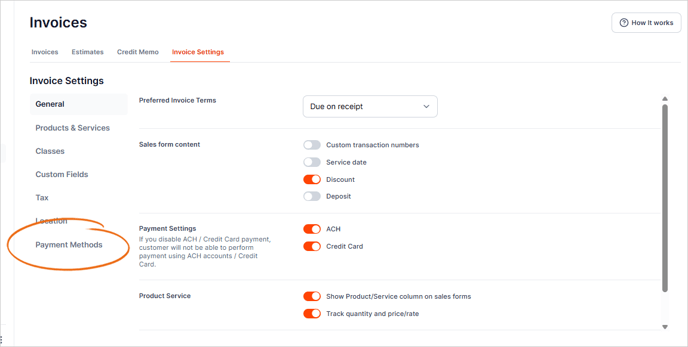
4. Click the + Create Payment Method button.

5. Type the Name of the Payment Method.

6. If the Payment Method is a credit card, click the This is a credit card checkbox.

7. Once done, click Save.
Edit a Payment Method
1. From the Invoice Settings tab, select Payment Methods.
2. In the ACTION column, click the three-dots icon and choose Make Inactive.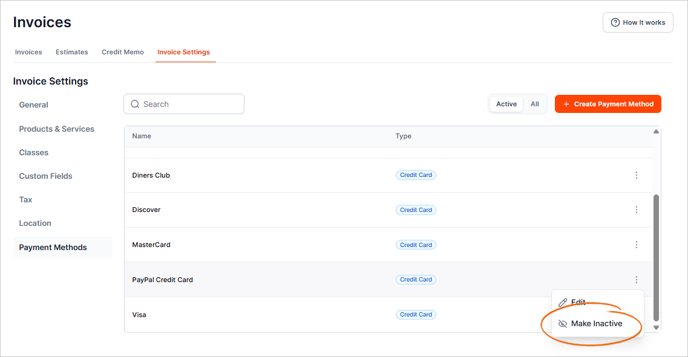
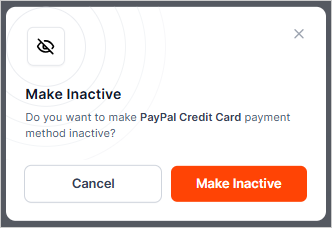
3. Click Make Inactive.