![cc5404e7b75e6d484a23b7d9f19a2774.png]](https://support.arworkflow.com/hs-fs/hubfs/cc5404e7b75e6d484a23b7d9f19a2774.png?height=50&name=cc5404e7b75e6d484a23b7d9f19a2774.png)
The Invoice page in AR Workflow has been completely redesigned. The new UI gives your team instant visibility into what matters most — outstanding balances, workflow coverage gaps, overdue invoices, and key performance metrics — without having to navigate away from the page or pull separate reports.
Invoice Summary Cards
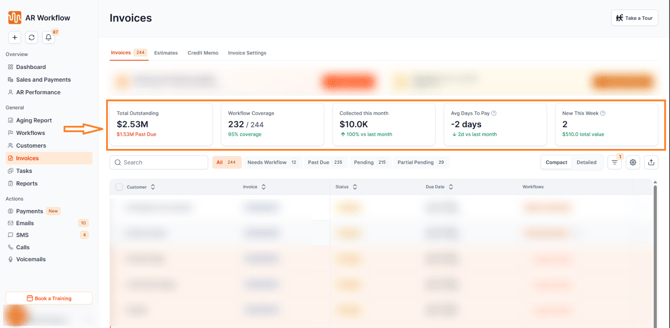
At the top of the Invoice page, you will now see a set of summary cards providing a real-time snapshot of your collections performance. The following metrics are displayed:
-
Total Outstanding — The total balance across all open invoices.
-
Workflow Coverage — The percentage of invoices currently assigned to a workflow, helping you identify gaps in your automated follow-up.
-
Collected This Month — The total amount collected in the current calendar month.
-
Avg Days To Pay — The average number of days it takes customers to pay their invoices.
-
New This Week — The number of new invoices added during the current week.
Workflow Coverage Summary
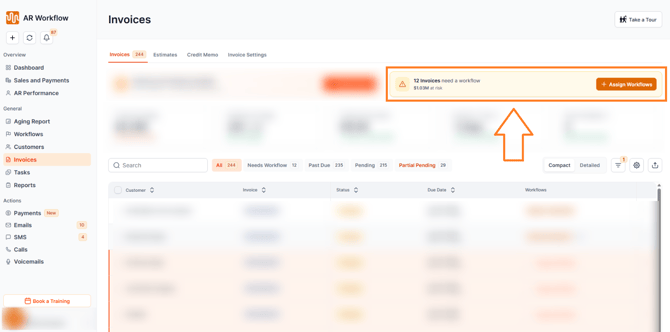
The new Workflow Coverage Summary highlights invoices that have not yet been assigned to a workflow. A quick Assign Workflows action is available directly from this section, allowing your team to close coverage gaps in one click and ensure every invoice has an automated follow-up sequence running.
Quick Filter Tabs
A set of quick filter tabs has been added to the Invoice page, allowing your team to instantly segment invoices without manually applying filters. Each tab displays a dynamic live count.
Click the Filter button at the top of the invoice list to access the tabs.
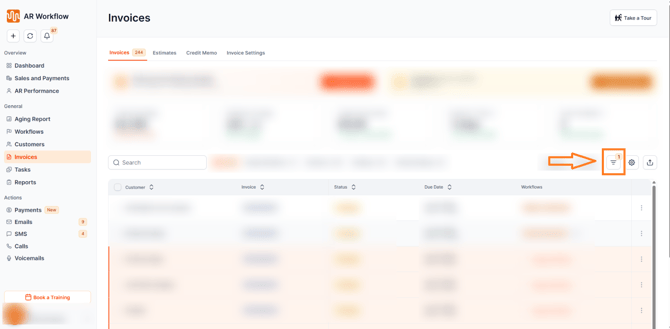
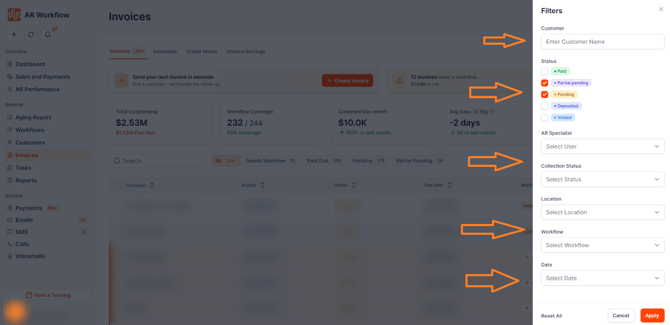
From there, select any of the following tabs to filter your invoice list instantly:
-
All — Displays every invoice across all statuses.
-
Needs Workflow — Shows invoices that have not been assigned to a workflow.
-
Past Due — Displays invoices that have passed their due date without payment.
-
Pending — Shows invoices currently awaiting payment.
-
Partial Pending — Displays invoices that have received a partial payment with a remaining balance outstanding.
Compact & Detailed Views
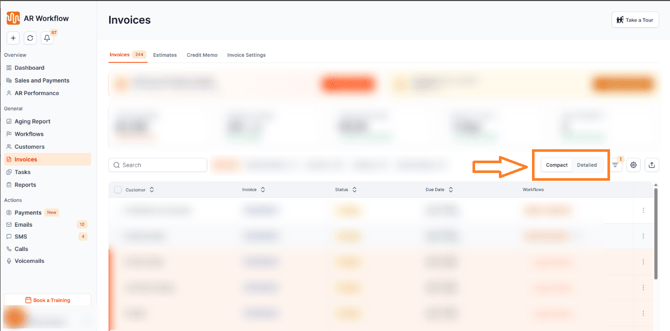
Users can now switch between two invoice view modes depending on what their team needs:
-
Compact View — A simplified, condensed view that allows your team to scan through a larger number of invoices quickly.
-
Detailed View — A full view showing all invoice fields and information for a more thorough review.
Bulk Actions
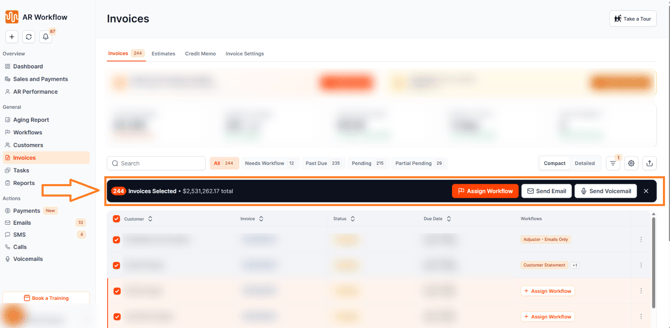
The Invoice page now supports bulk actions, allowing your team to take action on multiple invoices simultaneously. Select one or more invoices to access the following bulk actions:
-
Assign Workflow — Assign a workflow to all selected invoices at once.
-
Send Email — Send an email to the customers associated with the selected invoices.
-
Send Voicemail — Send a voicemail to the customers associated with the selected invoices.
Enhanced CSV Export
CSV exports from the Invoice page now include summary metrics in addition to the invoice list data, giving you a more complete picture when exporting for reporting or external use.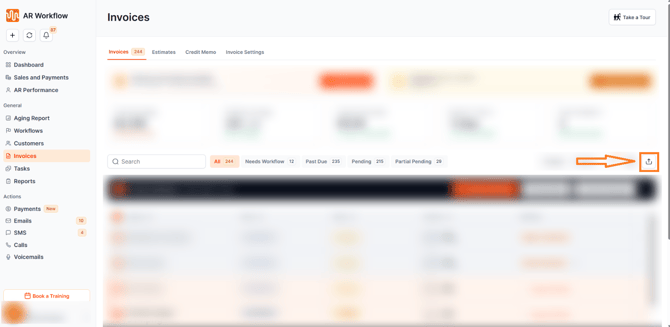
Need Help?
If you have questions about the new Invoice page or any of its features, reach out to AR Workflow Support at support@arworkflow.com.