![cc5404e7b75e6d484a23b7d9f19a2774.png]](https://support.arworkflow.com/hs-fs/hubfs/cc5404e7b75e6d484a23b7d9f19a2774.png?height=50&name=cc5404e7b75e6d484a23b7d9f19a2774.png)
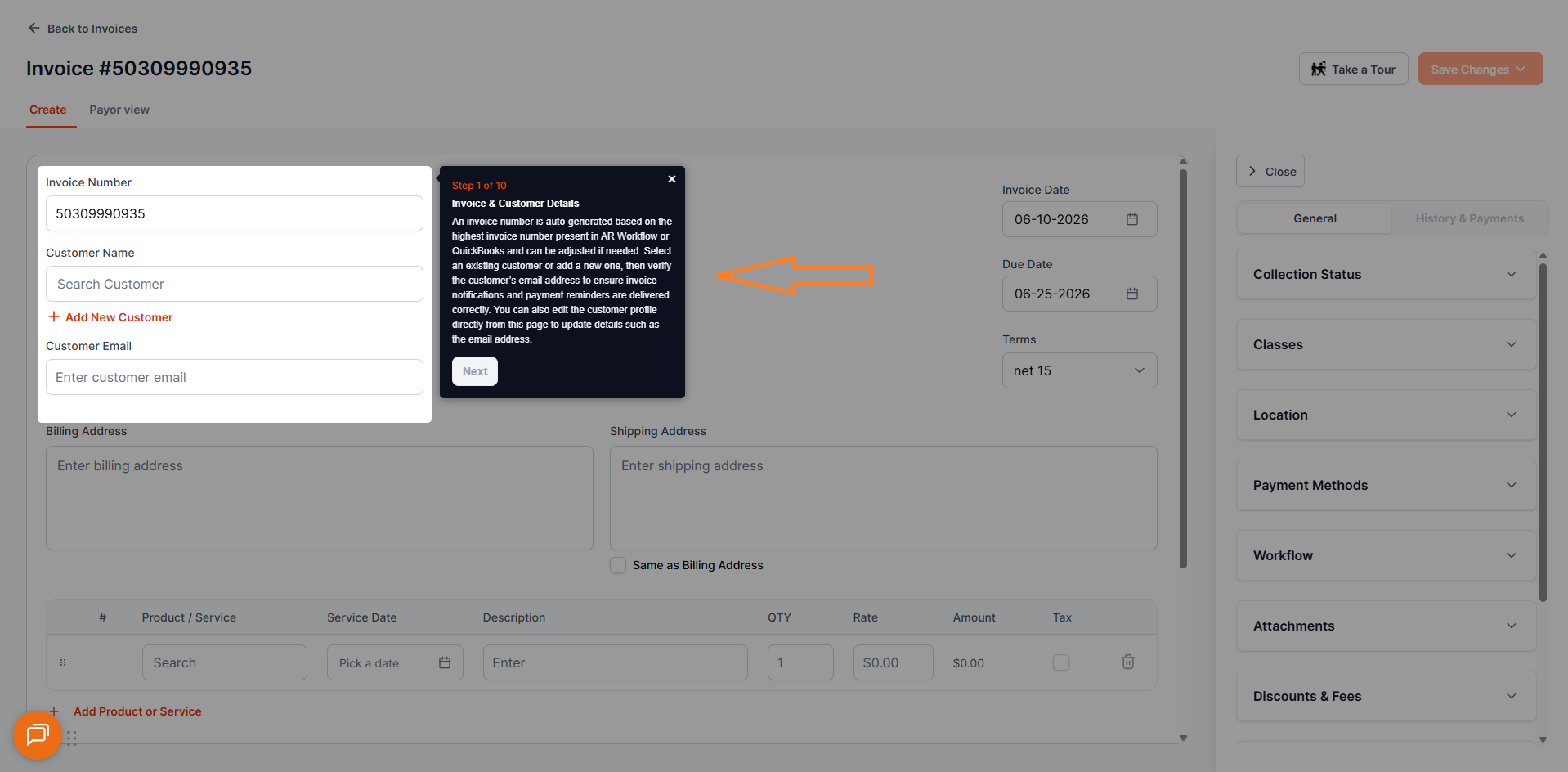
The Invoice Product Tour is a built-in interactive guide that walks you through the process of creating an invoice and assigning it to a workflow in real time, directly on the platform. Whether you are setting up your first invoice or onboarding a new team member, the tour gives you a hands-on, guided experience without needing to leave AR Workflow or reference external documentation.
What the Product Tour Covers
The Invoice Product Tour walks you through every key step involved in creating an invoice in AR Workflow — from navigating to the Invoices section, filling in the invoice details, all the way through assigning the invoice to a workflow so your automated follow-up sequence kicks off immediately. Each step is highlighted directly on the platform so you always know exactly where to click and what to do next.
How to Launch the Product Tour
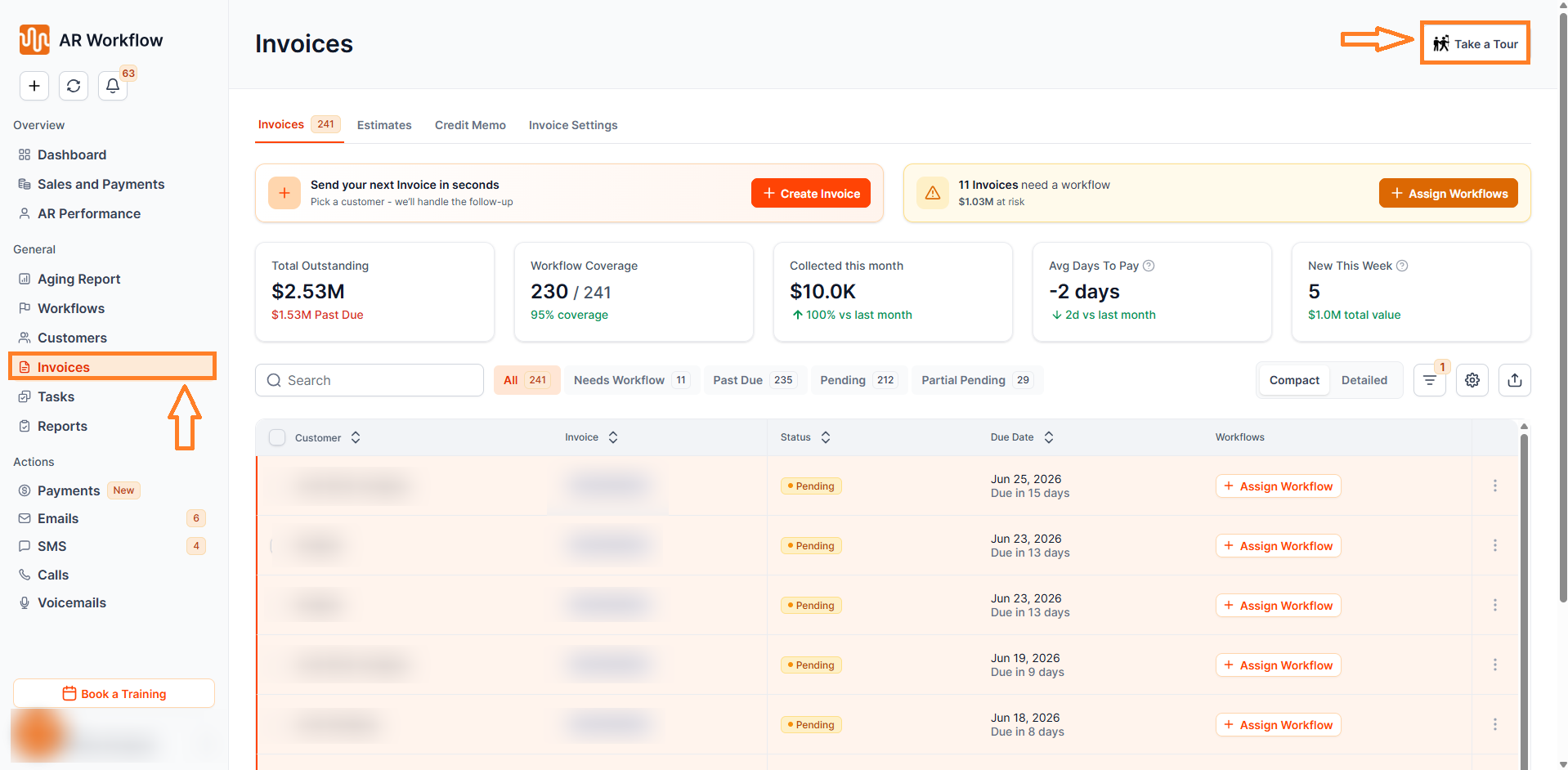
The tour is available directly from the Invoices section of AR Workflow. Look for the Product Tour option on the page and click it to begin. The guide will walk you through each step interactively — you can move through the tour at your own pace.
The tour can be launched as many times as needed and is available to all users at any time.
Who Should Use the Product Tour
The Invoice Product Tour is useful for any member of your team who wants to get comfortable with invoice creation and workflow assignment, including new team members being onboarded to AR Workflow who need a guided introduction to the invoicing process, existing users who want a quick refresher on how invoices are created and assigned, and Admins and AR Managers looking to streamline the onboarding process for their team.
Why It Matters
Creating an invoice and immediately assigning it to a workflow is one of the most impactful actions your team can take in AR Workflow — it ensures that every new invoice is instantly enrolled in an automated follow-up sequence, reducing manual effort and keeping your collections process moving from day one. The Invoice Product Tour makes this process easy to learn and repeat, no matter how experienced your team is with the platform.
Need Help?
If you have questions about creating invoices or assigning workflows and need help beyond what the Product Tour covers, reach out to AR Workflow Support at support@arworkflow.com.