![cc5404e7b75e6d484a23b7d9f19a2774.png]](https://support.arworkflow.com/hs-fs/hubfs/cc5404e7b75e6d484a23b7d9f19a2774.png?height=50&name=cc5404e7b75e6d484a23b7d9f19a2774.png)
The view an Invoice's Audit Logs, follow these steps:
1. Navigate to the Invoices tab.

2. Open the invoice you wish to dive into by clicking directly on the invoice number.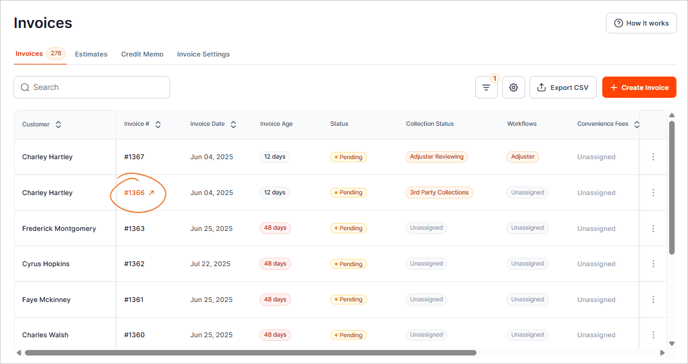
3. Go to History & Payments.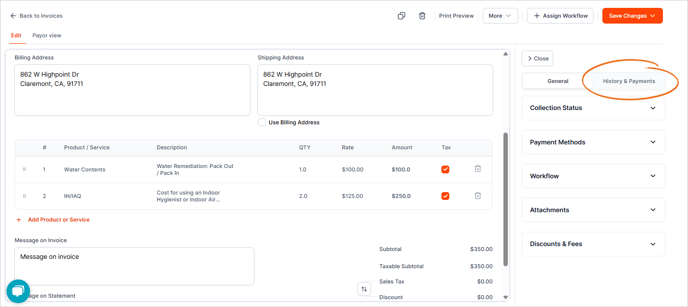
4. Click on an activity to view the audit logs and other additional details.
