![cc5404e7b75e6d484a23b7d9f19a2774.png]](https://support.arworkflow.com/hs-fs/hubfs/cc5404e7b75e6d484a23b7d9f19a2774.png?height=50&name=cc5404e7b75e6d484a23b7d9f19a2774.png)
Filter the Voicemail List to Display Relevant Voicemails
1. Navigate to the Voicemail tab.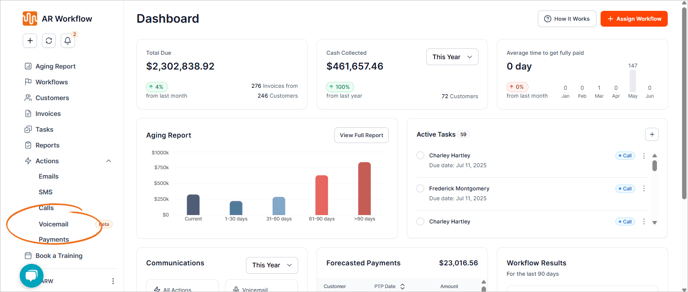
2. Click the Filters button.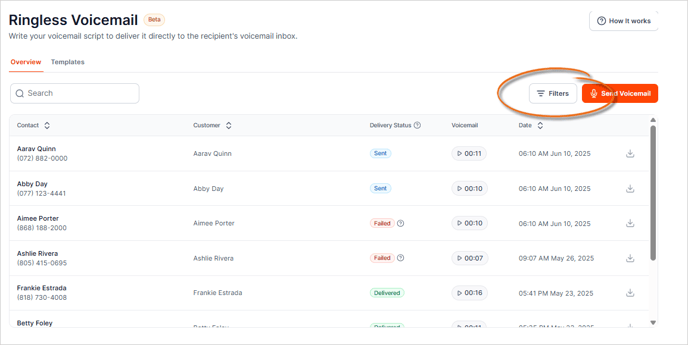
3. Choose the filters you want to apply.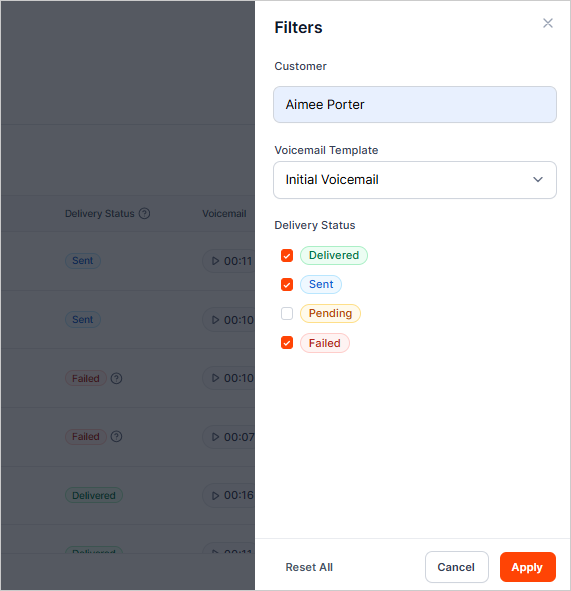
4. Click Apply to update the list.
5. You can also use the Search box to find a specific contact.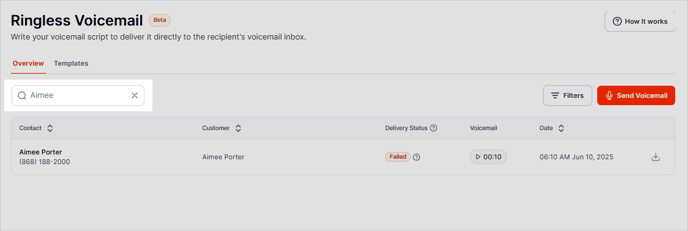
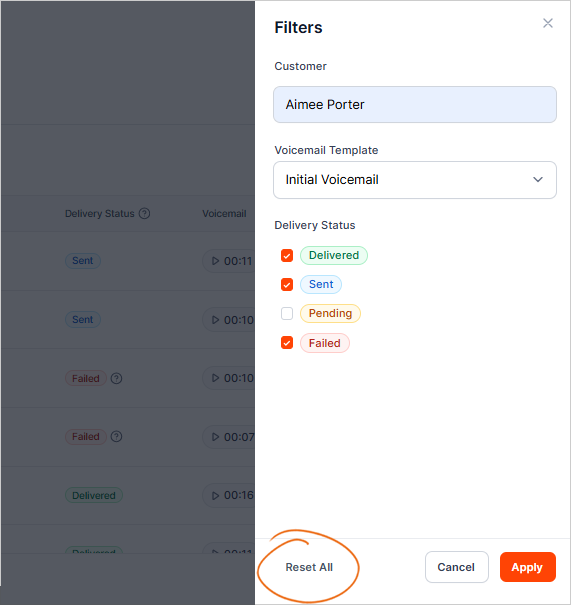
6. To remove all filters, click Reset All.