![cc5404e7b75e6d484a23b7d9f19a2774.png]](https://support.arworkflow.com/hs-fs/hubfs/cc5404e7b75e6d484a23b7d9f19a2774.png?height=50&name=cc5404e7b75e6d484a23b7d9f19a2774.png)
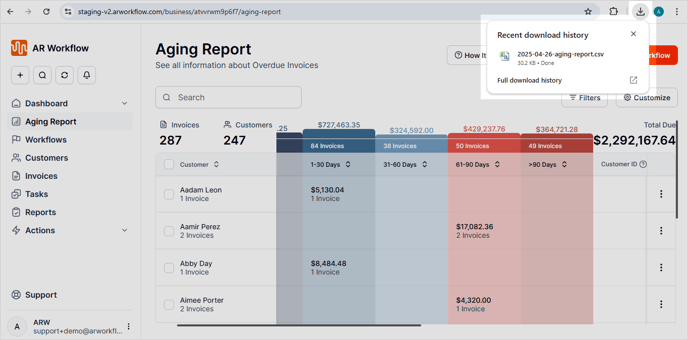
The Aging Report can be exported in a CSV file in 2 ways:
-
Export ALL customers
-
Export SELECTED customers
1. Navigate to the Aging Report tab.

2. Click the Export CSV button.
NOTE: To export SELECTED customers, select those customers in the Aging Report before selecting Export CSV

3. Choose Export.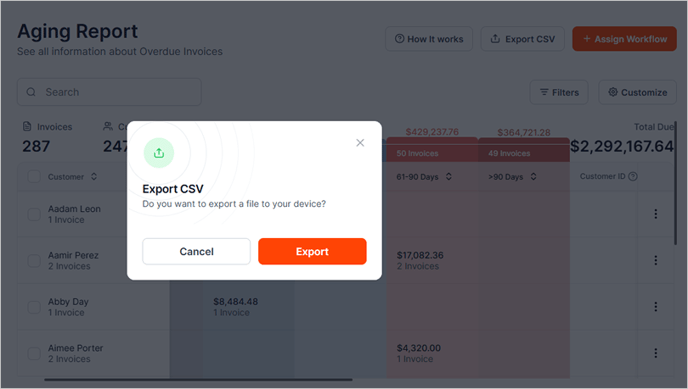
4. Once you click this button, the CSV file will be immediately downloaded locally to your computer.