![cc5404e7b75e6d484a23b7d9f19a2774.png]](https://support.arworkflow.com/hs-fs/hubfs/cc5404e7b75e6d484a23b7d9f19a2774.png?height=50&name=cc5404e7b75e6d484a23b7d9f19a2774.png)
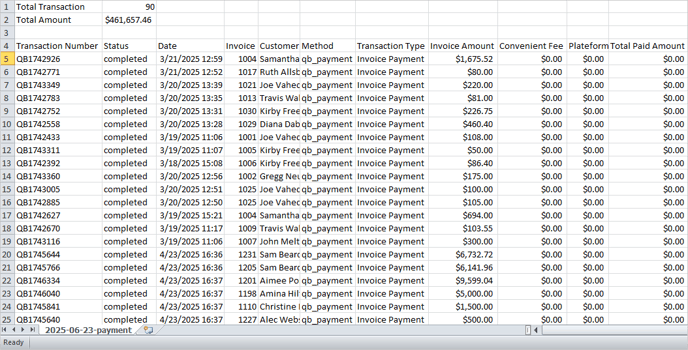
Download a Comma-Separated Values (CSV) copy of your Payment Transactions directly from the Payment tab.
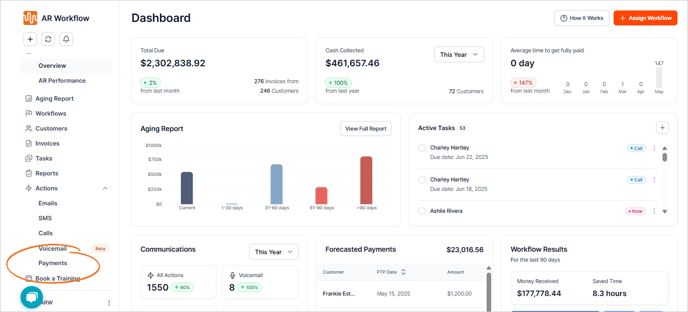

1. Navigate to Actions > Payments.

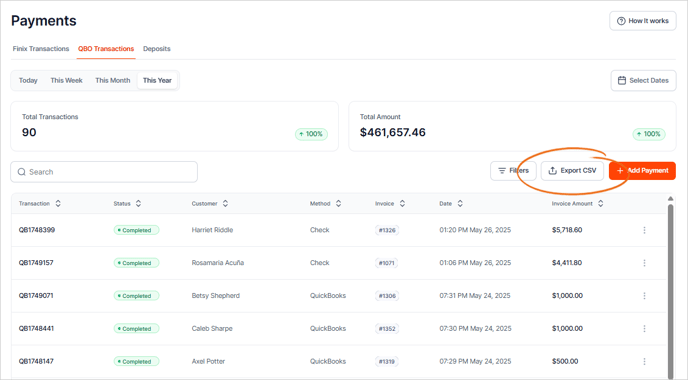
2. Click the Export CSV button.

3. Click the Export button.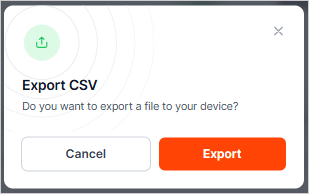
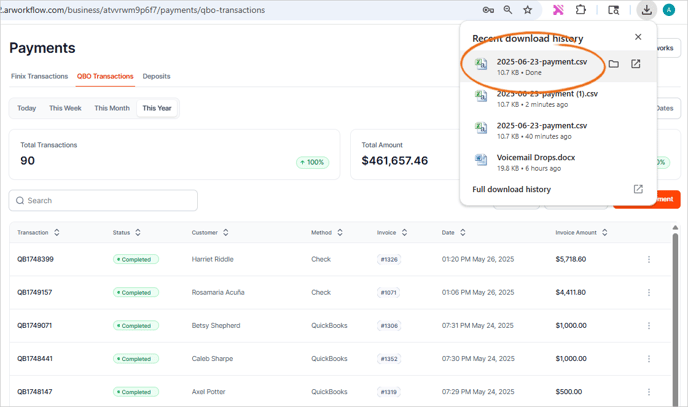
4. The CSV copy will be downloaded to your computer.