![cc5404e7b75e6d484a23b7d9f19a2774.png]](https://support.arworkflow.com/hs-fs/hubfs/cc5404e7b75e6d484a23b7d9f19a2774.png?height=50&name=cc5404e7b75e6d484a23b7d9f19a2774.png)
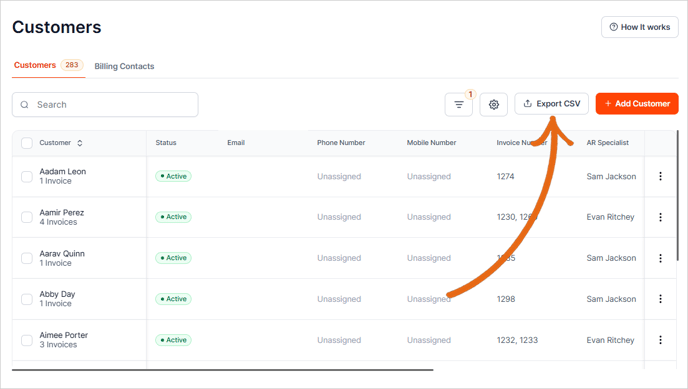
1. Navigate to the Aging Report or Customers Tab.

2. Click the Export CSV button.
-
Aging Report: To export a list of selected customers only, select the customers and then select the Export CSV button.
-
Customer Report: To export a list of ALL customers (even those with a $0 or negative invoice balance), click the Export CSV button.