![cc5404e7b75e6d484a23b7d9f19a2774.png]](https://support.arworkflow.com/hs-fs/hubfs/cc5404e7b75e6d484a23b7d9f19a2774.png?height=50&name=cc5404e7b75e6d484a23b7d9f19a2774.png)
The Customer Activity section on the Customer Details page allows for more visibility into activities as well as access to perform actions such as:
- Resending the ACH verification email
- Preview calls and voicemails
- Viewing the email address the customer entered on the payment portal (where the micro-deposit email is sent)
- Editing tasks or marking them as "Complete"
- Replying, Replying to All, or Forwarding an email
Calls
Listen to recordings and view details of the call by selecting "Show More". If no recording is present, 'Show More' will not be listed.

View the email subject as well as who sent the email in the summary view. To view the complete email as well as find options to reply, reply all or forward the email, select 'Show More'.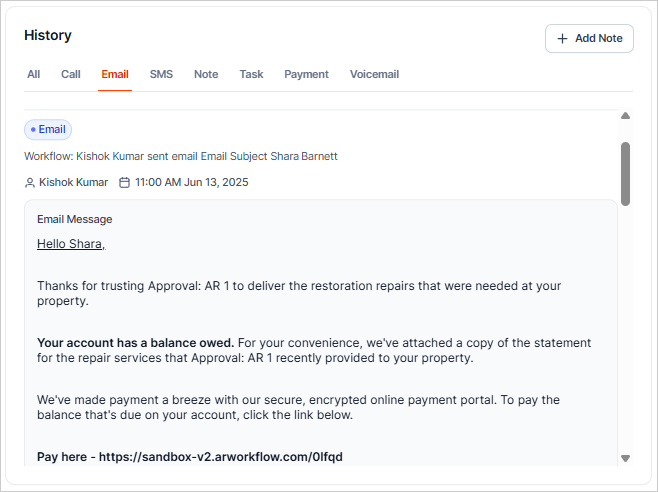
SMS
As text messages are much shorter than emails, you will see the full text in the summary view. To reply to the text message, simply click on the actual message and you will be directed to the SMS tab in AR Workflow.

Note
Similar to SMS messages, the complete note will show in the summary view.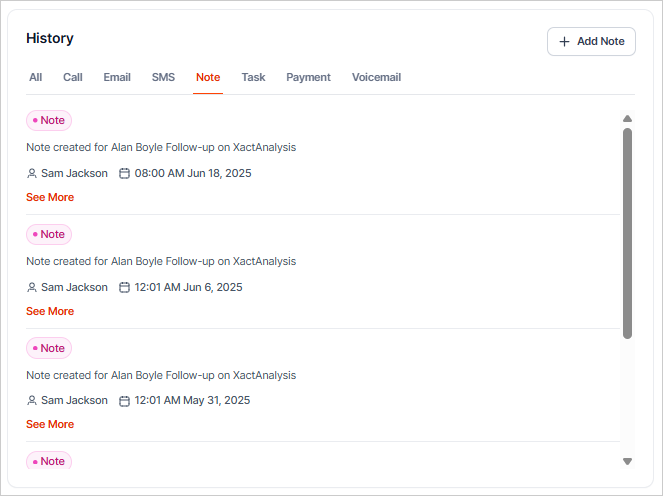
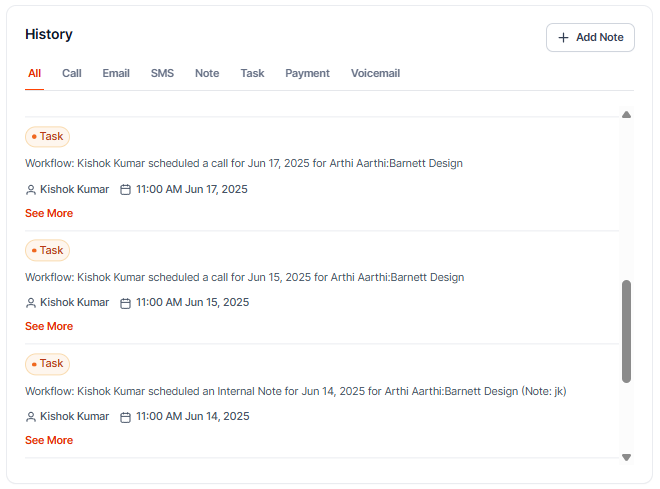
Tasks
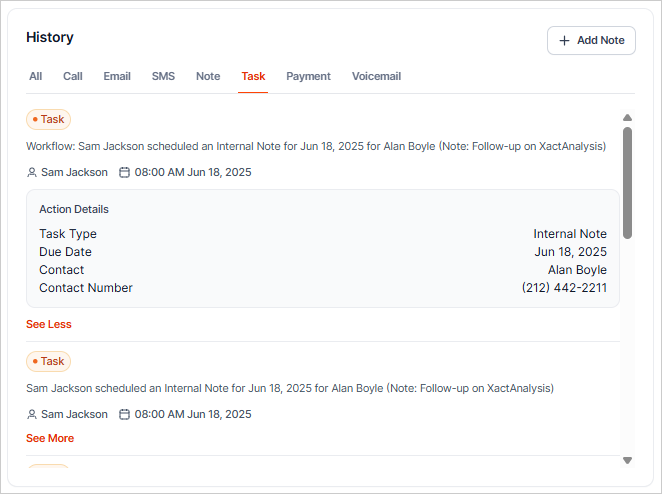
Select 'Show More' on each individual task to view its full details.
Payments
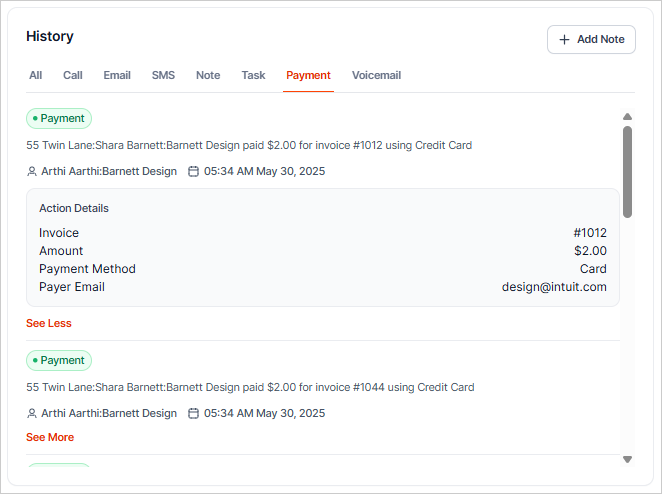
View the status of your payments as well as the following details for ACH payments:
- Current status (Unverified, Pending, Completed).
- Invoice number.
- Payment amount and method.
- Verification status.
- Email entered in the payment screen (where the Micro-Deposit email will be sent).
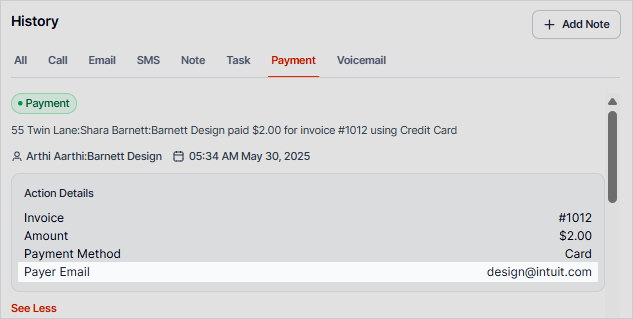
The micro-deposit verification email will be sent to the email address entered on the payment portal screen. If your customer states they are not receiving the micro-deposit emails, select 'Show More' on the payment activity to verify the email address they entered when making the payment.
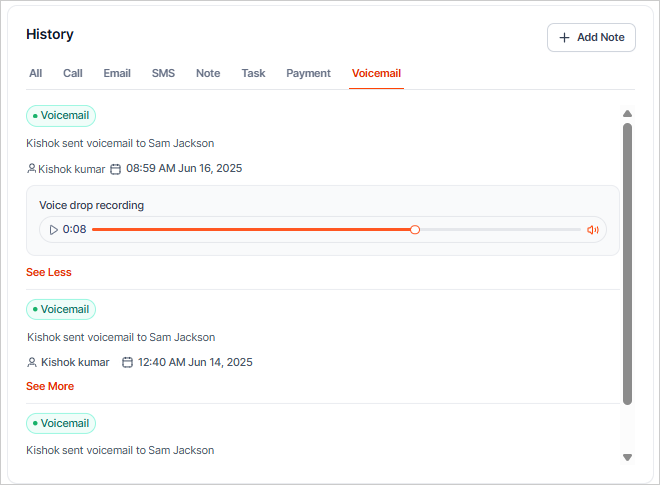
Voicemail
Listen to voicemail recordings and view details of the voicemail by selecting "Show More".