![cc5404e7b75e6d484a23b7d9f19a2774.png]](https://support.arworkflow.com/hs-fs/hubfs/cc5404e7b75e6d484a23b7d9f19a2774.png?height=50&name=cc5404e7b75e6d484a23b7d9f19a2774.png)
1. Navigate to the Customer tab.
2. Go to Billing Contacts.

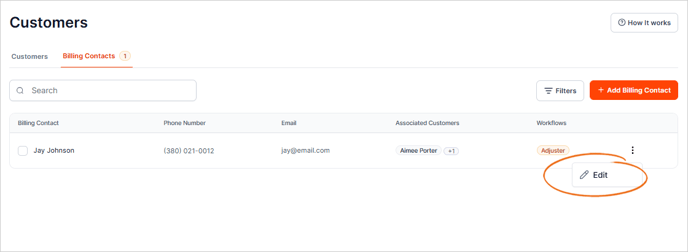
3. On the Billing Contact that you want to edit, click the three dots icon and choose Edit.
4. You can also access the contact's page by clicking on their name.
This will open another tab in your browser, where you'll be able to see the customers assigned to this billing contact, assigned workflows, and history.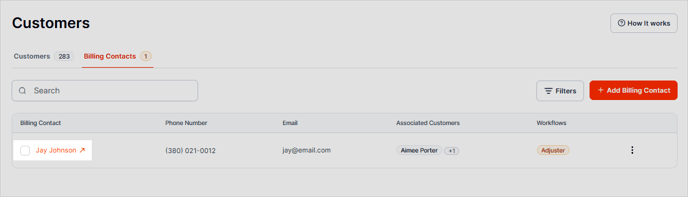
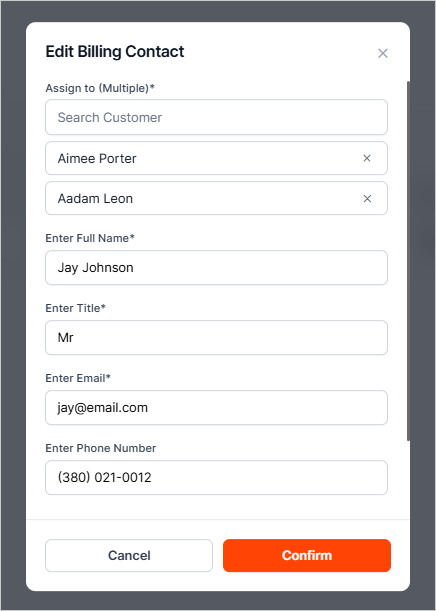
5. Update the contact's details.
6. Once you are done, click Confirm.