![cc5404e7b75e6d484a23b7d9f19a2774.png]](https://support.arworkflow.com/hs-fs/hubfs/cc5404e7b75e6d484a23b7d9f19a2774.png?height=50&name=cc5404e7b75e6d484a23b7d9f19a2774.png)
Access to the Workflow tab is limited to Owner, Admin and AR Manager user profiles.
1. Go to Actions and choose SMS.

2. Go to Templates.

3. Select the template that you want to delete.

4. Click the three dot icon and choose Delete.

5. Click Delete to confirm your action.
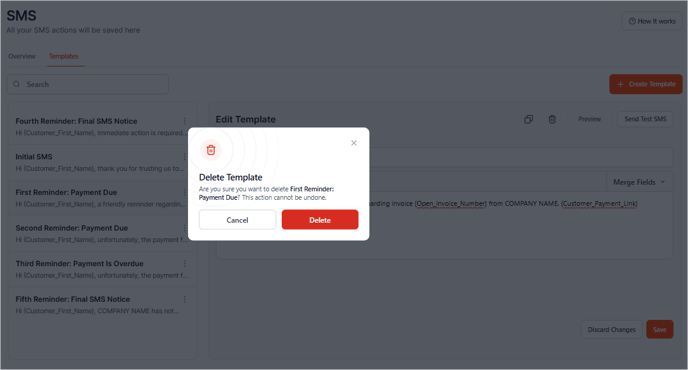
Heads up! Once a template is deleted, the action cannot be undone. Make sure to remove it from any associated Workflow or task before deleting.