![cc5404e7b75e6d484a23b7d9f19a2774.png]](https://support.arworkflow.com/hs-fs/hubfs/cc5404e7b75e6d484a23b7d9f19a2774.png?height=50&name=cc5404e7b75e6d484a23b7d9f19a2774.png)
Voicemail templates allow you to create custom messages and build sequences tailored to your needs. By using different voicemails, you can effectively enhance and maximize communication with your customers.
To create a new Voicemail template, follow these steps:
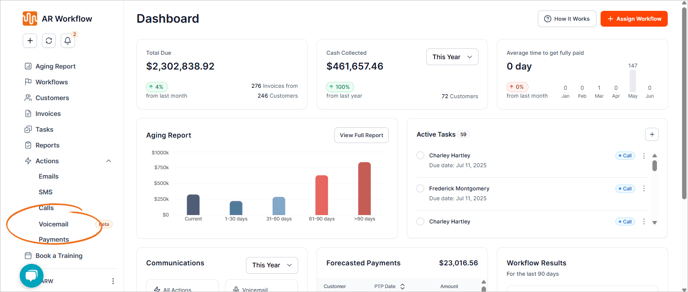
1. Navigate to the Voicemail section.
2. Select the Templates tab.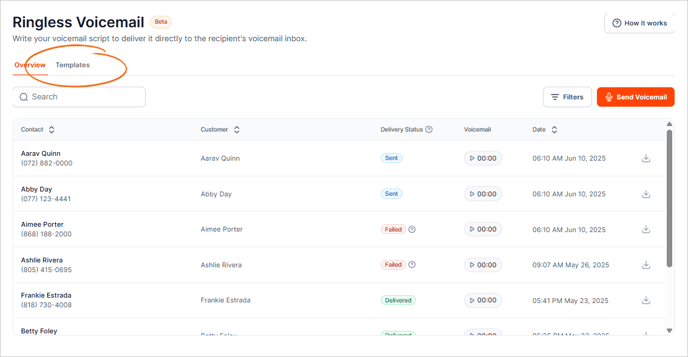
3. Click the + Create Template button.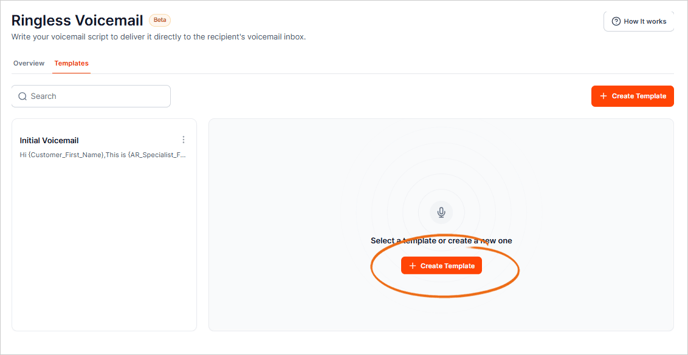
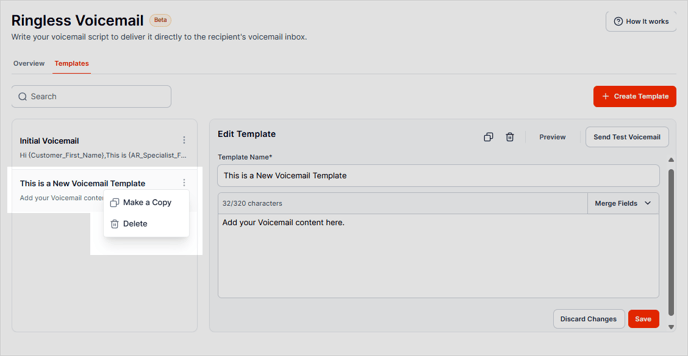
4. Enter a name for your template.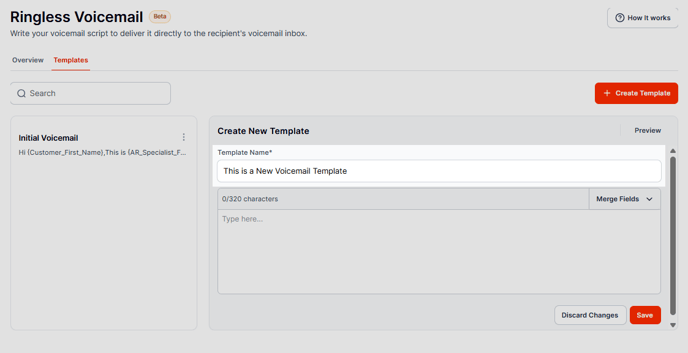
5. Add the content for your voicemail template.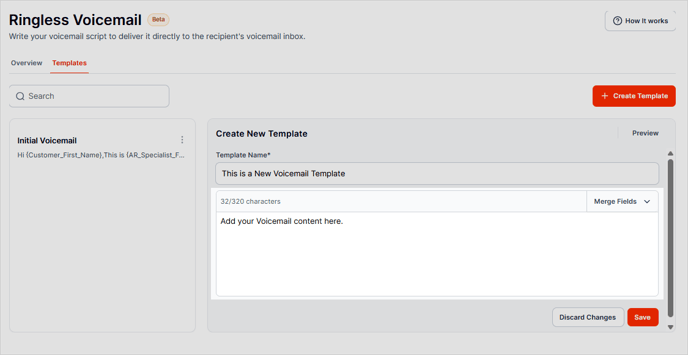
6. Insert custom fields to personalize your voicemail.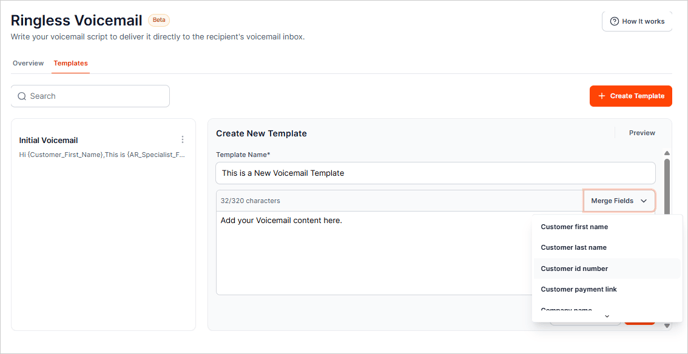
7. Click Save.
8. To duplicate or delete a template, click the three-dots icon and choose the appropriate action.