![cc5404e7b75e6d484a23b7d9f19a2774.png]](https://support.arworkflow.com/hs-fs/hubfs/cc5404e7b75e6d484a23b7d9f19a2774.png?height=50&name=cc5404e7b75e6d484a23b7d9f19a2774.png)
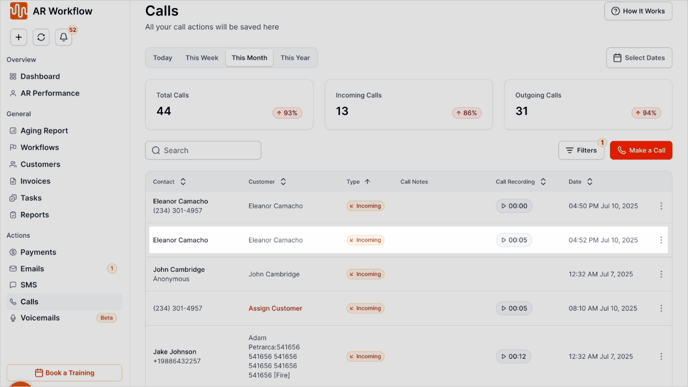
Any call that comes into AR Workflow from an unknown number will be logged as "Assign Customer".
1. Go to the Calls tab.
2. Click Assign customer.
3. Search and select the customer, then click Assign.

4. Calls are added to the Customer Details page as well as the Calls tab.