![cc5404e7b75e6d484a23b7d9f19a2774.png]](https://support.arworkflow.com/hs-fs/hubfs/cc5404e7b75e6d484a23b7d9f19a2774.png?height=50&name=cc5404e7b75e6d484a23b7d9f19a2774.png)
What is a Billing Contact?
A Billing Contact is someone other than the primary contact, and who may be involved in the payment process for the open invoice. A Billing Contact may be an insurance adjuster, attorney, landlord, etc.
Add a Billing Contact to Multiple Customers
1. Navigate to the Customers tab.
2. Select the Billing Contacts tab at the top of the screen.
3. Click the + Add Billing Contact button.

4. Assign this Billing Contact to a single customer or add more than one.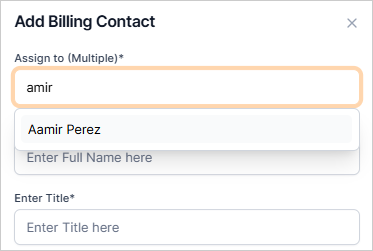
5. Type the details of the contact.
6. Once you are done, click Confirm.

Add a Billing Contact from the Customer Details Page
-
Open the Customer tab and search for your customer.
-
Click on their name to open the Customer Details page.
-
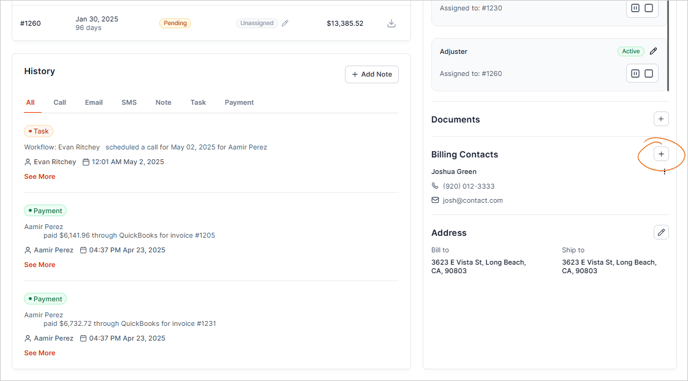
In the bottom right-hand side, you will see a section for Billing Contacts. Select the Plus icon.