![cc5404e7b75e6d484a23b7d9f19a2774.png]](https://support.arworkflow.com/hs-fs/hubfs/cc5404e7b75e6d484a23b7d9f19a2774.png?height=50&name=cc5404e7b75e6d484a23b7d9f19a2774.png)
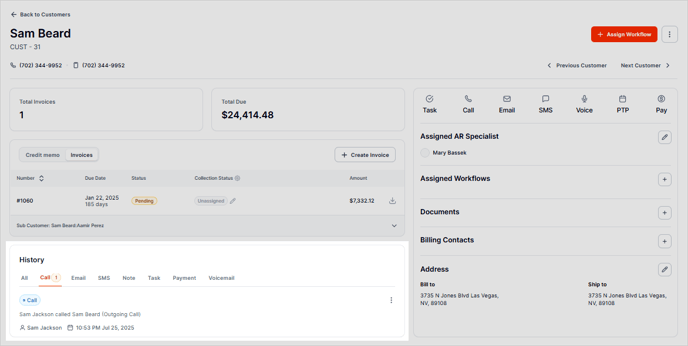
Did you know that you can accept an inbound call directly from the AR Workflow software? How cool is that? The call will be recorded and added directly to the customer profile, making it easy to follow up on and review historical customer communication.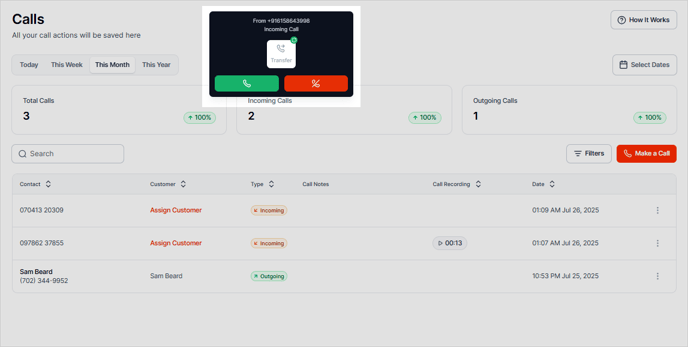
📞 A phone headset will be required if working from a computer that does not have a built-in microphone or speakers, or if you work in an office setting. Any headset that has audio capability should work, as long as it is compatible with your computer setup.
-
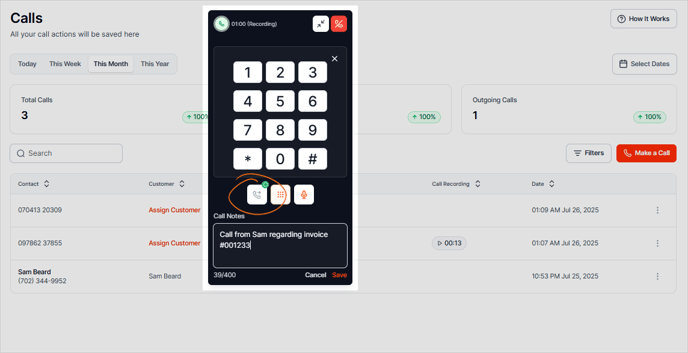
If the call comes in from an unidentified phone number, assign the call to a customer.
-
Make a log of the call conversation to make a record of the call details.
-
If someone else is logged into the AR Workflow software, the Transfer option will be available to pass the customer to a different co-worker.
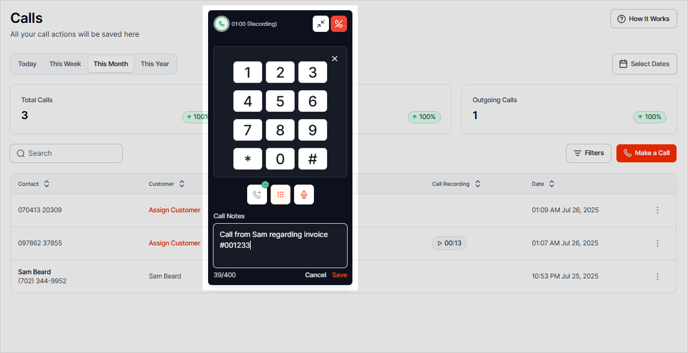
The call will be recorded in 2 places:
-
The Calls tab
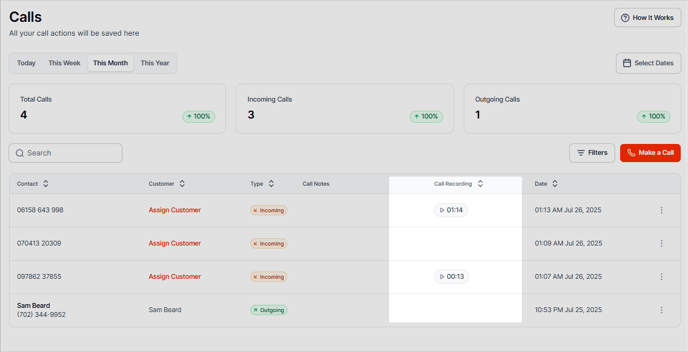
- The Customer Activities
Inbound Call Conditions
The software must be set up to receive calls.
When an AR Specialist is logged into the software:
-
The assigned AR Specialist will receive the inbound call. If the call is not picked up, it will go to voicemail.
-
If the customer does not have an assigned AR Specialist (unassigned), the call will be sent to a logged-in user based on the user role. The hierarchy goes as follows: AR Specialist, Admin, Owner. If no one picks up the call, it will go to voicemail.
👉🏼 We do this as the owner and admin are generally not the ones taking customer calls, so if an AR Specialist is logged in, it will ring to them first.
-
If no user is logged into AR Workflow, the calls will go straight to voicemail.
🚨 If a VM is not set up, the customer will hear the following message: "The number you have dialed is currently busy. Please leave a voice message after the beep."
Call Transfer
Call transfer is available only if another team member is logged into AR Workflow.